Facebook Monitoring: A Guide for Businesses in 2026
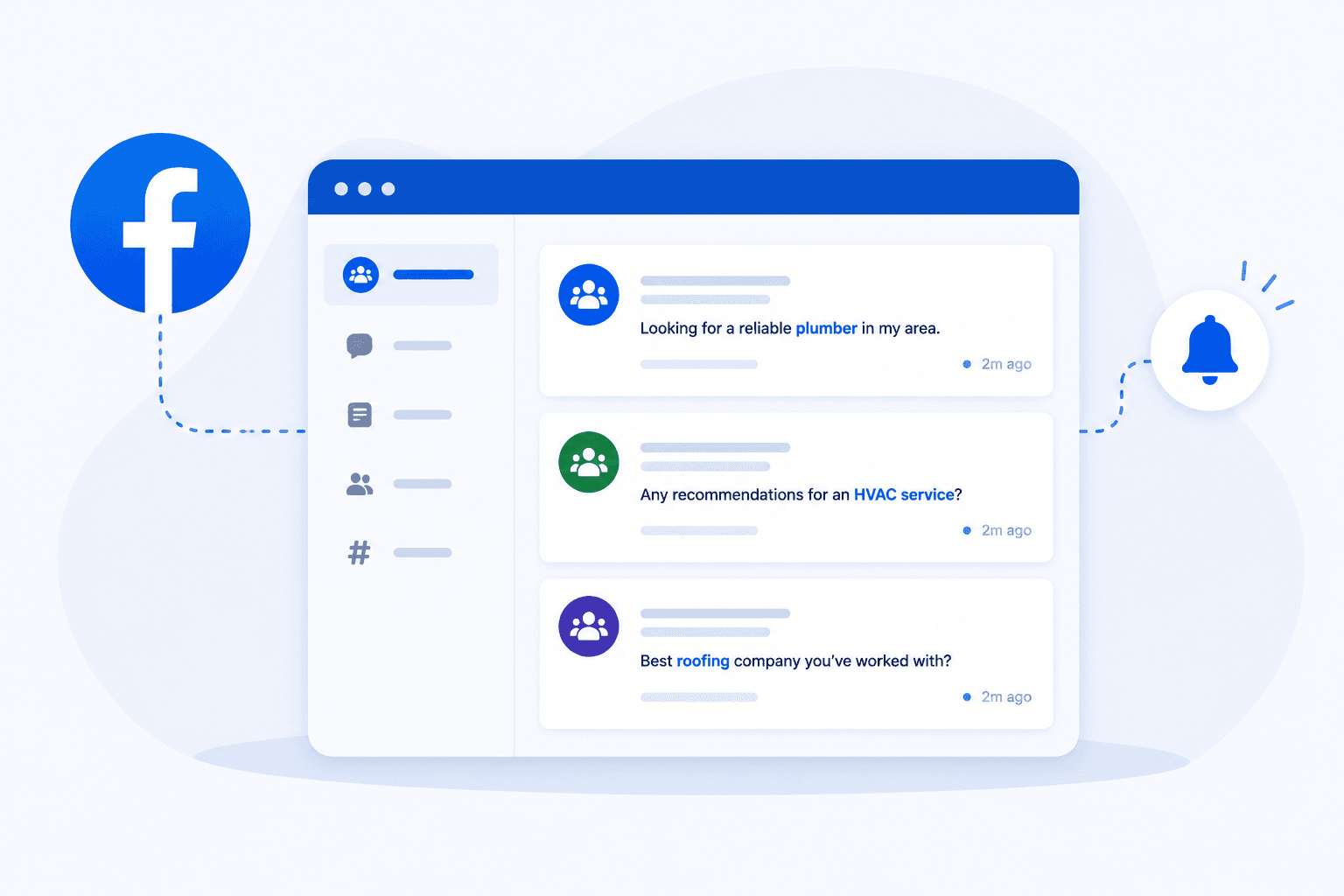
Get Facebook group alerts in 60 seconds.
Groups Watcher watches your Facebook groups and sends only the posts worth acting on, in 60 seconds. Try it for 7 days, risk free.
Get alertsYour customers don’t always contact you when they talk about your business on Facebook.
Someone might mention your company in a post, ask about a product in the comments, or request a local service recommendation from a group. Those conversations can easily pass without your team seeing them.
Facebook monitoring gives you a way to track relevant activity and respond when needed.
In this article, you’ll learn what you can monitor, why businesses track these conversations, what Facebook natively offers, and how Groups Watcher can help.
TL;DR
Facebook monitoring tracks brand mentions, customer questions, complaints, reviews, and sales opportunities on Facebook.
Businesses can monitor Facebook pages, comments, groups, recommendation posts, messages, and available performance data.
Facebook monitoring helps businesses find missed mentions, answer customers faster, track feedback, and protect their reputation.
Native Facebook tools have limits, including missed untagged mentions and limited keyword alerts for groups.
Groups Watcher monitors your selected public and private Facebook groups for posts that match your keywords and sends alerts within 60 seconds.
What Is Facebook Monitoring?
Facebook monitoring is the process of tracking, reading, and responding to conversations about your business on Facebook. A monitoring strategy helps you catch questions, complaints, and mentions early, before they get buried under newer posts.
When you monitor Facebook activity, you usually look for five main things:
Direct tags: Posts where someone uses the “@” symbol and links your official Facebook page.
Untagged mentions: Posts where someone writes your business name without linking your page.
Comments: Questions, feedback, or complaints under your organic posts and ads.
Private messages: Customer questions sent to your business through Messenger.
Reviews: Feedback and recommendations people leave on your page.
Each conversation tells you something about brand perception. A complaint may point to a service problem, whereas repeated praise can show what customers value most about your business.
What Can You Monitor on Facebook?
When you monitor Facebook, you track specific posts, text, interactions, and performance data available to your business. Meta’s privacy rules limit access to personal activity, though its business tools and other software can help you track information you have permission to see.
Get Facebook group alerts in 60 seconds.
Groups Watcher watches your Facebook groups and sends only the posts worth acting on, in 60 seconds. Try it for 7 days, risk free.
Get alertsOn your own page, you can monitor comments, messages, reviews, check-ins from users, and posts where someone uses “@” to link your business.
You can also review metrics such as reach and link clicks, plus audience insights about location and age groups where Meta makes that data available.
Why Is Monitoring Facebook Important for Businesses?
Facebook monitoring helps you catch customer questions, brand mentions, complaints, and sales opportunities early enough to respond and support business growth.
Find Brand Mentions You Might Otherwise Miss
People don’t always use the “@” symbol when they talk about your business. Without tracking Facebook mentions, those conversations can pass without a notification.
Look at how customers may write about you:
Tagged: “Great service from @TheBuilder.” Facebook can notify the page about the tag.
Untagged: “TheBuilder has service.” You may need another way to find the post.
You can monitor Facebook mentions to catch these conversations. Tracking mentions can uncover complaints and recommendations too.
Looking beyond direct alerts gives you the bigger picture of how people discuss your company.
Respond to Customer Questions Faster
When someone asks about price, stock, or availability, they may already be close to buying. A slow reply gives them time to contact another company that can answer their customer inquiries sooner.
Questions can appear under posts, in Messenger, or below ads. A social media management tool may bring supported conversations into one inbox, which can help your team stay on the same page about what still needs a reply.
Meta’s official app gives you access to business messages from your phone. Your staff can check new questions away from their desks and respond when customers still need help.
Monitor Customer Feedback and Competitors
Customers often tell you exactly what they want. Comments such as “I wish this came in blue” can show demand for a product option you don’t offer yet.
Repeated complaints deserve closer attention. If five customers report the same checkout error in one morning, your team has a clear reason to investigate.
A competitor analysis can reveal what customers praise or dislike about rival companies. Their public offers and pricing can provide market intelligence, and reactions to their posts can show what your target audience likes.
You can use those clues to create content around topics people already respond to.
Improve Brand Reputation Management
Brand reputation comes from what people see and hear about your company. One angry Facebook post can attract attention quickly, so finding complaints early can help protect long-term brand health.
Monitoring can flag words tied to serious problems, such as “scam,” “broken,” or “terrible.” Your team can read the full post, check what happened, and decide how to respond.
Some tools use sentiment analysis to sort comments by positive, negative, or neutral tone. A sudden rise in negative posts can point your team toward a problem that needs closer review.
Where Can Businesses Monitor Facebook Conversations?
You can monitor conversations on your page, comments, Facebook groups, and recommendation posts, then use relevant findings with data from other social platforms when you need a wider view of customer opinions.
Facebook Pages
Your public Facebook page is where customers can ask questions, comment on posts, send messages, leave recommendations, and tag your business. Meta Business Suite lets your team manage many of these conversations from one place.
You can give customer service staff access to the tools they need without sharing one personal login. Native Facebook insights, on the other hand, can show results such as reach and engagement for content you publish.
Reviewing conversations beside those numbers helps explain why a post received attention and what customers actually said about it.
Facebook Comments
Comments can appear under regular posts and paid ads, where customers may ask about price, stock, delivery, or product details. Leaving those questions unanswered can cost you a sale when another company replies first.
Meta Business Suite can bring supported comments and messages into a single dashboard, which saves you from opening each post one by one. Paid campaigns need the same attention because spam, complaints, and buying questions can appear below active promotions.
Facebook Groups
Facebook groups often contain direct conversations about a local area, product, service, or industry. Someone may ask, “Can anyone recommend a roofer near me?” or explain why a product failed and ask other members for alternatives.
Group admins can use Meta’s moderation tools for communities they manage. Businesses may need another monitoring method for groups they don’t run, since Meta Business Suite doesn’t provide a general keyword feed for external communities.
Facebook Recommendation Posts
Recommendation posts can show strong buying intent because the person has already asked other people for help choosing a business. A homeowner who posts, “Who can fix my AC today?” gives local HVAC companies a clear service need and a time frame.
Watching these requests can strengthen your Facebook marketing strategy because you learn the words customers use when they’re ready to hire.
Those details can also guide your broader digital marketing plan. You can use real questions to improve ad copy, service pages, and future posts instead of basing every message on assumptions.
What Are the Limitations of Native Facebook Monitoring Tools?
The main limitations of native Facebook monitoring tools include:
Untagged mentions can be missed because Facebook may not alert your page when someone types your company name without using the “@” tag.
Private posts remain restricted because Meta controls access to Facebook data based on each person’s privacy settings.
Facebook doesn’t give regular group members native keyword alerts for every group they join, which makes it harder to catch relevant posts.
Native Facebook metrics only cover results such as reach, clicks, and audience engagement, unlike advanced social media analytics tools that can offer deeper social analytics and historical data.
Meta’s tools focus on its own services, so teams may need a social media management tool with a smart inbox to manage supported platforms from one place.
Built-in reporting may lack features such as white-label reports and flexible ways to share reports.
Native tools don’t offer every feature found in social listening tools, such as broader social listening insights.
Businesses may need separate Facebook analytics tools to connect Facebook marketing campaigns with a wider social media strategy.
How to Use Groups Watcher for Facebook Monitoring
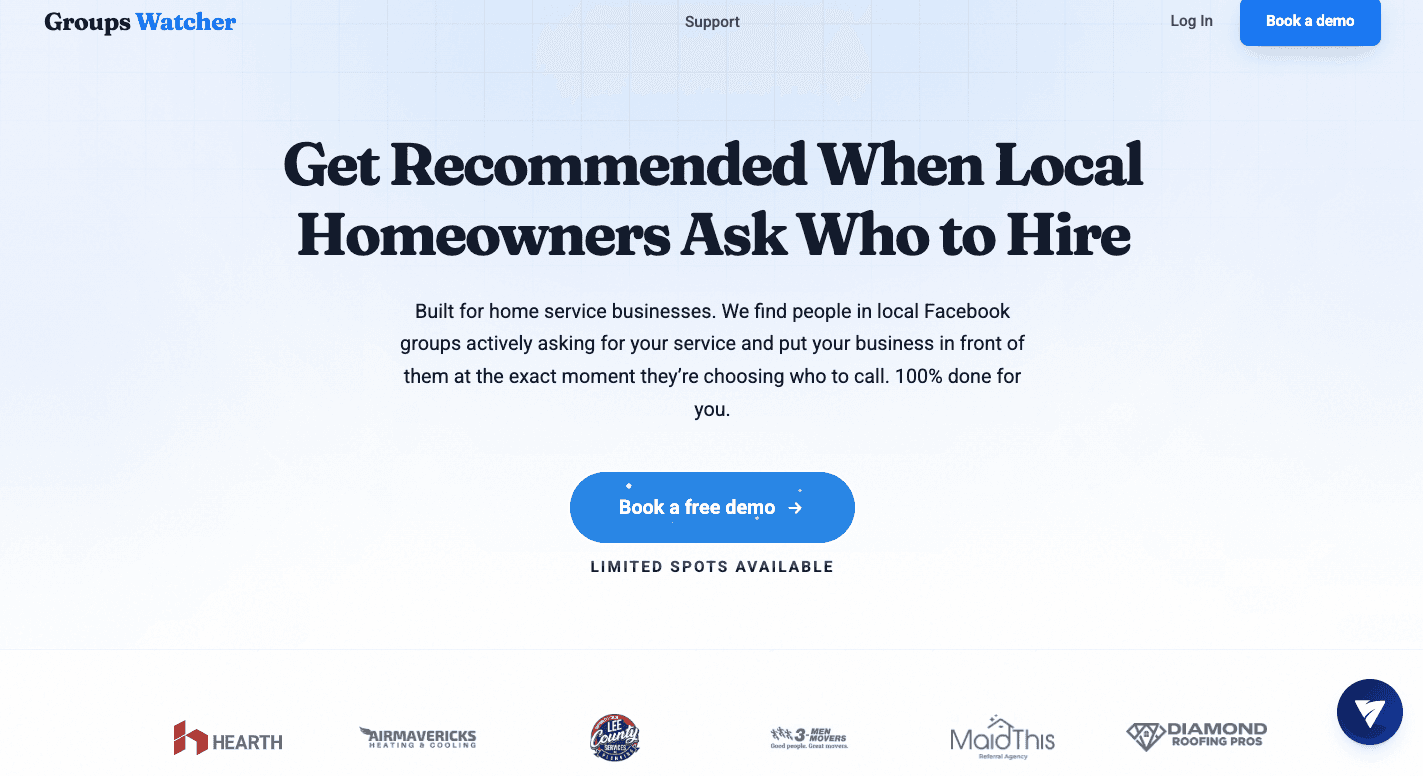
Groups Watcher monitors selected public and closed Facebook groups 24/7 for new posts, checks them for your selected keywords, and alerts you when relevant conversations appear.
Step 1: Choose Facebook Groups to Monitor
Start by providing the Facebook group URLs you want Groups Watcher to monitor. You can choose public and private groups where customers discuss your service, ask for recommendations, mention your brand, or talk about your industry.
You don’t need to send your Facebook account or have admin access to those groups. Groups Watcher handles the monitoring 24/7, so you don’t have to keep checking each group yourself.
Step 2: Add Keywords
Choose keywords and intent phrases that describe the posts you want to find. A plumber might use “need a plumber,” “plumber recommendation,” and a city name to catch local requests.
Add exclusions such as “job,” “free,” or “DIY” when those words bring irrelevant posts. Groups Watcher checks new posts for your terms and uses AI-based relevance scoring to identify conversations that fit what you’re looking for.
Step 3: Set Alert Preferences
You can receive alerts for every new post, posts that match your keywords, or highly relevant posts identified through AI-based relevance scoring.
Next, choose where you want the alerts sent. Groups Watcher can notify you through email, Discord, Slack, Teams, SMS, or webhooks, so new posts can reach a channel your team already checks.
Step 4: Review Relevant Conversations
When Groups Watcher finds a relevant new post, it sends an alert within 60 seconds. You can open the Facebook post and read the full request before deciding how to respond.
For example, “Can anyone recommend an HVAC company that can come today?” shows clear service intent. Fast alerts help you see requests like this before the discussion fills with replies from other local businesses.
Step 5: Respond Before the Opportunity Disappears
Once you receive an alert, you can open the post and respond while the conversation is still fresh. Early replies get more visibility in busy recommendation threads, where people may contact one of the first credible businesses they see.
Groups Watcher can also post your predefined reply automatically when a matching post appears. Automatic comments help you be one of the first businesses to respond without manually checking groups throughout the day.
FAQs About Facebook Monitoring
Can businesses monitor private Facebook groups?
Yes, but access depends on the monitoring method. Groups Watcher can monitor private Facebook groups you select without requiring your Facebook login or admin access. It checks new posts for your keywords and sends alerts when relevant conversations appear.
How often should businesses monitor Facebook?
You should monitor Facebook regularly enough to catch customer questions, complaints, and sales opportunities while they are still relevant. Automated monitoring tools can track activity 24/7 and alert you when a matching post appears, so you don’t have to check Facebook manually throughout the day.
Can Facebook monitoring help generate leads?
Yes. Facebook monitoring can help you find posts where people ask for recommendations, compare services, or look for a business to solve a specific problem. Responding to these posts quickly can turn relevant conversations into potential leads.
Stop checking Facebook groups by hand.
Groups Watcher watches your Facebook groups and sends only the posts worth acting on, in 60 seconds. Try it for 7 days, risk free.
Get alerts