How to Monitor Brand Mentions on Facebook in 2026
Get Facebook group alerts in 60 seconds.
Groups Watcher watches your Facebook groups and sends only the posts worth acting on, in 60 seconds. Try it for 7 days, risk free.
Get alertsIf you want to track Facebook mentions of your brand, you need to watch the whole platform.
Most brand mention tools only see public posts from public pages. They miss Facebook groups and a lot of activity on other pages, which is where much of the real conversation lives.
This guide will show you how to monitor your brand mentions on Facebook, both on pages and in groups.
TL;DR
To monitor brand mentions on Facebook, track pages and groups. Many valuable conversations happen in groups, not just on public pages.
You can track your business name, product names, misspellings, competitor names, and problem keywords to find more relevant mentions.
Set up monitoring by choosing the pages and groups to watch, adding keywords, selecting your alert channel, and updating your keyword list regularly.
Most tools only monitor public content. Groups Watcher monitors both public and private Facebook groups, even if you’re not an admin or a member, and scores every mention from 0 to 100 so you see what matters first.
Where People Mention Your Brand on Facebook
People talk about your brand in two main places: Facebook pages and Facebook groups.
Facebook is still one of the largest social media platforms where customers ask for recommendations, compare products, and share their experiences.
If you only watch a single source, you miss most of it. People complain about your business, compare it with other options, and describe problems you could solve on pages and in groups you don’t control.
Many of those conversations shape how people see your brand online before they ever visit your website. Collecting all the mentions helps you spot trends, answer questions, and join brand discussions before they move on.
Facebook Pages
Facebook pages host public conversations that anyone can read.
Get Facebook group alerts in 60 seconds.
Groups Watcher watches your Facebook groups and sends only the posts worth acting on, in 60 seconds. Try it for 7 days, risk free.
Get alertsCustomers mention your business in two ways. Some tag your page with the “@” symbol, which creates a clickable link to your profile and sends you a notification. Others mention your company in comments on local or community pages without tagging you.
Public recommendations and complaints stay visible for everyone who visits the post. A reply from your business shows people you pay attention to customer feedback.
Meta Business Suite lets you review direct tags and notifications, but manual searches help you find untagged mentions that don’t trigger an alert.
Facebook Groups
Facebook groups bring together people with shared interests, neighborhoods, jobs, or hobbies. Members often ask for advice before they buy, which leads to honest discussions about products and services.
Groups can be public or private. Anyone can read posts in public groups, but only members can view private group conversations.
Facebook lets you search a group with the search icon in the top right corner after you join.
Why the Facebook Coverage Gap Matters
Groups and pages are where people speak honestly. They air frustrations, ask whether a tool is worth it, and describe the exact problem they are trying to fix, often without naming a single vendor.
If you are not watching both, you miss three kinds of moments:
Complaints About Your Brand
Complaints about your brand let you respond fast and fix the issue before it spreads.
Private Facebook groups often become the first place where unhappy customers ask, “Has anyone else had a bad experience with this company?” Those posts usually seek advice from other members.
Many angry customers write untagged mentions and never link to your page. Missing indirect mentions means you overlook honest reviews and lose the chance to reply.
Search for your brand together with words like “broken,” “scam,” or “worst” to catch more complaints before they grow.
Evaluation Mentions
Evaluation mentions let you step in when people compare your business with another option or ask if your product is worth buying. Questions like “Which one lasts longer?” or “Who do you recommend?” show that someone plans to make a decision soon.
Comparison posts show real brand sentiment because people share honest opinions. These conversations are extremely valuable because they show why buyers choose one company over another.
Read the replies carefully to gain insights you can use to improve your products, pricing, or customer service.
Problem Mentions
Problem mentions let you reach people who describe a problem your product solves, even if they haven’t heard of you yet.
Someone asking “How do I fix this?” or “Is anyone else having this issue?” deserves a quick reply. Unresolved complaints can hurt your brand reputation if more people share the same experience.
Many businesses use tools that analyze Facebook mentions to spot common problems and notice topics that appear more than once.
How to Set Up Facebook Mention Monitoring
To monitor Facebook mentions, you need to do the following:
Step 1: Pick Your Facebook Pages and Groups
Choose the pages and groups where people are most likely to talk about your business: relevant public pages, local community groups, industry groups, and niche forums.
With Groups Watcher, you can monitor both public and private Facebook groups, even if you aren't an admin or a member. Simply send the groups you want to track, and Groups Watcher handles the monitoring for you.
Focus on places where your customers ask questions or look for recommendations. Choosing those spaces first makes monitoring brand mentions more useful because you collect conversations that relate to your business.
Step 2: Add Keywords
Add your business name, product names, common misspellings, and competitor names. Include phrases people use before they know your brand, such as problems your product solves.
Groups Watcher lets you add your keywords and exclusions, then monitors every selected group for matching posts. Aside from that, you can add negative keywords like “job” or “hiring” to remove unrelated posts.
Save each keyword separately instead of adding one long phrase. An effective keyword list makes monitoring mentions much easier because every alert matches something you actually want to see.
Step 3: Choose Where You Get Notified
Groups Watcher, a Facebook group monitoring tool, sends alerts in less than 60 seconds after it finds a matching post. Real-time notifications help you reply before the conversation grows.
You can choose where alerts go, whether that's email, Slack, Discord, Teams, SMS, webhooks, or another supported channel. Your team receives the alert where they already work, so nobody has to keep checking Facebook throughout the day.
Step 4: Respond and Refine
Use each alert to answer complaints, join comparison posts, or help someone with a question.
Review your keyword list every week and remove terms that bring unrelated results. Add new keywords when you notice people use different names or spellings.
Groups Watcher can even post your saved automatic comment when a matching post appears, so you become one of the first businesses to respond.
Some small teams still track Facebook mentions manually to save money, but that takes much longer as the number of pages and groups grows. With monitoring software, you can review the latest mentions quickly to catch new trends and address complaints before they become bigger problems.
What You Can Track on Facebook Beyond Your Brand Name
Besides your brand name, you can track:
Brand Name Variations
People rarely type a company’s full name every time they post. Many use short versions, old business names, product names, or nicknames instead. Add each variation as a separate keyword to catch more mentions.
Follow every unique branded hashtag you create for sales, contests, or events. Tracking every public social mention gives you a better idea of what buyers say about your business, even when they skip your official name.
Common Misspellings
Typing mistakes happen every day, especially on phones. Someone may spell your company name incorrectly in a casual post, which means Facebook can’t recognize it as a tag or notify you.
Create a list of common spelling mistakes and add them to your keyword list. Small changes like missing letters or swapped characters often lead to hidden conversations.
Competitor Names
Add the names of your biggest competitors to your keyword list and look for comparison posts, complaints, and recommendation requests.
Many businesses monitor competitor mentions to learn why buyers choose another company. Those conversations can reveal pricing concerns, product issues, services, or features customers want.
Problem Keywords
Customers often describe a problem before they mention a business. Search for phrases like “broken,” “not working,” “late delivery,” or “need help” together with your brand name or product.
Checking public social media posts with those keywords helps you find people who need help before frustration turns into a bad review.
Negative Keywords
Not every search result belongs in your feed. Words like “job,” “hiring,” or other unrelated terms can fill your alerts with posts that have nothing to do with your business.
Negative keywords remove that noise and help you find mentions that deserve your attention. Many monitoring tools can even analyze sentiment to highlight posts that sound angry or urgent.
Who Benefits From Brand Mention Monitoring
Brand mention monitoring helps any business that wants to answer customers faster, protect its reputation, and find new opportunities before competitors do.
Different teams use the same information for different goals:
Local businesses catch complaints in community groups, reply before they become public reviews, and use local conversations because small businesses depend on community recommendations to grow.
Ecommerce and product brands spot shoppers who compare products or ask for advice, use positive comments as social proof, and win new customers who read those discussions later.
Marketing teams review customer feedback to measure marketing campaigns, increase brand visibility, and share expert replies that strengthen the brand’s authority.
Support and community teams answer questions before frustration grows, build trust with every helpful reply, and collect customer stories for cross-promotion after receiving permission.
Product teams read customer conversations to learn what the target audience likes, find common problems, and use each example to improve future products or services.
What Most Facebook Brand Mention Tools Cannot Do
Most social listening tools are limited to public Facebook pages and public posts. They can’t reliably monitor Facebook groups, public or private, and they often miss conversations on other pages where people recommend businesses or share their experiences.
Facebook’s privacy rules create that limitation. Other tools should follow those rules, which means they can’t collect data that Facebook doesn’t allow them to access.
Automated software often can’t track mentions in private Facebook groups because only approved members can view those posts and comments. When a tool says it monitors Facebook, it usually refers to public content.
Monitor Facebook Groups for Brand Mentions With Groups Watcher
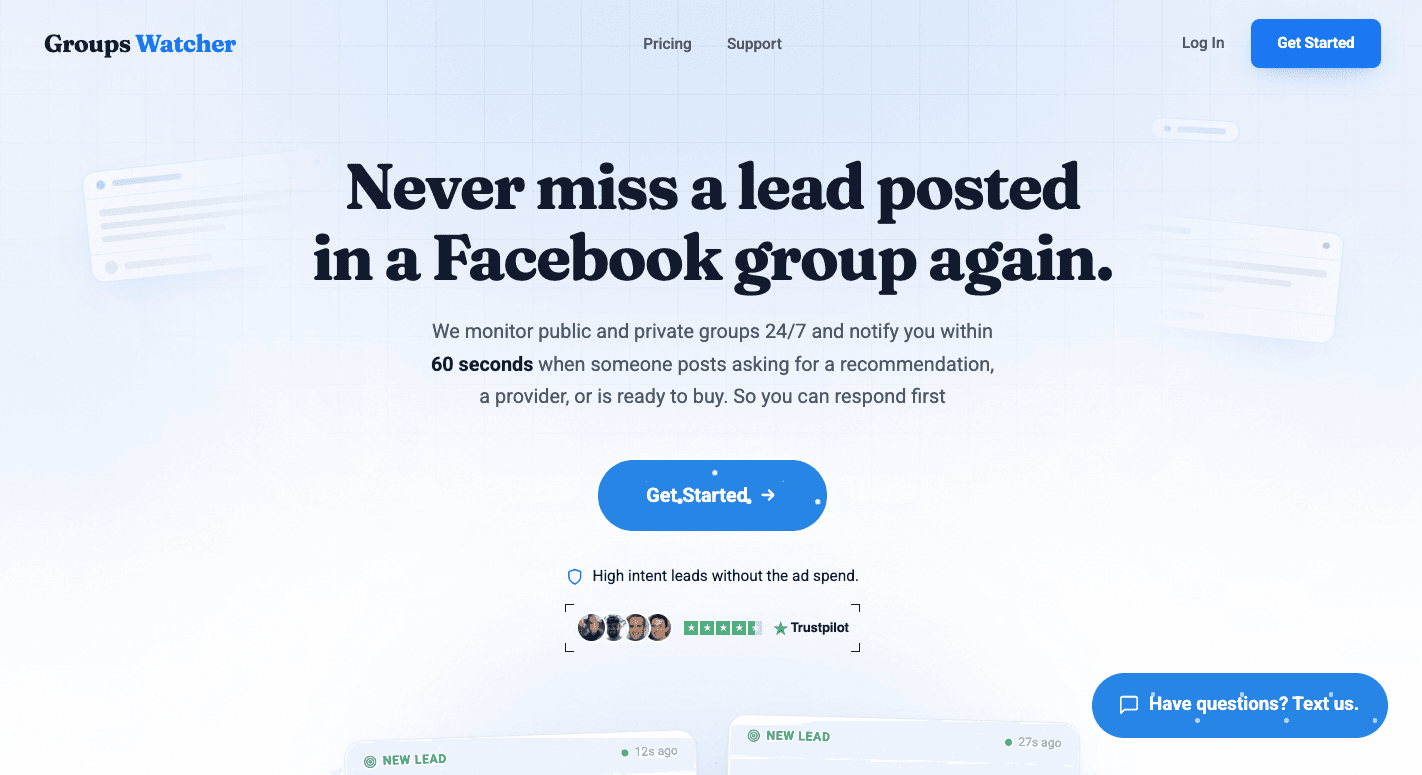
Most brand mention tools only monitor public Facebook communities. Facebook limits access to group content, which means many conversations never appear in those tools.
Groups Watcher monitors both public and private groups, even if you’re not an admin or a member. You don’t need a Facebook account, a browser extension, or a computer running all day.
Just choose the groups and keywords you want to monitor, and Groups Watcher does the work for you.
You can:
Monitor public and private Facebook groups.
Get alerts in 60 seconds after a matching post appears.
Receive every new post or only posts that match your keywords.
Send alerts to email, Slack, Discord, Teams, SMS, webhooks, and more.
Use automatic comments with your own saved reply to respond first when speed counts.
Know Which Mentions Need a Reply
Not every brand mention is equal. A complaint about your service needs a fast reply, while a passing mention in a long thread might not.
Groups Watcher gives every mention a 0 to 100 intent score and a relevance label (High intent, Medium intent, or Low intent). For example, “has anyone used [your brand]? thinking of switching” scores high, since that person is about to make a decision.
The same scoring works for competitor mentions too. You can spot people unhappy with a competitor and reach them first.
Groups Watcher spent months fine tuning its intent detection while serving more than 400 active clients. That’s why it catches real mentions and skips the noise.
Why 60 Second Facebook Notifications Matter
Facebook posts can fill with replies within minutes. Someone looking for a recommendation often contacts one of the first businesses that answers.
Groups Watcher sends alerts in less than 60 seconds after it finds a matching post. You have time to answer a question, reply to a complaint, join a product comparison, or thank someone who recommends your business before the conversation moves on.
Fast alerts help you reach people when they still need an answer, not hours after they have already chosen someone else.
FAQs About Brand Mentions on Facebook
How to track brand mentions on social media?
Track your brand name, product names, common misspellings, competitor names, and problem keywords on the social media platforms your customers use. You can search manually or use a monitoring tool that sends alerts when someone mentions your keywords.
What does branded content tagging mean on Facebook?
Branded content tagging lets a creator or publisher tag a business partner in a Facebook post. It tells people that the post includes a paid partnership or business relationship and gives both parties access to performance data.
What does brand mention mean?
A brand mention is any time someone refers to your business, product, or service online. The mention can include a tag, your company name, a product name, or even a common misspelling.
What do Facebook mentions mean?
Facebook mentions are posts, comments, or conversations where someone refers to your business on Facebook. Some mentions tag your page, while others simply write your business name without linking to it.
Those untagged mentions often appear in pages or groups and require monitoring tools or manual searches to find.
How do you know which brand mentions matter most?
Use a tool with intent scoring. Groups Watcher rates every Facebook group mention from 0 to 100 and labels it, so complaints, questions, and buying signals reach you before casual mentions.
Stop checking Facebook groups by hand.
Groups Watcher watches your Facebook groups and sends only the posts worth acting on, in 60 seconds. Try it for 7 days, risk free.
Get alerts