The Best Facebook Group Integrations for Every Business Need

Facebook groups contain customer questions, recommendation requests, and brand discussions that many businesses want to track.
Older integration methods stopped working after Meta removed Facebook Group Apps in 2024, which left many automation setups unusable. New options still let you connect group activity with your favorite tools through webhooks and other services.
In this article, you’ll learn about different Facebook group integrations and find the one for your needs.
TL;DR
Meta removed third-party Facebook Group API access in 2024, so businesses now rely on monitoring tools, webhooks, browser-based solutions, and Meta's built-in admin features instead of traditional integrations.
Groups Watcher monitors public and private Facebook groups, sends alerts in under 60 seconds, and supports keyword monitoring and auto comments.
Slack helps deliver Facebook group alerts, while Zapier, Make, n8n, Power Automate, and custom webhooks connect group activity with your existing workflows.
Meta Admin Assist helps admins automate moderation and routine community management tasks.
Can You Still Integrate Facebook Groups Today?
Yes, but Facebook group integrations no longer work the same way. In early 2024, Meta released Graph API Version 19.0 and removed third-party developer access to Facebook groups.
The update removed several features:
Group admins can no longer install outside apps
The “publish_to_groups” permission no longer exists
The “groups_access_member_info” permission no longer gives access to member data
Many tools had to remove their Facebook group features after these changes. Platforms like Make and Zoho Social stopped supporting their old group connections, and social media tools lost access to publish posts, read comments, or pull group analytics.
Businesses can still manage groups through Meta’s built-in tools. Admins can schedule posts, use Admin Assist, and set rules from group settings.
Some browser extensions also help collect visible data from pages like pending member requests. These tools work through the browser and copy information into other apps, rather than using Meta’s API.
Get high intent leads from Facebook groups.
Turn Facebook groups into a lead source for your business. Book a demo to see if it fits.
Book a demoUse Case 1: Facebook Group Integrations for Monitoring and Notifications
Monitoring tools help you spot important Facebook group activity as soon as it happens.
Groups Watcher for Keyword Monitoring
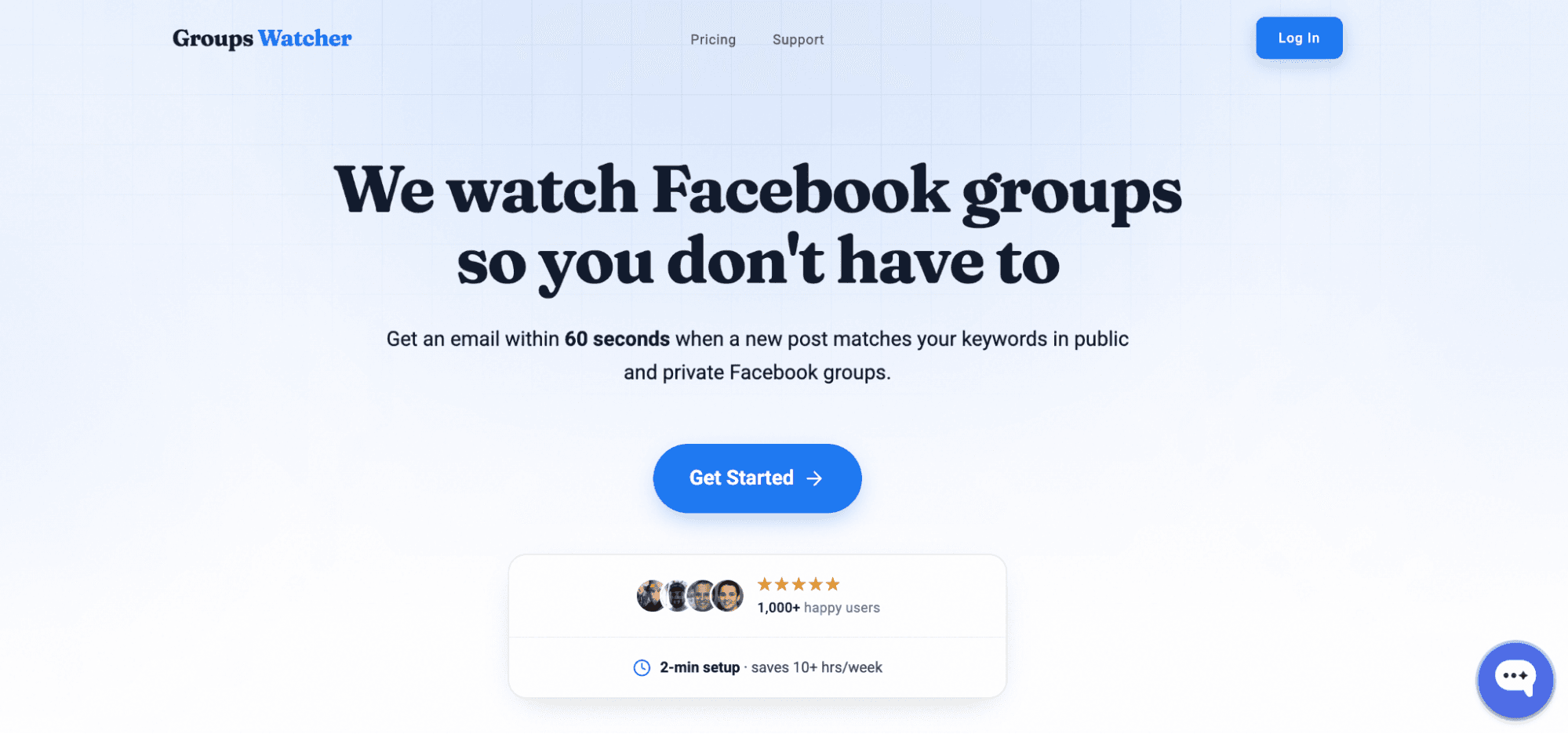
Groups Watcher monitors both public and private Facebook groups and sends alerts in under 60 seconds when a new post matches your filters. You don’t need to keep a browser open or monitor groups from your personal Facebook account because the managed service handles the monitoring for you.
Getting started is simple:
Add the Facebook group URLs you want to monitor.
Choose keywords, exclusions, and where each message should go, such as Slack, Discord, email, SMS, or a webhook.
Reply as soon as you receive the alert, in less than 60 seconds.
You can focus on phrases that match your business, such as “looking for a plumber” or “need an accountant,” instead of checking every new post.
Groups Watcher also supports auto comments with predefined replies. You can prepare a response before the post appears, include a photo if needed, and publish it after a matching post is found.
That gives you more time to talk with potential customers while the discussion is still active, even if you didn’t join the group yourself.
Your team has better things to do than watch Facebook all day. Let Groups Watcher monitor public and private groups and notify you when it finds the right post!
Connecting to Popular Automation Platforms
You can further connect to:
Zapier
Create a “Webhooks by Zapier” trigger using the “Catch Hook” option. Copy the webhook URL and add it to your Groups Watcher notification settings. Every new post becomes a Zap trigger.
Make.com (formerly Integromat)
Use the “Webhooks” module with “Custom webhook” as your trigger. Make.com will generate a URL that receives post data in JSON format, ready to be parsed and routed to any of Make’s app integrations.
n8n.io
Add a Webhook node as your workflow trigger. n8n’s self-hosted option is popular with teams that want full control over their data pipeline.
Microsoft Power Automate
Use the “When an HTTP request is received” trigger. Power Automate works well for enterprises already in the Microsoft ecosystem that want to route Facebook group leads into Dynamics, SharePoint, or Teams.
Custom Webhooks
If you’re building your own system, we send a clean JSON payload to any HTTPS endpoint you provide. Parse it however you need.
Slack for Instant Alerts
Groups Watcher helps you receive Facebook group updates directly in a Slack workspace you already use.
The monitoring software watches selected groups, checks new posts based on your rules, and sends a Slack notification when it finds a match. For example, a marketing team can monitor discussions in community groups run by other companies to find conversations related to their audience.
You can control how often Slack receives updates and choose which activity triggers an alert. The notification can include the post text, group name, author details, and a direct link to reference the original post.
These alerts can improve response times since you don’t need to check Facebook manually throughout the day.
Use Case 2: Facebook Group Integrations for Admins
Admin integrations help you organize community data, reduce manual work, and keep moderation tasks in one place.
Meta Admin Assist for Community Management
Meta Admin Assist is a built-in moderation agent for Facebook groups. It uses rules you create to review posts, comments, and member requests automatically. Since it’s a Meta product, you don’t need another tool to use it.
Admin Assist can auto-approve requests from group members who meet your rules, reject posts that contain sites you block, or review content from a new Facebook account or one that has no profile picture.
You can also use it to schedule automated welcome posts that tag new members. (Note: It cannot natively schedule recurring community calendar events.)
Group admins can check insights and analytics to review activity, member growth, and engagement tracking.
If you manage your brand via Meta Business tools, you can review linked profiles, apps, and authorized data connections by navigating to your profile’s Settings & privacy > click Settings > click Business Integrations.
To Set It Up on Desktop
Open your Facebook group and look at the “Admin tools” menu on the left side of the screen.
Click “Admin Assist.”
Click “Add” next to the specific moderation action you want to automate (such as Decline incoming post if).
Select a recommended preset or click “Create custom criteria.”
Adjust your parameters and click “Save Criteria” to activate the automation.
To Set It Up on Mobile (Facebook App)
Open your Facebook group and tap the “Manage” button (or the shield icon).
Scroll down to tool shortcuts and tap “Admin Assist.”
Tap “Add” next to the moderation action slot you want to use.
Select a preset or configure your own criteria.
Tap “Add to Admin Assist” to save your settings.
Spend Less Time Searching Facebook Groups With Groups Watcher
Groups Watcher, a Facebook group monitoring tool, helps you find important posts in groups before they disappear into a busy feed. It monitors your selected public and private groups 24/7 and sends alerts in under 60 seconds.
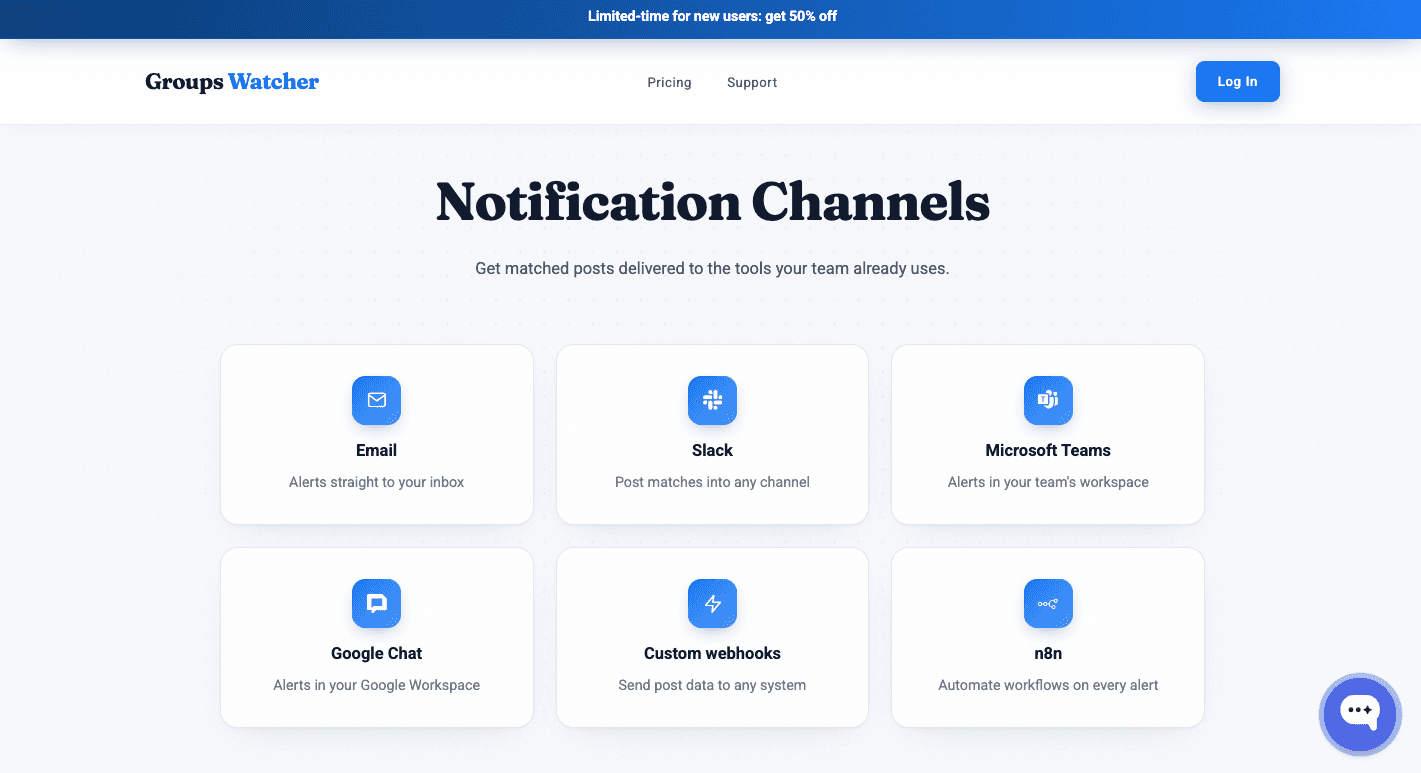
You can receive every new post or only the ones that match your keywords, then send alerts to Slack, Discord, email, SMS, or webhooks.
The setup process only takes a few steps. Add your group URLs, choose your keywords and exclusions, then pick where alerts should go. You can set up or edit auto comments for future posts, too.
The managed solution removes the need to run your own monitoring setup or keep a browser extension open, which gives your team more time to reply to high-intent posts, build your business portfolio, and reach potential customers before competitors.
Lastly, you can accept only the alerts that match your goals, which keeps unnecessary notifications out of your inbox.
Searching Facebook groups takes time you could spend helping and engaging with customers. Let Groups Watcher find relevant posts for you and be one of the first to comment!
FAQs About Facebook Group Integrations
Is Facebook discontinuing group chats?
No. Meta hasn’t announced that it is discontinuing Facebook group chats. Group chats and community chats remain available for eligible groups, although Meta may change or update features over time.
Where can I find integrations on Facebook?
You can review connected apps by opening “Settings & privacy,” clicking “Settings,” then selecting “Business Integrations” if that option is available for your account. The page lists apps and services you’ve connected through Facebook.
What is the 20 rule on Facebook?
Facebook doesn’t have an official “20 rule” for Facebook groups or integrations. The term usually refers to community guidelines or marketing advice shared by users, not an official Meta policy.’
Ready to get more leads from Facebook groups?
Book a demo and see how Groups Watcher can turn Facebook groups into a lead source for your business.
Book a demo