How to Monitor Facebook Groups for Keywords: A Quick Guide
Many buying decisions start with a simple question in a Facebook group. Someone asks for a plumber, a real estate agent, or software recommendations, then waits for replies from other members.
Getting there early gives you a much better chance of starting the conversation before someone else does. Checking dozens of groups yourself isn’t practical, though.
In this guide, you’ll learn how to monitor Facebook groups for keywords, what methods are available, and how to find the right posts faster.
TL;DR
Facebook group keyword monitoring helps you find lead opportunities, monitor brand mentions, track competitors, and discover industry trends.
You can monitor Facebook groups through manual searches, Facebook notifications, browser extensions, social listening platforms, or dedicated Facebook group monitoring software.
Choosing the right keywords, including buying intent, location, brand, competitor, problem-based, and negative keywords, improves the quality of your alerts.
Groups Watcher monitors public and private Facebook groups, sends real-time notifications in under 60 seconds, and supports alerts through multiple channels.
Why Should You Monitor Facebook Groups for Keywords?
To stay ahead of your market, you should start monitoring keywords. It can help you:
Find Lead Generation Opportunities
Facebook groups often contain people who already need a product or service. Someone asking, “Can anyone recommend a good plumber?” or “What software should I use for my store?” may already be ready to buy.
Keyword monitoring helps you find potential customers by tracking questions, requests, and problems related to your offer. Instead of showing ads to people who may not need your service, you can join conversations where people actively ask for help.
Tracking phrases like “looking for,” “recommend,” or “need help” can help you generate leads from people who are already searching for a solution.
Monitor Brand Mentions
People often discuss companies inside groups without tagging official Facebook pages. They may share an experience, ask questions, or complain about a problem without contacting the business directly.
Get high intent leads from Facebook groups.
Turn Facebook groups into a lead source for your business. Book a demo to see if it fits.
Book a demoWatching these conversations helps protect your brand reputation.
For example, a customer might complain about a delayed order in a group. A helpful comment from the business can address the issue before more people see only the negative side.
These conversations can give your business honest feedback. You can learn what customers like, what causes frustration, and what changes they want from your products or services.
Track Competitors
Competitor conversations can show why people leave another company and what they want from a better option.
Some users complain about high prices, poor support, or expensive cancellation fees. Others ask for alternatives after a tool stops meeting their needs. Tracking competitor names with words like “alternative,” “too expensive,” or “better” helps you find these discussions.
For example, someone looking for a replacement for popular CRM systems may already understand the product category and have a reason to switch.
A customer might say a competitor tool never works perfectly or mention a problem they can’t solve. Those posts give you a chance to explain how your product handles that issue.
Discover Industry Trends
Facebook groups show what people care about before those topics appear in larger reports. Regular conversations reveal common questions, frustrations, and changing needs.
Monitoring discussions helps you understand your target audience better. You can see the exact problems people talk about, the words they use, and the solutions they search for.
A sudden increase in similar posts may point to a new customer need or market change. For instance, many people asking about a new product feature could signal growing demand.
Tracking conversations on social media (e.g, Facebook) helps you follow changes in customer behavior. The information can guide your content, product ideas, and marketing decisions.
Ways to Monitor Facebook Groups for Keywords
You can choose to track data through:
Manual Facebook Search
Manual search is the simplest way to find keyword mentions inside Facebook groups.
Open the Facebook group you want to check, then use the search bar inside the group. Avoid using Facebook’s main search bar because it looks through the wider platform.
Type keywords related to your objective. For example, a plumber can search for “recommend a plumber” or “need help with a leak.”
Facebook lets you filter results by options like “Most Recent” to find newer conversations. You can review Facebook group posts and decide which ones need a reply.
Checking many groups every day, however, requires repeated searches and can become difficult to maintain. Manual monitoring can take up hours of work, and searching through many feeds can use valuable time that could go toward talking with customers.
Automation can help you save hours by removing repeated checks.
Facebook Notifications
Facebook notifications can help you follow group activity, but the available options depend on your role in the group.
Group admins can create keyword alerts through Facebook’s built-in tools. They can add specific words and receive alerts when those terms appear in posts or comments.
Regular users have fewer options. Creating keyword alerts usually requires admin access to the group. For regular group members, the main workaround is changing notification settings to receive alerts for more activity.
You can update notification settings from your own accounts by opening a group, selecting the notification menu, and choosing options like “All Posts.” Facebook will then notify you whenever someone shares a new post.
Facebook doesn’t filter these updates based on your keywords. A busy group may send many alerts, and you still need to check each update to find useful conversations.
Browser Extensions
A Chrome extension connects to your browser session and searches for keywords within groups you can access.
After installation, you usually choose the words you want to track. The browser extension checks group activity and sends an alert when it finds a matching post.
Yet, they depend on your browser and computer. You may need to keep your device active all day to keep your own solution running.
Aside from that, browser-based automation can create account risks if the tool performs actions that Facebook doesn’t allow. Some unsafe methods can affect personal social media accounts and may lead to account restrictions.
Social Listening Platforms
Large brands often use social listening software to track conversations from many sources. These platforms collect mentions from different social media platforms, news websites, and other public sources.
Facebook group monitoring has limits with these platforms. Many enterprise tools can only access public groups because Meta restricts access to private conversations. Their systems usually collect data from open groups rather than private discussions.
Social listening platforms are for brand tracking and market research. They may not be the best option for businesses that need fast alerts about specific Facebook group conversations.
Dedicated Facebook Group Monitoring Software
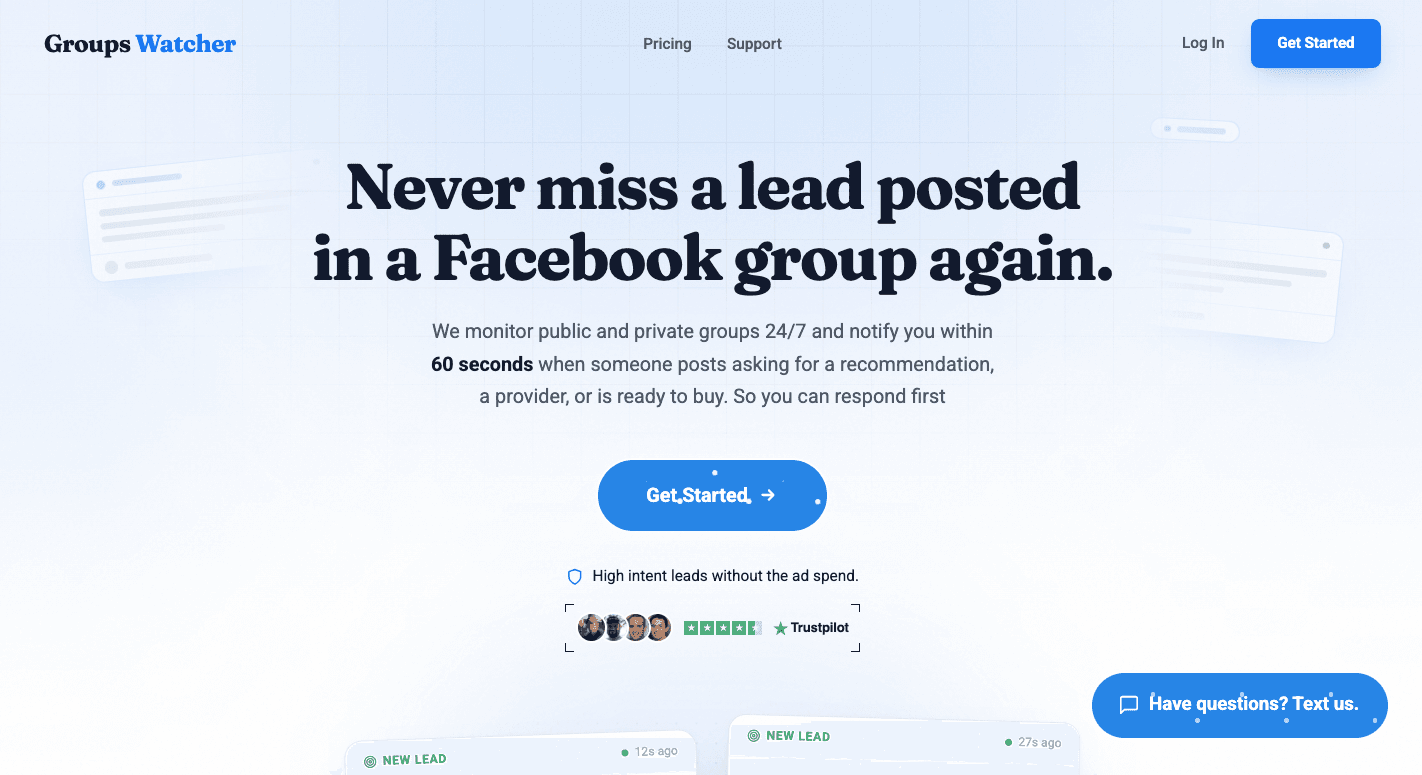
A dedicated Facebook group monitoring tool, such as Groups Watcher, checks selected groups, looks for specific keywords, and sends alerts when it finds matching posts.
It monitors Facebook groups 24/7 and alerts you when posts match your conditions. You can choose alerts for every post in selected groups or only posts that contain your keywords.
Besides that, Groups Watcher helps you receive instant notifications when relevant posts appear, with alerts arriving in under 60 seconds.
You can send updates through different notification channels based on your team’s setup. Alerts can go to email, Slack, Discord, Google Chat, or Microsoft Teams.
To set it up, here’s all you need to do:
Select the Facebook groups you want to monitor
Choose keywords related to your business
Pick where you want alerts delivered
Reply when a matching post appears
A dedicated tool removes the need to open many groups throughout the day. You spend less time searching and more time responding to people who need your help.
Types of Keywords to Monitor in Facebook Groups
The right keywords help you find useful conversations. So, your keyword list should match what people say when they need help, compare options, mention your brand, or talk about problems in your industry.
These are the common keywords you should monitor:
Buying Intent Keywords
Buying intent keywords help you find people who are already looking for a product or service. These users often ask for recommendations, compare options, or search for someone who can solve a problem.
Strong phrases include:
“Looking for”
“Recommend”
“Who can help”
“Need someone”
“Hiring”
“In search of”
“ISO”
For example, someone searching for “looking for a graphic designer” or “recommend a roofing company” is closer to making a purchase than someone asking a general question.
Better keyword tracking focuses on these action phrases instead of broad terms. A word like “plumber” may create many unrelated alerts, but “need a plumber today” shows a clearer need.
You can combine service terms with intent phrases to create better filters. A keyword match like “looking for website designer” gives you a stronger signal than tracking “website” alone.
Phrases like “looking to hire” can trigger your Facebook group alerts when someone starts searching for a service provider.
Location Keywords
Location keywords help you find nearby customers who need local services. People often include cities, neighborhoods, or areas in their posts when they want recommendations.
Start with your main service area. A company in Austin may track terms like “Austin plumber,” “Austin HVAC,” or nearby neighborhoods where customers usually ask for help.
You can find local conversations in public Facebook groups by searching city names together with service terms. Avoid tracking only a location name because it can create unrelated results.
A better approach combines a place with a service. For example:
“Plumber near Chicago”
“Roof repair Miami”
“Dentist in Brooklyn”
These location-based phrases work in public and private communities because people often mention where they live when asking for recommendations.
Brand Keywords
Brand keywords help you find conversations about your company, even when people don’t tag your official account.
Customers may mention a product, service, or employee name without directly contacting your business. Tracking keyword mentions helps you find those conversations and respond when needed.
Start with your official business name, then add common variations. Include:
Short versions of your name
Common spelling mistakes
Product names
Service names
Employee or founder names
Tracking those variations inside Facebook group posts helps you find conversations you would otherwise miss. You can use these alerts to monitor groups for positive feedback, complaints, and questions about your company.
Competitor Keywords
Competitor keywords help you find people who are unhappy with another brand or looking for a different option.
Start by listing your main competitors. Then combine their names with phrases that show frustration or buying intent.
Useful combinations include:
"[Competitor] alternative"
"[Competitor] too expensive"
"[Competitor] broken"
"[Competitor] vs"
"[Competitor] better than"
Businesses that monitor private Facebook groups can find conversations that happen in smaller communities where users openly discuss problems with products and services.
Private discussions often include honest complaints. People may ask for alternatives after dealing with poor support, high prices, or missing features. Watching these conversations on private communities can help you find people who are ready to switch.
Monitoring those private posts can help you reach buyers who already understand the type of solution they need.
Problem-Based Keywords
Problem-based keywords focus on the issue people are trying to solve. Many users don’t search for a product name first. They describe their frustration and ask other people for advice.
Common problem phrases include:
“How do I fix”
“Need help with”
“Broken”
“Error”
“Does anyone know why”
“Tired of”
These phrases help you find problems before users choose a solution.
Words like “broken” or “error” can help you find relevant posts where people need help quickly. These discussions often appear inside closed groups where users ask other members for advice.
Negative Keywords to Reduce Noise
Negative keywords remove posts that don’t match your goals. They help you avoid alerts from people who are not potential customers.
For example, a business looking for buyers may not want posts about free tutorials, job searches, or promotional content.
Common negative keywords include:
“Free”
“DIY”
“Tutorial”
“Resume”
“Hiring me”
“Portfolio”
“Course”
Negative keywords are especially helpful when you monitor public discussions with broad terms. They reduce unnecessary alerts and make it easier to focus on posts that match your goals.
Catch Every Relevant Facebook Group Post With Groups Watcher
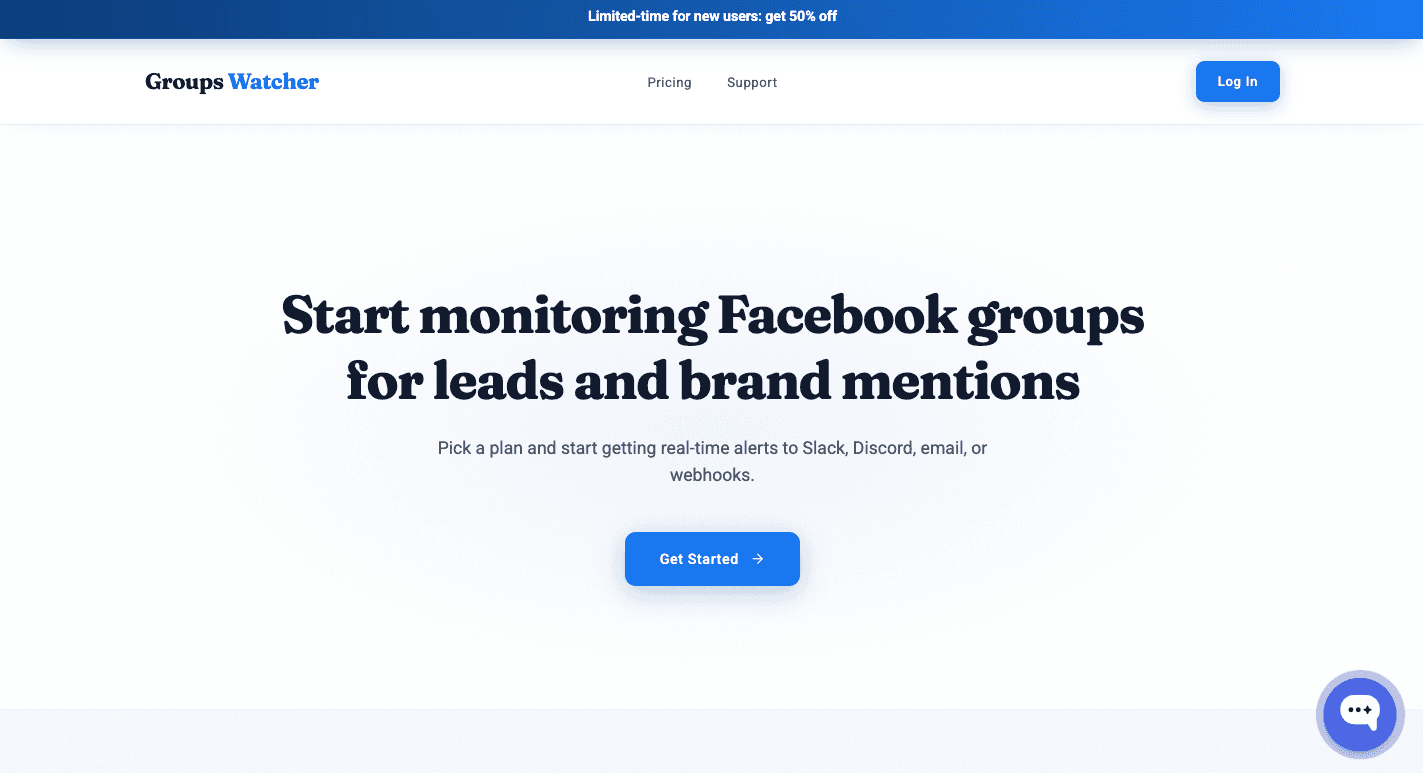
Groups Watcher helps you find important Facebook group conversations without checking groups all day. It monitors public and private groups, even without admin access, and runs the process for you.
You choose the groups, keywords, and filters. Groups Watcher finds matching posts and sends real-time notifications to help you reply while the conversation is still fresh.
Groups Watcher sends alerts through email, Slack, Discord, webhooks, SMS, Google Chat, and Microsoft Teams. You can create automatic comments with saved replies to help you become one of the first people to respond.
For a local service business, quick replies can help you find referral requests before competitors do. Groups Watcher is the only tool for finding useful Facebook group conversations and sending fast alerts.
FAQs About Monitoring Facebook Groups for Keywords
How to search a Facebook group for keywords?
Open the Facebook group, use the search bar inside the group, enter your keyword, and review the matching posts. If you need automatic alerts, Groups Watcher can monitor keywords and notify you when matching posts appear.
Can you search someone’s Facebook for keywords?
No. Facebook does not provide a way to search all of another person’s posts by keyword unless the content is publicly available and searchable.
What is the AI tool for Facebook groups?
Groups Watcher is an AI-powered Facebook group monitoring tool. It monitors Facebook groups, filters posts by keywords and buying intent, and sends alerts in under 60 seconds.
How do you tell if your Facebook is being monitored?
Facebook doesn’t notify you if someone is monitoring public posts or group discussions. If monitoring software is used, it tracks conversations based on keywords.
Ready to get more leads from Facebook groups?
Book a demo and see how Groups Watcher can turn Facebook groups into a lead source for your business.
Book a demo