Do Social Media Listening Tools Work for Facebook Groups?
If you’ve ever tried to monitor Facebook groups for keywords using social media listening tools, you’ve probably noticed something frustrating. Most tools promise to track mentions on different social platforms, but when it comes to Facebook groups, they fall short.
You might wonder why. How could advanced social monitoring platforms that track brand mentions everywhere else fail to capture relevant conversations happening inside Facebook groups?
In this blog post, you’ll learn why general social media listening tools can’t effectively monitor Facebook groups and how specialized tools like Groups Watcher solve this exact problem. By the end, you’ll understand the key differences and know which approach works best for your needs.
TL;DR
Most social media listening tools can't monitor Facebook groups because Facebook's API restricts access to group content.
If Facebook groups are an important source of leads, customer feedback, or competitor insights, you need a tool built specifically for group monitoring.
Automated Facebook group monitoring saves time by tracking groups, keywords, and notifications for you.
Unlike a general social listening platform, Groups Watcher monitors public and private Facebook groups with real-time keyword alerts, helping you respond sooner.
Why General Social Media Listening Tools Can’t Monitor Facebook Groups
Most social listening software programs are designed to track mentions on public pages and posts. They work great for monitoring online conversations and brand mentions on X (Twitter), LinkedIn, and public Facebook pages.
These social listening tools work by relying on public data feeds and APIs that Facebook provides. But Facebook groups operate differently. Many groups are private, and even public groups have content that’s not easily accessible through standard APIs.
Facebook’s API restrictions mean that even premium enterprise tools like Brandwatch and Hootsuite can’t scan Facebook group posts in real time. They’re limited to what Facebook makes publicly available, which excludes most social media conversations.
While these tools can track mentions on public pages, they miss the valuable insights happening inside Facebook groups. For marketing teams that rely on group engagement, losing this social data is a major problem.
The Impact of Missing Group Conversations on Your Social Listening Data
Let’s say someone posts in a local Facebook group asking for HVAC recommendations. A competitor using a specialized social media monitoring tool sees this post immediately and responds within minutes. Meanwhile, your general software never even detects it.
Get high intent leads from Facebook groups.
Turn Facebook groups into a lead source for your business. Book a demo to see if it fits.
Book a demoBy the time you manually check the group hours later, the opportunity is gone. The first few comments already got the lead’s attention, and your response gets lost in the noise.
We’ve noticed that the target audience only considers the first 3 comments they receive on recommendation posts. After that, they ignore the rest and consider it spam. So if you want to win that lead and boost your brand performance, you need to respond in less than 5 minutes.
Missing these high-intent leads, urgent customer feedback, and competitor mentions can significantly impact your business. That’s why specialized tools exist to help your social media team monitor these specific social channels, like Facebook groups.
How Specialized Tools Solve This Problem
Specialized tools for Facebook groups, such as Groups Watcher, don’t rely on public APIs or ask you to connect your own Facebook account. It runs monitoring on its own servers using its own accounts.
Your Facebook profile stays completely separate, while Groups Watcher continuously monitors the private and public groups you’ve selected and alerts you when relevant posts appear.
They scan social media posts in real time, looking for relevant keywords you specify. When a match is found, you get an instant notification.
General tools are restricted by API limitations, which hurts your marketing strategy. Specialized Facebook groups social listening tools operate within your browser session, bypassing those restrictions entirely to provide real-time insights.
Comparing General Tools vs Specialized Facebook Group Monitors
Here’s how general social media analytics platforms compare to dedicated Facebook group monitoring tools.
Facebook Group Monitoring
General tools: Cannot access most Facebook group posts due to API restrictions. They’re limited to public data feeds that don’t include group conversations.
Specialized tools (like Groups Watcher): Actively scan all posts for keywords in real time. They can monitor both public and private groups, which gives your social media strategy complete coverage.
Instant Keyword Alerts
General tools: Notifications are often delayed or nonexistent for Facebook groups. Even when they do detect a relevant brand mention, it can be hours after the post was made.
Specialized tools: Provide instant notifications when keywords are highlighted when you monitor social media conversations. Groups Watcher can send alerts in under 60 seconds.
Monitoring Multiple Groups
General tools: Limited capability for simultaneous scanning. Most top social listening tools aren’t designed to monitor multiple Facebook groups effectively.
Specialized tools: Monitor multiple groups from one unified inbox dashboard. Groups Watcher tracks groups and keywords, all from a single interface.
Automated Responses
General tools: No support for auto-comment functionality on new posts. Your sales teams have to manually respond to every opportunity.
Specialized tools: Allow automated comments on posts that match your keywords. Finding the right social listening tool for Facebook groups means you can respond automatically, even when you’re not available.
Why Speed Matters in Facebook Group Monitoring
Speed is important when tracking conversations in Facebook groups for business opportunities. In competitive settings, a delay of just a few minutes can mean the difference between gaining a new client and losing them to a faster competitor.
General platforms on social media platforms scan groups every few hours at best. Some only check once per day, acting more like delayed Google alerts than active monitors. By the time you get notified, the opportunity window has already closed.
Specialized tools scan continuously to capture immediate customer interactions. Groups Watcher checks for new posts every few minutes, so you’re among the first to see opportunities as they appear.
For that reason, businesses choose specialized tools over a general listening platform for Facebook. When every minute counts, your social listening strategy requires real-time alerts to protect your brand health.
Setting Up Automated Facebook Group Monitoring
Let's translate theory into practice. Here's how to set up an automated workflow for monitoring Facebook groups using a specialized tool like Groups Watcher.
Step 1: Choose Your Groups
First, identify which Facebook groups you want to monitor. Groups Watcher works with both public and private groups. You don’t need admin access or special permissions.
Simply add the groups you want to track to your dashboard. You can monitor unlimited groups, so don’t worry about hitting limits.
Step 2: Configure Your Keywords
Define what you want to listen for. Groups Watcher supports both positive keywords (what you want to see) and negative keywords (what you want to filter out).
For example, if you’re an HVAC company, you might set positive keywords like “AC repair,” “heating,” or “HVAC.” Then add negative keywords like “DIY” or “free” to filter out posts that aren’t relevant.
This filtering ensures you extract actionable insights from posts that are actually relevant to your business.
Step 3: Set Up Your Notification Channels
Choose how you want to be notified. Groups Watcher supports multiple channels, including Slack, Discord, Teams, Email, SMS, Ntfy push notifications, Zapier, n8n, and custom webhooks.
Set up the channels that work best for your own social listening strategy for Facebook groups. Many users prefer Slack, Discord, or Teams for instant team notifications.
Step 4: Enable Automated Responses (Optional)
If you want to take it further and improve your reputation management, set up automated comments. Groups Watcher can automatically comment on posts that match your keywords, which makes sure you’re the first to respond.
You can customize your comment templates to include your contact information, service details, or whatever message works best for your business.
Real-World Applications of Instant Keyword Alerts
Real-time notifications are crucial in scenarios where immediate action is necessary. These are some practical applications to gain meaningful insights:
Capturing High-Intent Leads
For local businesses, responding first to posts in community Facebook groups can lead directly to increased sales.
When someone asks for recommendations, being among the first 3 comments dramatically increases your chances of winning the lead.
Competitor and Brand Monitoring
Monitoring mentions of competitors allows you to engage and offer alternatives. You can shape market perceptions by being present when competitors are discussed.
Managing Customer Service
Responding quickly to customer complaints in Facebook groups can protect your brand’s reputation and build trust. Speed counts when reputation management is on the line.
The Limitations of Manual Monitoring
Manual monitoring is inefficient and ineffective. Even if you try to check Facebook groups regularly, you’ll miss most opportunities for gathering deep consumer insights. There are simply too many groups and too many posts to track manually.
Even advanced general platforms face API restrictions that prevent real-time monitoring of Facebook groups. They’re designed for different use cases, like tracking historical data, not for catching opportunities as they happen.
Automation is essential for analyzing customer feedback and catching every opportunity. Specialized tools provide the real-time alerts necessary to track sentiment for success.
Never Miss Another Important Conversation on Facebook With Groups Watcher
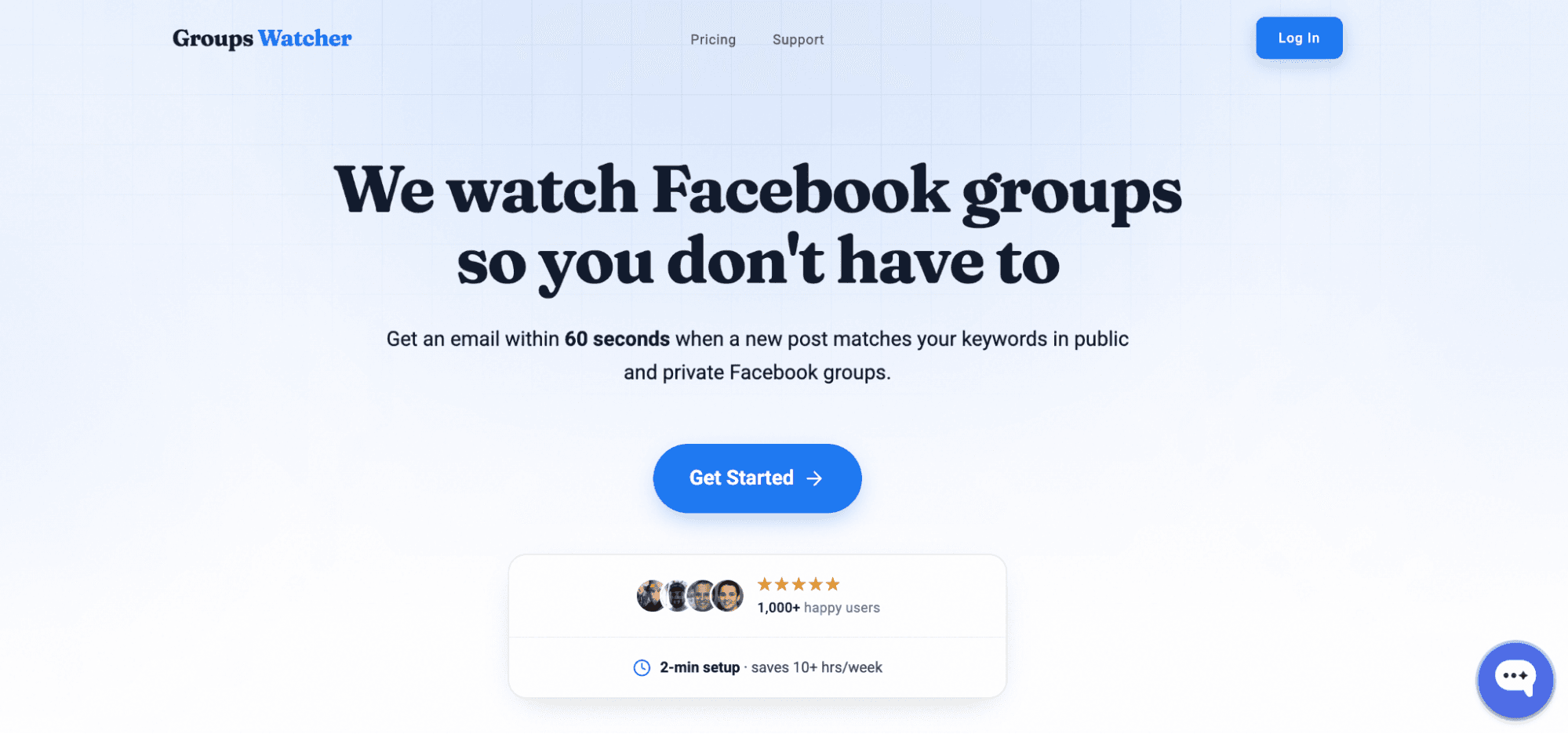
Groups Watcher is built specifically for monitoring Facebook groups for keywords. Unlike general social media listening tools, it’s designed from the ground up to solve the unique challenges of group monitoring.
We help over 1000 users get notified within minutes of new posts. Our users are often the first people to see opportunities, which means they’re the first ones to comment too.
The good news? We’re the only tool in the market that can notify you this fast. All other tools take a minimum of two hours. Which means you’ll dust the competition off.
Groups Watcher can monitor both public and private groups and can send notifications through Slack, Discord, Teams, and many other channels. Plus, you can set up automated comments to respond instantly to opportunities.
Don’t let important Facebook group conversations slip by. Use Groups Watcher to monitor public and private groups without relying on your own Facebook account!
Understanding Groups Watcher Plans
Groups Watcher offers two different plans to fit different needs and preferences. Whether you want to use your own account or prefer a fully managed service, all plans support both public and private groups.
Professional Plan
In the Professional plan, Groups Watcher monitors your selected Facebook groups on its own servers using its own accounts, so you don’t need to use your Facebook account or keep a browser running.
Once you add your groups and keywords, Groups Watcher monitors them around the clock and sends alerts within 60 seconds when relevant posts appear.
Key features:
Alerts sent within 60 seconds
Supports both public and private Facebook groups
Monitors up to 10 Facebook groups (additional groups available for $15/group)
Unlimited keywords and phrases
Email, Slack, and Microsoft Teams notifications
Replace monitored groups anytime from your dashboard
No browser extension or Facebook account required
Business Plan
The Business plan is designed for companies that monitor a larger number of Facebook groups and need additional support. It includes everything in the Professional plan while expanding your monitoring capacity and providing a dedicated account manager.
If your business depends on finding leads, tracking brand mentions, or monitoring customer conversations across many Facebook groups, this plan offers more flexibility and hands-on support.
Key features:
Everything included in the Professional plan
Monitor up to 50 Facebook groups (additional groups available for $10/group)
Dedicated account manager
Ready to turn Facebook groups into your next lead generation channel? Check our pricing page and choose the right plan for you!
FAQs About Social Media Listening Tools
What do social media listening tools do?
Social media listening tools track public conversations, brand mentions, keywords, and trends on social media platforms. They help businesses understand customer sentiment, monitor competitors, and identify opportunities to engage with their audience.
What is the 30-30-30 rule for social media?
The 30-30-30 rule for social media is a content strategy where you spend 30% of your time creating content, 30% engaging with your audience, and 30% analyzing performance. The remaining 10% is typically used for planning and strategy.
What are the big 4 of social media tools?
The big 4 categories of social media tools are content creation tools, social media management tools, social media listening tools, and analytics tools. Together, they help businesses create, publish, monitor, and measure social media performance.
Can ChatGPT do social listening?
No. ChatGPT cannot perform real-time social listening because it does not have direct access to live social media conversations. However, it can help analyze collected data, summarize emerging trends, and generate reports based on the information you provide.
Ready to get more leads from Facebook groups?
Book a demo and see how Groups Watcher can turn Facebook groups into a lead source for your business.
Book a demo