Keywords for Facebook Posts: Best Tips and Examples
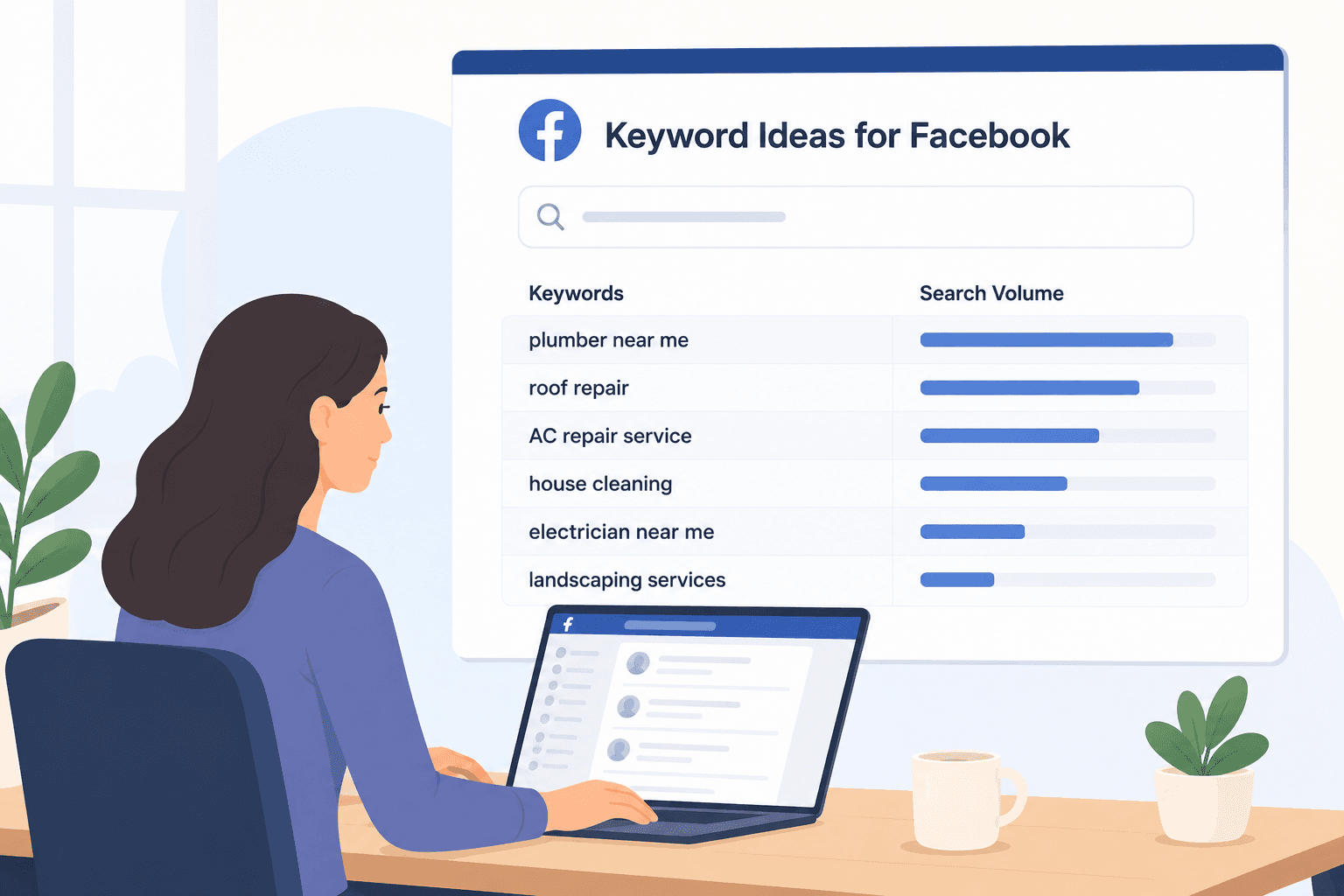
Finding good keywords doesn’t have to start with an expensive SEO tool.
Facebook already shows you how people search, what they ask, and the phrases they repeat in posts and comments. That information comes straight from your audience, which makes it far more useful than random keyword lists.
In this guide, you’ll learn how to find and monitor keywords for Facebook posts, choose the right ones, and use them to reach more people.
TL;DR
Keywords for Facebook posts should match the words people already use in Facebook search, groups, posts, and comments.
Find keyword ideas through Facebook search, groups, competitor posts, Google search, and keyword research tools.
Pick a mix of short-tail, long-tail, question, local, audience-specific, and buying intent keywords.
Use Groups Watcher to monitor Facebook groups, get alerts in under 60 seconds, and respond to high-intent posts sooner.
How to Find Keywords for Facebook Posts
Facebook already gives you several places to find keyword ideas. You can:
Start With Facebook Search Bar Suggestions
Facebook’s search bar shows phrases that people already type into the platform. Every query gives you a clue about topics users care about right now.
Type one broad word related to your business, but don’t press “Enter” yet. Facebook immediately displays suggested searches such as “bakery near me” or “bakery recipes.” Note the phrases that appear because they often reveal longer searches with stronger intent.
Next, add a letter after your keyword, such as “bakery a” or “bakery b,” to expand your list with new ideas. Compare those phrases with a keyword tool to check search volume.
If a topic attracts steady interest, it may improve your search visibility over time. You can also search Facebook with hashtags to find related discussions.
Get high intent leads from Facebook groups.
Turn Facebook groups into a lead source for your business. Book a demo to see if it fits.
Book a demoThe web changes every day, and fresh trends often create new opportunities. When you optimize your posts with those terms, readers have an easier time finding your content.
Explore Facebook Groups
Join a group that matches your business niche instead of a general community. Smaller groups often contain better conversations because members discuss the same topics every day.
Use the group search tool to find older discussions about your service. Spend extra time reading the comments because people usually explain their problems in more detail there. Pay attention to the language members repeat, and you’ll often notice the same questions appear again and again.
Save those phrases for future posts, then use your keywords naturally in the sentence.
Finding the right phrases is only useful if you see them at the right time. Groups Watcher monitors your selected private and public Facebook groups and notifies you when new matching posts appear.
Study Competitor Posts
Competitors can show you what already works.
Start with the biggest brand in your industry. Visit its Facebook page, then open the “Meta Ad Library” through “Page Transparency.” Long-running paid ads often point to topics that attract customers.
Return to the page and review regular updates next. Read the captions first because they usually contain the main message. After that, compare several public posts and look for patterns in the replies, reactions, and shares.
Those engagement signals reveal which subjects attract the most interest. You’ll also see how Facebook treats photos, videos, and text posts differently.
Use Search Engines (Google)
Aside from Facebook, you can also use Google to find keywords for your posts.
Begin with Google Autocomplete, then open the “People Also Ask” section. Those questions often make strong Facebook post ideas because they reflect real searches.
Also, run a keyword search in Google Keyword Planner or another research tool to find related phrases. Visit popular websites in your industry and compare their top articles.
Some research tools include data extraction features that collect headings and repeated questions from search results. You can also check what’s popular online and generate fresh ideas from those topics.
Use Keyword Research Tools
Platforms like Ahrefs, Semrush, and Ubersuggest include analytics that estimate demand, competition, and related searches. Use the filter options to remove phrases that don’t match your topic.
Focus on the right keywords instead of the biggest numbers. Good research starts with relevant keywords that match your audience and your business. Let the data guide your decisions before you write your next post.
A skilled marketer doesn’t depend on one source. Facebook, Google, and keyword tools each reveal something different, and combining those ideas usually produces stronger content.
Best Types of Keywords for Facebook Posts
Each keyword type serves a different purpose, for instance:
Short-Tail Keywords
Short-tail keywords contain one or two words, such as “bakery,” “plumber,” or “digital marketing.” They describe the main topic of your post and give Facebook a general idea of what you discuss.
Choose one broad term that matches your business category before you write. Place it near the beginning of your post, then add a related tag if it fits your topic. You can also use that broad phrase on your business page to build a clear theme over time.
Avoid repeating the same keyword in every sentence. Readers notice that quickly, and too much repetition turns into keyword stuffing.
Long-Tail Keywords
Long-tail keywords contain three or more words and describe a specific need. A phrase like “best birthday cakes for kids” attracts a more focused audience than simply using “cakes.”
Many content marketing strategies rely on these detailed phrases because they answer real questions. Write clear descriptions that explain exactly what you sell or how your product works. You can reuse those ideas on other social platforms to keep your message consistent, too.
Strong social media content for Facebook usually starts with the most important keywords, then adds supporting details.
Question Keywords
Question keywords sound like the questions people ask every day. Examples include “How do I fix a leaking faucet?” or “Why is my air conditioner making noise?”
Answering those questions improves your relevance because your post matches what people already search for. End your post with another question if you want more engagement in the replies.
Short videos, in addition, can explain common problems in less time. Pair your text with visual media when a picture or clip makes the answer easier to understand.
Clear wording helps the platform understand your topic and keeps your advice more searchable.
Local Keywords
Local keywords combine your service with a city, neighborhood, or nearby landmark. Someone searching for “electrician in Dallas” has a different goal than someone searching for “electrician.”
Local phrases can even attract nearby businesses that may need your services or recommend your company. Many small businesses build a loyal audience by writing about neighborhood news or local events.
Always mention your city or service area in your post if location plays a part in your work. You can even check X (Twitter) to see what people discuss before you write about local topics.
Audience-Specific Keywords
Audience-specific keywords describe the people you want to reach. Examples include “new homeowners,” “restaurant owners,” or “first-time parents.”
Define your target audience before you write your caption, and speak directly to them. Your wording should also match your Facebook account and the type of content people expect to see there.
Read each paragraph one more time before you publish. Every point should feel relevant to the people you want to attract.
Buying Intent Keywords
Buying intent keywords tell you someone has moved beyond research and wants to compare options or make a purchase. Phrases like “best price,” “book today,” or “same-day repair” often signal that stage.
Those readers usually have money set aside for a product or service. Explain the key features that separate your offer from similar options.
If you provide several services, list them clearly and include pricing when possible. Clear details help readers decide faster than vague marketing language.
Examples of Keywords for Facebook Posts
A strong Facebook post usually combines more than one keyword type. Broad terms explain the topic, specific phrases match real searches, and buying keywords encourage people to take the next step.
Here are a few examples:
Fitness coach: Use fitness as the main topic, then add a phrase like “low-impact morning workouts for beginners.” Open with, “Do your knees hurt every time you exercise?” Explain how your program helps beginners over 50, then invite readers to book a free consultation.
Local bakery: Start with bakery, then use “custom birthday cakes” as your main phrase. Ask, “Need a birthday cake this weekend?” Mention your city, share a few cake options, and end with a discount or online ordering link.
Website designer: Begin with web design, then use “affordable WordPress websites.” Ask, “Why isn’t your website bringing in new customers?” Explain one or two common problems, show how you fix them, then ask readers to request a free quote.
Reach High-Intent Facebook Leads With Groups Watcher
Finding the right keywords helps you plan better posts. Catching those keywords the moment someone publishes them gives you a much better chance to win the conversation.
Groups Watcher monitors Facebook groups for you and sends alerts in under 60 seconds, which gives you time to reply before the discussion fills with comments.
Some of the key features include:
Monitor public and private Facebook groups even if you aren’t an admin.
Track every new post or only keyword matches based on your preferences.
Receive alerts in under 60 seconds through email, Slack, Discord, Microsoft Teams, SMS, or webhooks.
Use AI relevance scoring to identify local service requests, recommendation posts, brand mentions, and other high-intent conversations.
Filter unwanted posts with keyword exclusions to reduce unnecessary alerts.
Auto-comment with predefined replies after a matching post appears, which helps you become one of the first people to respond.
For many local service businesses, timing often decides who gets the call. Groups Watcher helps you spot new opportunities early, respond with a helpful reply, and stay ahead of businesses that rely only on Facebook notifications.
Stop refreshing Facebook all day. Add your keywords and exclusions to Groups Watcher, then get notified as soon as relevant posts appear!
FAQs About Keywords for Facebook Posts
What words trigger the Facebook algorithm?
No specific words trigger the Facebook algorithm. Facebook looks at the full context of your post, including its topic, engagement, relevance, and the audience’s interests.
How to find Facebook keywords?
Start with Facebook search suggestions, then review active Facebook groups, competitor posts, Google search, and keyword research tools.
What are the 4 types of keywords?
The four common types are short-tail keywords, long-tail keywords, question keywords, and buying intent keywords. Each one serves a different purpose, from building awareness to reaching people who are ready to buy.
How to write a catchy Facebook post?
Open with a question, surprising fact, or clear benefit that grabs attention. Use simple language, solve one problem, include a strong call to action, and keep your message easy to read.
Ready to get more leads from Facebook groups?
Book a demo and see how Groups Watcher can turn Facebook groups into a lead source for your business.
Book a demo