How to Build a Facebook Group Monitoring Tool (+ A Faster Way)
Facebook groups have become one of the best places to spot people who need a product, service, or recommendation. A single post that asks, “Can anyone recommend a plumber?” or “Who knows a good web designer?” can turn into a new customer within minutes.
The challenge comes from keeping up with every conversation. Few people have time to check dozens of groups all day, and Facebook doesn’t promise that you’ll see every new post in your feed.
That’s why many businesses decide to build a Facebook group monitoring tool.
In this article, you’ll learn how to build one from scratch and see a faster way to track the conversations.
TL;DR
This is how to build a Facebook group monitoring tool:
Define your monitoring goals
Collect Facebook group data
Create a keyword tracking system
Build a filtering engine
Create an alert system
Store and organize your data
Build a dashboard
If you want a faster option, Groups Watcher handles the monitoring for you. It tracks public and private Facebook groups for keywords and sends alerts in under 60 seconds.
How to Build a Facebook Group Monitoring Tool From Scratch
Building your own Facebook group monitoring tool takes several connected steps, such as:
Step 1: Define Your Monitoring Goals
To build a Facebook group monitoring tool, you need clear goals. Your system should know exactly what to look for before it starts scanning posts. Otherwise, it will send alerts for every conversation, even when nobody needs your service.
Get high intent leads from Facebook groups.
Turn Facebook groups into a lead source for your business. Book a demo to see if it fits.
Book a demoStart by defining your target audience. Then decide what type of buyer intent you want to catch.
For most local businesses, that usually falls into three categories:
Recommendation requests: “Can anyone recommend a plumber in Austin?”
Problem posts: “My AC stopped working. Who can fix it today?”
Competitor discussions: “Has anyone hired ABC Roofing before?”
Step 2: Collect Facebook Group Data
Once you know what to track, your tool needs a way to collect new posts.
Meta does not offer an official API that lets third-party apps freely read public Facebook groups or private groups they don’t manage. That limitation means you need another collection method.
Your first option is to use Facebook email notifications. Turn on “All Posts” for every group you want to monitor, then connect your inbox to a script through IMAP or the Gmail API.
Each email includes the post text, group name, and link. Your script extracts that data and stores it for later checks.
Another option uses custom Chrome extensions that read visible group posts from your signed-in browser session and send them to your database. Your tool can then watch multiple groups, collect more posts, and replace hours of manual monitoring while protecting your connected social media accounts.
Step 3: Create a Keyword Tracking System
After your tool collects posts, it needs to decide which ones deserve an alert. A keyword tracking system reads every post, compares it against your rules, and ignores conversations that don’t match.
Build separate lists to monitor keywords that show buying intent, service names, and locations. Your database should also support unlimited keywords, which makes it easier to expand your searches later.
Aside from that, add specific keywords that match your business. A roofing company might track “roof leak,” “storm damage,” and nearby cities. Check each word as a complete term instead of part of another word to reduce false alerts.
You should further watch for posts where people ask for suggestions or say they’re interested in hiring someone. Review those conversations every few weeks.
Let’s say you see repeated questions or pain points. You can use them to create content that answers the problems customers ask about most often to build authority.
Step 4: Build a Filtering Engine
A filtering engine decides what counts as a real lead and what gets ignored. Without it, you will see duplicate posts, spam, random comments, and unrelated content mixed together with real buyer requests.
Start by treating every incoming post as raw data that goes through checks one after another. Each check removes something that should not reach your alert system.
For example, the same post often appears more than once when your script reads the feed again or when Facebook sends multiple notifications for the same content. To fix this, every post should have a unique ID.
You don’t need complex code for this. Every Facebook post link already contains a unique number at the end. Your system should read the link, extract that number, and compare it with a simple list stored in your database. If the number already exists, you ignore the post.
Next, your system checks who wrote the post. Once the profile looks empty, brand new, or spam-like, you skip it.
Now comes the most important part: checking intent. Instead of reacting to one keyword, your system looks at how words appear together in a sentence.
For instance:
“Need a plumber in Austin today” → valid lead
“My uncle works as a plumber” → ignore
You don’t need advanced AI for this stage. Just check if service words and request words appear in the same sentence and are close to each other. If they are too far apart, you treat it as irrelevant.
Step 5: Create a Facebook Group Alert System
When a valid post appears, your system should send an email or message that includes:
Post text
Group name
Time it was posted
Direct link to the Facebook post
You connect instant phone alerts then. The easiest method uses SMS services like Twilio.
Example format: “New lead: leaking pipe in Austin. Open link to reply.”
Every alert must include a clickable link to save time because you don’t need to search for the post manually.
You can also add team alerts. If you work with others, send the same message to Slack or another workspace tool. That way, whoever is available can respond first.
Step 6: Store and Organize Data
Each Facebook group you monitor should have its own entry so you can compare performance later. Some groups will produce many leads. Others will produce none.
If you work with a team, give shared access to this data. Everyone should see the same list of leads so no one replies twice or misses follow-ups.
Over time, your database will show patterns. You will see which communities bring the best leads and which keywords produce low-quality results, so you can adjust your system.
To keep things clean, remove very old posts or already closed leads after a set time. Most systems use 30 to 60 days, depending on how active the business is.
Step 7: Build a Dashboard
A dashboard gives you a simple way to see everything without opening databases or logs. It turns your raw data into a usable control panel.
First, you need a table that shows all active leads. Each row should include the post text, group name, and a clickable link. You should also be able to change the status of each lead with one click.
By adding a filter section, you can sort leads by status, group, or date. That helps you focus only on fresh opportunities instead of old conversations.
Then add simple stats at the top:
Total leads captured
Leads contacted
Jobs won
If you expand later, you can connect other sources like Reddit or X (Twitter). You don’t need that on day one, but the structure should allow it.
In the end, your dashboard becomes the only place you check every day. It replaces manual scrolling, spreadsheets, and scattered notes with one clean view of all opportunities.
Common Challenges When Building a Monitoring Tool for Facebook Groups
When you build a Facebook group monitoring tool, you need to collect posts, check keywords, and send alerts. In real use, the system hits limits that come from Facebook rules and account safety.
Here are the other challenges you’ll deal with:
Limited access to group data due to platform rules and restricted APIs.
No direct support for posts unless you act as a group admin or use allowed data paths.
Risk of triggering security checks that affect your account if automation looks unnatural.
Privacy rules that require careful handling of group members’ data and post content.
Detection systems that flag automated activity on Facebook pages and group feeds.
Ongoing support is needed because Facebook changes its layout and structure often.
Need to integrate multiple data sources like email, scripts, or browser tools.
Constant need to monitor groups since data flow and rules change over time.
A Simpler Way to Monitor Facebook Groups With Groups Watcher (3 Steps)
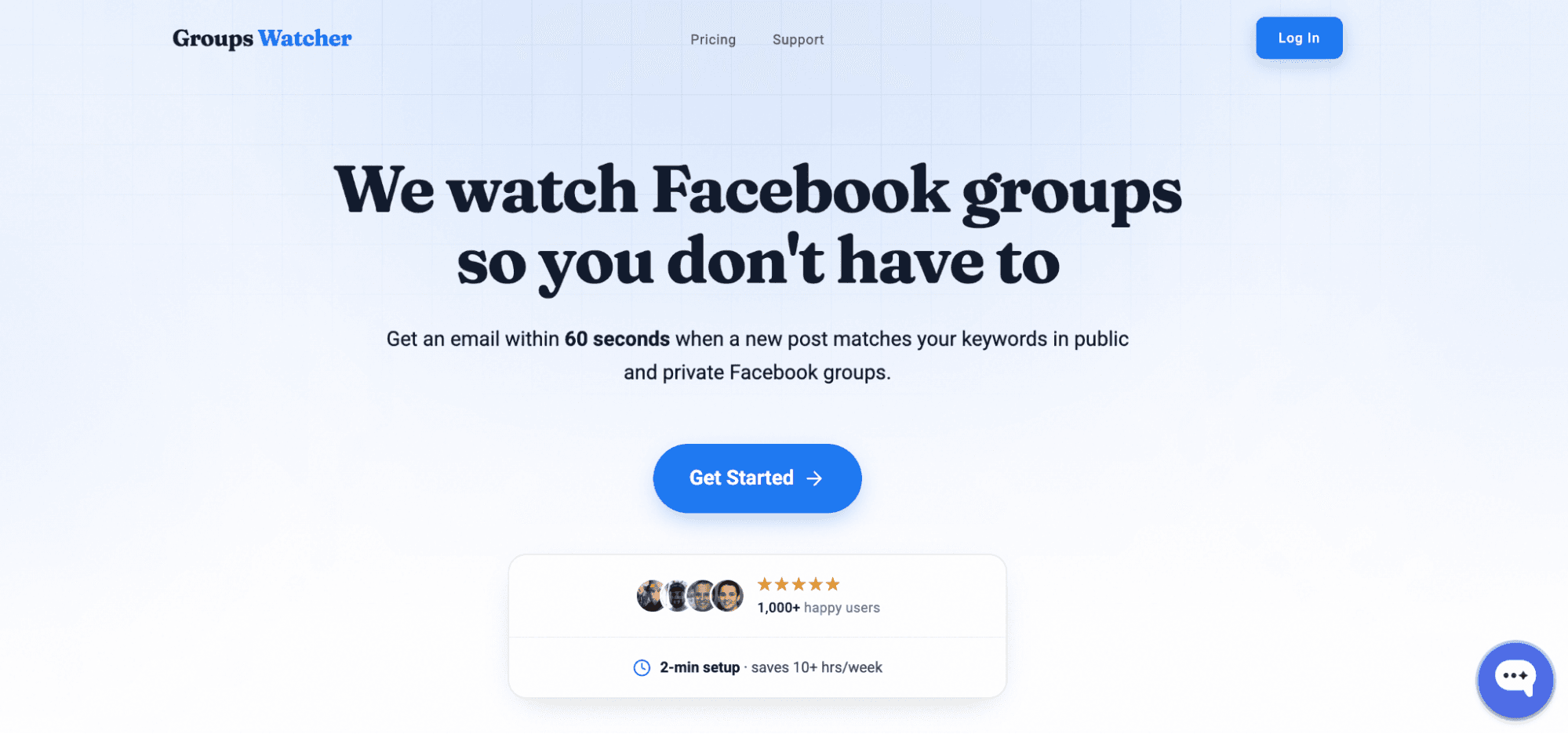
Building your own monitoring tool gives you full control, but it also means you need to build, test, maintain, and update every part yourself.
If your goal is to start tracking Facebook groups as soon and effectively as possible, Groups Watcher does it on its own infrastructure, sends alerts in under 60 seconds, and lets you focus on responding to opportunities.
To start, you need to:
Step 1: Choose the Facebook Groups You Want to Monitor
Start by choosing the Facebook group URLs you want to track. Pick the groups where customers ask for recommendations, request services, or discuss topics related to your business.
Groups Watcher handles the monitoring for you after the groups are added. It supports both public and private groups, even if you don’t have admin access. You don’t need to install or manage your own monitoring system, either.
From this point forward, Groups Watcher starts to monitor post activity based on the groups you selected.
Step 2: Set Up Keywords and Alerts
Next, pick the keywords that match the opportunities you want to receive. Include phrases such as “looking for,” “recommend,” or “need help,” along with your services, locations, competitors, and brand mentions.
Then choose how you want to receive alerts. Groups Watcher can notify you through email, Slack, Discord, Microsoft Teams, SMS, webhooks, and other supported channels.
You can also add exclusion keywords to reduce unwanted alerts and keep notifications focused on relevant conversations.
Step 3: Start Tracking Conversations and Opportunities
After your setup is complete, Groups Watcher starts checking your selected Facebook groups 24/7 on its own managed infrastructure. When a new post matches your conditions, it sends an alert in under 60 seconds.
Open the alert, review the conversation, and respond before the thread fills with replies. Fast alerts give you a better chance to find leads before competitors reach them.
For many businesses, Groups Watcher becomes the only tool they need to monitor Facebook groups and respond to new opportunities every day.
Fast replies often lead to better results. Try Groups Watcher today and be the first to join important conversations!
Monitor Facebook Groups Without Building Your Own Tool With Groups Watcher
You don’t need technical skills or ongoing maintenance to start receiving alerts. With Groups Watcher, you can:
Monitor public and private Facebook groups, even if you don’t have admin access.
Get alerts in under 60 seconds when a post matches your keywords.
Choose alerts for every new post or only posts that match your filters.
Receive notifications through email, Slack, Discord, Teams, SMS, or webhooks.
Track buying intent, referrals, and brand mentions with AI that checks context.
Set up automatic comment templates that publish a predefined reply when a matching post appears.
Reach the conversation early and improve your chances of being one of the first three comments, where many opportunities are won.
Building a monitoring tool takes time and ongoing maintenance. Groups Watcher monitors private and public Facebook groups 24/7 and alerts you in under 60 seconds when new posts match your criteria!
FAQs About How to Build a Facebook Group Monitoring Tool
What is the AI tool for Facebook groups?
An AI tool for Facebook groups helps you track relevant conversations automatically. Groups Watcher uses AI to check context, reduce irrelevant alerts, and highlight posts that show real buying intent or recommendation requests.
What is replacing Facebook group chats?
Nothing is replacing Facebook group chats. They remain a core Facebook feature.
What are Facebook analytics tools?
Facebook analytics tools collect data about activity on Facebook. Some measure page performance, while others track conversations, keyword mentions, and engagement in Facebook groups to help businesses spot trends and respond faster.
Ready to get more leads from Facebook groups?
Book a demo and see how Groups Watcher can turn Facebook groups into a lead source for your business.
Book a demo