Facebook Groups for Local Businesses: How to Get More Leads
A single Facebook post can lead to a new customer. One person asks for a recommendation, several neighbors reply, and a local business gets a call later that day.
Business owners who pay attention to these discussions often find leads that never appear through other ways of advertising.
In this article, you’ll learn how local businesses can use Facebook groups to their advantage and get more leads.
TL;DR
Here are the key things to know about Facebook groups for local businesses:
Focus on neighborhood, community, parent, homeowner, buy-and-sell, and industry groups.
Use group discussions to find recommendation requests, service inquiries, and local opportunities.
Pay attention to posts from residents looking for trusted providers or immediate help.
Follow a simple tracking process and respond quickly to relevant conversations.
Groups Watcher monitors both public and private groups for you and sends alerts when relevant posts appear, so you can be the first one to respond.
The Types of Facebook Groups Local Businesses Should Watch
Facebook groups serve different purposes, which means some communities will generate far more opportunities than others.
Focus your attention on groups where residents actively ask questions, request recommendations, and discuss local services.
The most valuable groups usually include:
Neighborhood groups where residents ask for trusted providers
Community groups that bring together thousands of people from the same town who explore the things related to local news and updates
City and regional groups that help businesses expand their visibility beyond a single area
Parent and family groups where business owners can build trust by sharing useful tips
Homeowner groups often contain requests for contractors and service providers
Buy-and-sell groups where businesses can promote products with photos and pricing
Industry groups that support entrepreneurship
A mix of these communities will usually produce better results than relying on one group alone.
Get high intent leads from Facebook groups.
Turn Facebook groups into a lead source for your business. Book a demo to see if it fits.
Book a demoHow Facebook Groups Help Local Businesses Get Customers
Facebook groups help businesses build trust before a sales conversation even begins. Residents often ask neighbors for recommendations, and those discussions create opportunities to appear in front of potential customers at the exact moment they need help.
Several factors make groups valuable:
New discussions often appear directly in front of members, which increases visibility.
Recommendation requests place your business in conversations with high buying intent.
Regular participation can boost recognition within your local area.
Community discussions reveal customer frustrations and opportunities for growing your business.
Private groups can collect an email or mobile number from member applicants during the approval process.
Customers tend to trust recommendations from neighbors more than advertisements, which makes these conversations valuable.
Common Examples of Facebook Group Posts That Lead to New Customers
Certain post types create stronger opportunities than others. Common examples include:
Recommendation requests for local services
Emergency repair questions
New resident introductions
Home improvement discussions
Product comparison posts
Requests for trusted providers
Community activity discussions
Many businesses first share useful local suggestions before introducing their own services, and that creates a stronger first impression.
General recommendation threads also give you a chance to explain the unique things you offer. Posts that show immediate buying intent often make it easier to dive into a conversation and offer help.
Keep Up With Local Facebook Group Member Discussions With Groups Watcher
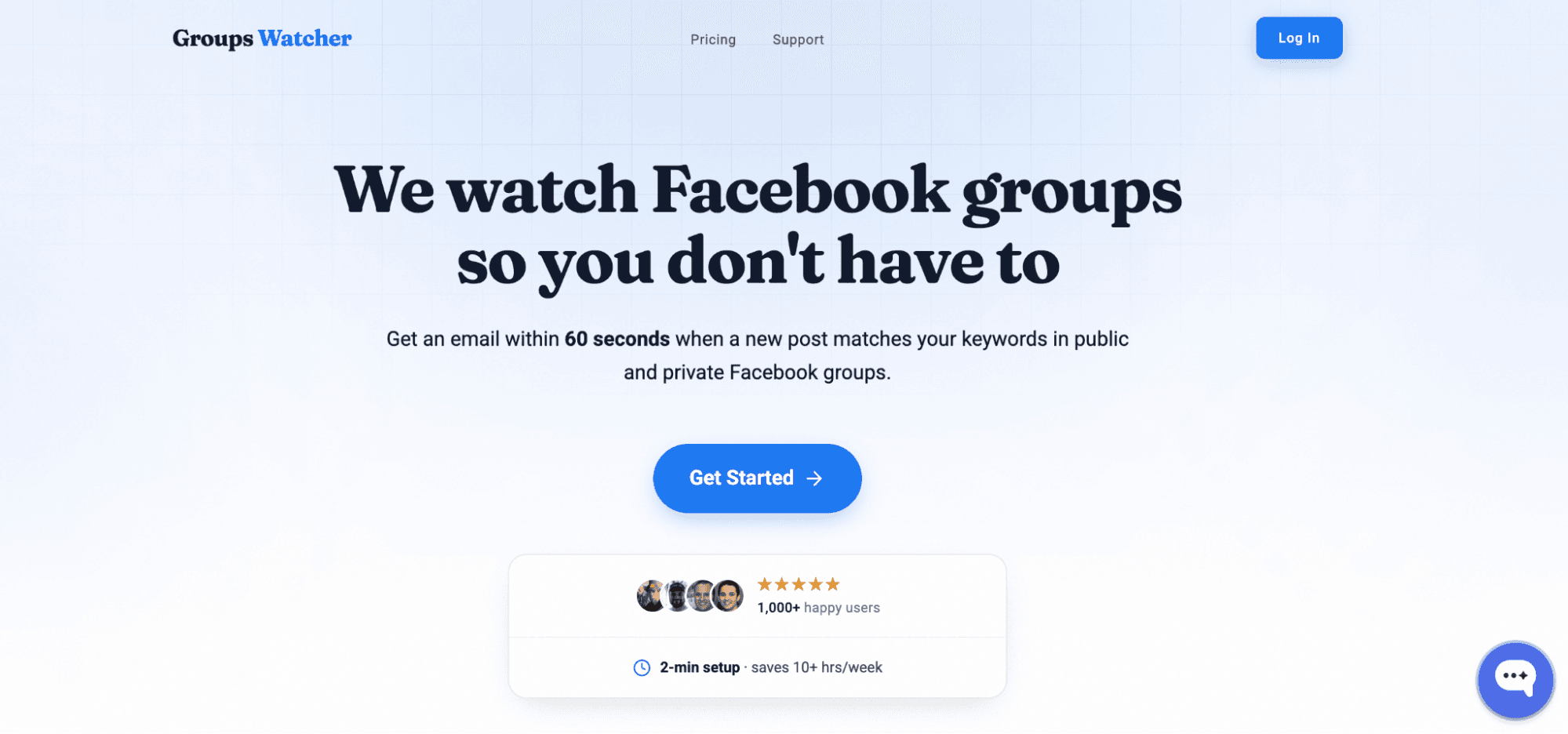
A recommendation request posted at 9:00 AM may already have ten replies by 9:15. For local businesses, that delay can mean the difference between winning a customer and never seeing the opportunity at all.
Groups Watcher was built to bring those conversations directly to you. You provide the Facebook group URLs you want monitored, and it handles the monitoring on its own systems.
You don’t need to join every group yourself, become an admin, keep a browser extension running, or stay logged into Facebook throughout the day.
Monitor Public and Private Facebook Groups
Many businesses run into the same problem. The groups they want to watch are private, difficult to access, or unavailable through their own account.
Groups Watcher monitors both public and private Facebook groups on your behalf.
For local businesses, this can be especially useful when recommendation requests happen in neighborhood groups, homeowner communities, parent groups, or other local spaces where buying discussions happen every day.
Manually following dozens of local public and private communities isn’t realistic for most businesses. Groups Watcher keeps an eye on them for you!
Get Alerts in Under 60 Seconds
Groups Watcher can notify you in under 60 seconds after a matching post appears.
You can choose:
Alerts for every new post
Alerts focused on highly relevant discussions
Notifications can be delivered through:
Email
Slack
Discord
Microsoft Teams
SMS
Webhooks
Auto-Comment on Relevant Posts
Some businesses receive more opportunities than they can manually respond to.
Groups Watcher supports predefined comment templates that can be used when specific conditions are met. For example, an HVAC company could prepare a response for recommendation requests related to emergency repairs.
It identifies the right conversations first. After that, you can respond for yourself or use prepared replies for selected situations.
The process is straightforward:
Choose the groups you want monitored.
Pick every-post alerts, keyword alerts, or relevance-based alerts.
Select the phrases, locations, and topics you care about.
Choose where notifications should arrive.
Respond before the discussion fills with competing replies.
Groups Watcher focuses on one core goal: helping you spot important Facebook group conversations as quickly as possible.
Finding relevant posts shouldn’t require constant scrolling. See what Groups Watcher can do for your Facebook group monitoring!
FAQs About Facebook Groups for Local Businesses
How do I find Facebook groups in my area?
Search Facebook using your city, neighborhood, or county name. You can also search for local interests, schools, parenting, homeowners, or business topics.
What is replacing Facebook groups?
No platform has fully replaced Facebook groups for local recommendations and community discussions. Reddit, Nextdoor, and Discord serve similar purposes, but Facebook groups remain a popular choice.
What are the best Facebook groups to advertise a business?
Neighborhood groups, community groups, parent groups, homeowner groups, buy-and-sell groups, and industry groups often work best. Focus on communities where people regularly ask for recommendations.
How to find a list of local businesses?
Google Maps, local directories, chamber of commerce websites, and Facebook groups are good starting points. Community discussions can also reveal which businesses residents recommend most often.
Ready to get more leads from Facebook groups?
Book a demo and see how Groups Watcher can turn Facebook groups into a lead source for your business.
Book a demo