Facebook Group Keyword Alerts: How to Get Started
Someone asks, “Can anybody recommend a reliable HVAC company?” Another person needs help with a home renovation project.
Posts like these appear in Facebook groups every day, yet many businesses miss them because they don’t have a reliable way to track specific phrases. Facebook group keyword alerts solve that problem by notifying you when relevant conversations appear.
In this guide, you’ll learn how keyword alerts work, why Facebook’s native options have limits, and how to track high-intent posts before competitors respond.
TL;DR
Facebook group keyword alerts notify you when selected phrases appear in relevant Facebook groups.
Businesses use them to find leads, track brand mentions, monitor competitors, and spot high-intent conversations earlier.
Facebook’s native keyword alerts only work for group admins and moderators.
Groups Watcher helps you monitor both public and private Facebook groups and receive alerts in under 60 seconds, even if you’re not an admin.
Why Businesses Monitor Keywords in Facebook Groups
Facebook groups have become a place where people ask for recommendations, compare services, and share honest opinions before making a purchase. Those discussions often reveal buying intent long before someone contacts a company directly.
Many businesses monitor keywords in private and public Facebook groups to find leads when people actively ask for help. An alert tied to phrases like “looking for” or “who do you recommend” helps companies join conversations before competitors notice them.
Keyword monitoring also helps capture every instance of organic brand mentions, even when customers don’t tag a business. You can track discussions on your official social media accounts, gain raw insights directly from unfiltered consumer conversations, and evaluate the true depth of client emotions.
Large companies study trends from many sources, including global newspapers. Facebook groups often reveal those shifts much earlier.
Keyword alerts eliminate the grueling effort of manual monitoring, cut down your research phase and save hours, and help protect your team’s valuable time.
Get high intent leads from Facebook groups.
Turn Facebook groups into a lead source for your business. Book a demo to see if it fits.
Book a demoCommon Examples of Facebook Group Keyword Alerts
Businesses focus on phrases that isolate buyers displaying clear high intent and create opportunities to start conversations at the right moment.
Looking for Recommendations
Posts that begin with “looking for” often come from people ready to hire. Companies capture specific, action-oriented words such as “looking for a plumber” or “looking for an accountant” to spot opportunities early.
Who Do You Recommend
Recommendation requests carry strong purchase intent. A quick reply can help businesses connect instantly with ready-to-buy customers before competitors enter the discussion.
Need Help
Urgent requests usually signal an immediate problem. Many companies flag users requesting an immediate professional service since those posts often lead to fast decisions.
Best Company for
People who ask for the best provider have usually narrowed their options. Alerts tied to these phrases can turn basic online discovery into highly qualified leads.
Service Provider Requests
Direct requests create some of the strongest opportunities. You can select exactly how your staff wants to be notified, which helps your sales department never miss valuable conversations and can accelerate your overall pipeline and boost seasonal sales.
Industries that Benefit Most From Facebook Group Monitoring
Almost any business can benefit from keyword alerts, but some industries gain more value because buying decisions often start with community recommendations and local discussions.
Local Service Businesses
Many local service businesses rely on referrals and community recommendations to win new customers. When someone needs a plumber, electrician, roofer, landscaper, cleaning company, or similar, they often ask for suggestions in local Facebook groups before searching elsewhere.
Keyword alerts help you spot these conversations as they happen. By tracking phrases such as "looking for a plumber," "need an electrician," "roof repair recommendations," or "who do you recommend," you can find potential customers while they're actively searching for help.
Fast responses matter because recommendation posts can attract dozens of comments within minutes.
Real Estate Professionals
Real estate agents can track growing neighborhood interests long before someone lists a property or contacts an agency. Local groups often contain discussions about moving, schools, rentals, and home values.
Those conversations help agents connect with an off-market audience.
Marketing Agencies
Business owners frequently discuss growth challenges, lead generation, advertising results, and website problems in entrepreneur groups.
Agencies can watch where company founders openly discuss these issues and join conversations with useful advice before competitors notice the opportunity.
Consultants and Freelancers
Facebook groups can reveal projects before they appear on job boards.
Keyword alerts help professionals discover flexible job opportunities while you sleep, find target founders and smoothly interact with potential clients, and export promising freelance gigs with just one click.
Community Managers
Community leaders often need visibility into questions, complaints, and rule violations. Many deploy automated engagement alerts to quickly spot important discussions.
With instant mobile notifications, they can stay informed, respond to members faster, and keep conversations productive.
Can Facebook Send Keyword Alerts Natively?
Yes, Facebook offers keyword alerts, but only for people who manage a group. Regular members don’t have access to the same feature set.
Group admins and moderators can use the built-in moderation alerts feature to watch for specific phrases. Configuration requires full admin access, which means the option won’t appear for standard members.
To set it up, navigate your dashboard to create a keyword list, type your parameters, and click add. Facebook will then notify moderators when matching terms appear in posts.
Note, however, that Facebook’s native system focuses on moderation rather than lead generation. The feature doesn’t help you monitor buying signals in groups you don’t manage. It also doesn’t flag phrases hidden deep inside nested comments.
For that reason, regular members must rely on a desktop browser for manual checks or overcome native limitations by deploying external third-party tools that monitor relevant discussions and send alerts when important conversations appear.
How to Get Facebook Group Keyword Alerts Without Being an Admin
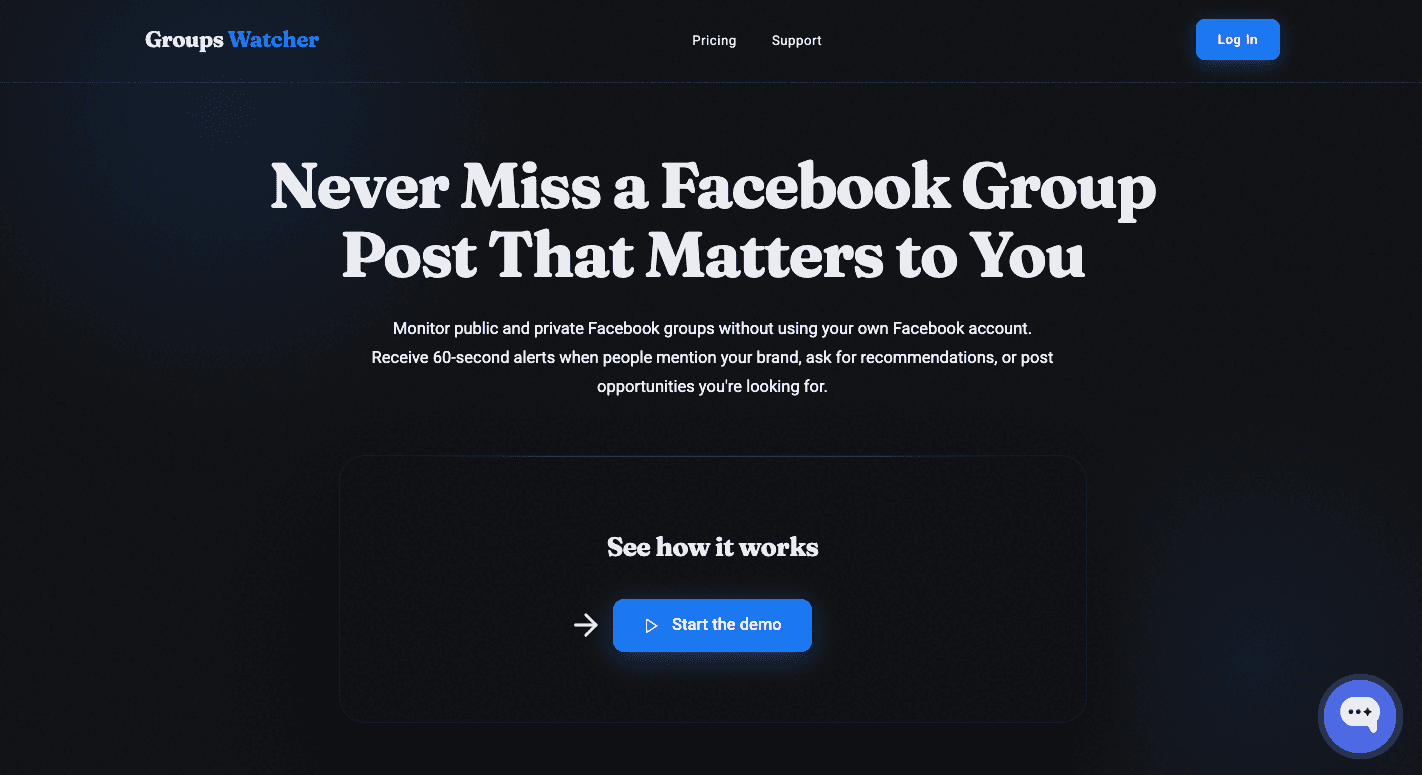
Facebook’s native keyword alerts only work for administrators and moderators. That creates a problem for local businesses, agencies, consultants, and real estate professionals who need visibility into recommendation requests and buying discussions happening in groups they don’t manage.
Many monitoring solutions attempt to solve that problem through browser-based setups, but those systems often depend on a computer staying online and may surface large volumes of irrelevant matches.
Groups Watcher takes a different direction by focusing on fast delivery, broader coverage, and context-based relevance.
No Admin Rights Required
You don’t need to own a Facebook group or manage a community to monitor important conversations. Groups Watcher was built for businesses that want visibility into discussions happening outside their own audience.
Monitor Public and Private Facebook Groups
Many buying decisions happen in niche communities where members ask neighbors, peers, and local experts for advice. Groups Watcher can monitor public and private Facebook groups and surface conversations tied to your goals.
Get Alerts in Under 60 Seconds
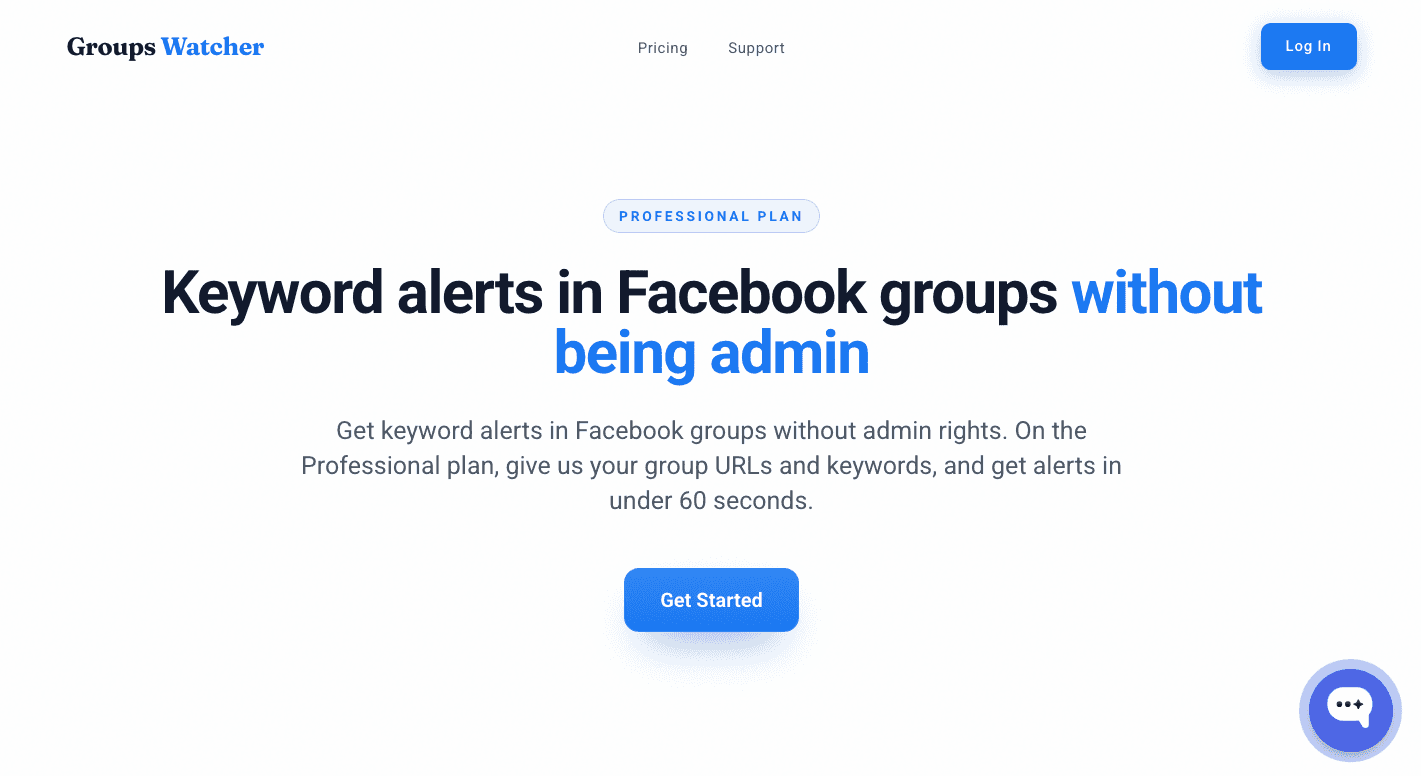
Speed becomes important when recommendation requests attract dozens of replies in a short period. Groups Watcher sends alerts in under 60 seconds and prioritizes relevance, which helps you focus on conversations that resemble actual opportunities.
Set Up Automated Responses
You can set up the auto-comment feature and respond automatically to all posts that match your keywords. This way, you’ll be the first to respond, even when you’re not available. And being one of the first 3 comments significantly improves your chances of winning a lead.
Monitor Unlimited Groups and Keywords
Here’s how to start:
Add the Facebook groups you want to monitor.
Choose the phrases that indicate buying intent, recommendation requests, or brand discussions.
Get keyword alerts in 60 seconds when a post matches your keywords.
Select where alerts should arrive, such as email, Slack, Discord, Teams, SMS, or webhooks.
Groups Watcher doesn’t use your Facebook account; everything runs on their end.
You can monitor unlimited groups and use unlimited keywords to track recommendation requests, competitor mentions, service inquiries, local buying signals, and brand discussions from a single dashboard.
Relevant posts don’t wait for someone on your team to notice them. Get started with Groups Watcher and receive alerts when important conversations appear!
Best Keywords to Track in Facebook Groups
The best keyword lists focus on intent and real customer language. Start with phrases that reveal buying decisions, service requests, or frustrations.
Over time, you’ll build a robust foundation for automated keyword tracking and improve the quality of your alerts.
Ready-to-buy keywords: “looking for recommendations,” “who do you recommend,” and “best company for.” These phrases often reveal people ready to hire.
Problem-based keywords: “need help,” “broken,” and “stopped working.” Many businesses filter out the noise by isolating specific keywords tied to urgent problems.
Competitor keywords: Monitor competitor names alongside phrases like “too expensive” or “alternative.”
Review alerts regularly and study the natural phrasing choices used by everyday group members. Many businesses configure their digital tools to track open consumer discussions inside public groups and extract commercial data on both public and private groups.
Monitor Facebook Groups for Leads and Brand Mentions With Groups Watcher
A homeowner asking for an HVAC company at 9:00 AM may receive 10 recommendations before 9:10.
If you see the post first, you have the best chance of starting the conversation.
Groups Watcher was built to help you find those opportunities before they disappear. It monitors selected Facebook groups 24/7 and sends alerts when posts match your criteria.
Unlike other monitoring methods that rely heavily on exact keyword matches, Groups Watcher also evaluates context to surface recommendation requests, service inquiries, brand discussions, and other high-intent conversations.
Alerts arrive in under 60 seconds, which helps you engage before competitors flood the thread. That speed and relevance help you focus on real opportunities rather than sorting through hundreds of low-value alerts.
Finding relevant posts manually takes time every day. Let Groups Watcher bring matching discussions directly to you!
FAQs About Facebook Group Keyword Alerts
Can I monitor private Facebook groups for keywords?
Yes, but the method depends on the tool you use. Facebook only provides native keyword alerts to group administrators and moderators. Groups Watcher’s Professional plan can monitor both public and private Facebook groups and send alerts when posts match your selected criteria.
What are Facebook group keyword alerts?
Facebook group keyword alerts are notifications triggered when specific words or phrases appear in a Facebook group. Businesses use them to track recommendation requests, service inquiries, brand mentions, competitor discussions, and other high-intent conversations.
Can I monitor multiple Facebook groups at once?
Yes. Monitoring multiple groups at the same time is one of the main reasons businesses use keyword alert tools. Groups Watcher lets users monitor multiple communities from a single dashboard and receive alerts through email, Slack, Discord, Teams, SMS, or webhooks.
How many groups and keywords can I use in Groups Watcher?
You can use unlimited keywords. The Professional plan includes 10 groups, but you can add more for $15 each.
Ready to get more leads from Facebook groups?
Book a demo and see how Groups Watcher can turn Facebook groups into a lead source for your business.
Book a demo