Facebook Group Lead Monitoring: A Quick 2026 Guide
Every minute counts when someone asks for a recommendation in a Facebook group. Early replies often receive the most attention, while late responses can disappear beneath dozens of comments.
Facebook group lead monitoring helps you spot those opportunities shortly after publication and engage before the conversation becomes crowded.
This guide explains how businesses monitor Facebook groups for leads, what buying signals deserve attention, and how Groups Watcher helps you receive alerts and act on opportunities before competitors do.
TL;DR
Facebook group lead monitoring helps businesses find recommendation requests, service searches, and other discussions that signal buying intent.
The best opportunities often come from people asking for referrals, comparing providers, researching solutions, or looking for alternatives to a competitor.
Effective monitoring starts with active Facebook groups, targeted keywords, location filters, competitor tracking, and exclusion rules that reduce noise.
Strong buying signals include recommendation requests, pricing questions, competitor complaints, and posts that describe a problem needing a solution.
Groups Watcher monitors private and public Facebook groups on your behalf and sends alerts when relevant posts appear, helping you be the first one to respond.
What Qualifies as a Lead Opportunity in a Facebook Group?
A lead opportunity appears when someone shows a real need and asks other people for help. Many buyers don't search Google first. They usually ask Facebook communities for recommendations from people they trust.
Common examples include:
Looking for a service provider
Asking for software suggestions
Requesting local business referrals
Comparing products before buying
Complaining about a current provider
Screening group entry questionnaires is great for generating leads because applicants often answer questions before approval.
Buyers may also provide contact details to gain group access. Explicit intent metrics help identify potential customers.
Some businesses collect marketing details directly from new group members.
Get high intent leads from Facebook groups.
Turn Facebook groups into a lead source for your business. Book a demo to see if it fits.
Book a demoWho Usually Monitors FB Groups?
Different businesses monitor Facebook groups based on their responsibilities.
Community managers watch discussions, answer questions, and protect the image of the brand. Group admins, on the other hand, control settings, approvals, and membership rules.
Sales teams look for buying signals and referral requests. Social media managers also monitor industry discussions and competitor mentions while managing official Facebook pages.
Monitoring is also common among business owners, local service providers, contractors, real estate professionals, and agencies. A plumber, an electrician, or a roofer can all watch for recommendations in local community groups.
Common Types of Leads Found Through Monitoring Facebook Groups
Common lead types include:
People asking for a service
Users looking for product recommendations
Buyers unhappy with a competitor
People researching a future purchase
Applicants joining a business-owned group
A qualified member may share useful information during the application process.
For example, you can share a practical idea to start a conversation that leads to trust. But, to do that, you need fast enough systems to never miss opportunities.
What Buying Signals Should You Monitor in Facebook Groups?
Buying signals show that someone may be close to making a decision.
Watch for phrases such as:
Can anyone recommend...
Looking for...
Who do you use for...
Need help with...
Best option for...
Transactional phrases usually show that a buyer has money available for a solution.
Pay attention to everyday conversations, too. Many opportunities appear when people discuss problems or ask for advice.
Many valuable signals often appear deeper in a thread after follow-up questions begin. Once you identify a genuine interest, send a friendly direct message and continue the conversation.
How to Build an Effective Facebook Group Lead Monitoring Strategy
To build an effective Facebook group lead monitoring strategy, you need to:
Identify the Right Groups to Monitor
Start by finding communities where your buyers already spend time.
For example, a SaaS company should look for industry communities where decision-makers discuss daily challenges. The goal is to find niche audiences that match your business.
Look at both public Facebook groups and private groups. Open communities are easy to find and review. Private communities often contain stronger buying intent because members join for a specific reason.
Before you join a group, review recent activity. Check how many people participate in discussions and how often questions receive replies.
Some monitoring platforms also track other channels, such as X (Twitter), which helps you understand where your audience spends time.
Active communities produce better opportunities than large inactive ones. Set up Groups Watcher to monitor both private and public groups that generate meaningful discussions!
Prioritize Groups With Active Discussions
Look for signs of healthy engagement:
Members ask questions
People share experiences
Discussions continue for several replies
Recommendations appear regularly
Avoid groups where posts receive little or no interaction. Those communities rarely produce leads.
Track activity every week to confirm the group remains active. Pay attention to discussions started by active users. A hand-raiser may leave a comment saying they're interested in a recommendation.
Research-focused members often ask for a helpful link before making a decision.
Create a List of Lead Generation Keywords
Keywords tell your monitoring software what to look for. Most platforms support unlimited keywords, which gives you room to organize searches by intent.
Start with phrases such as:
Looking for
Recommend
Need help
Best provider
Alternative to
Who do you use
Many businesses treat keyword lists as the only tool needed for monitoring, and that usually creates poor results. Strong keyword lists work best when paired with filtering rules.
Add Location-Based Keywords
Local businesses need location filters. General searches often surface people who live outside your service area.
Geo-based terms help narrow results:
City names
Neighborhood names
ZIP codes
Area codes
Nearby landmarks
These filters help identify your target audience. Local phrases even help service providers catch nearby opportunities.
Better filtering means you don't need to sort every conversation manually. Negative keyword rules can remove poor matches automatically before they reach your dashboard.
Monitor Competitor Mentions
Competitor discussions often reveal buyers who are ready for a different solution. Create a list of rival company names, product names, and common abbreviations.
A Facebook group monitoring tool, such as Groups Watcher, makes it easy to monitor groups for those mentions. You can watch for complaints about pricing, poor experiences, missing features, or delayed results.
Thanks to the tool’s quick alerts and auto-comment feature, you can be the first one to respond, address the issue, and share useful information.
Helpful examples and case studies can build authority over time.
Track Industry-Specific Pain Points
Many people talk about problems long before they start comparing providers.
Track common frustrations in your market. Software companies may monitor complaints about setup difficulties. Meanwhile, contractors may follow discussions about unfinished work.
Modern tools can monitor posts based on these pain points. The moment someone creates a new post about a known issue, your team can review it.
Smart keyword rules keep irrelevant conversations out of your feed. Filtering produces cleaner alerts and reduces unnecessary notifications.
Create Exclusion Keywords
You can create exclusion keywords to remove:
Job seekers
Spam promotions
Affiliate offers
Portfolio showcases
Unrelated topics
Filtering job-related content helps you save time and focus on buyers.
Spot Lead Opportunities Sooner With Groups Watcher
Most Facebook monitoring setups depend on your account, your group memberships, and a browser that stays online.
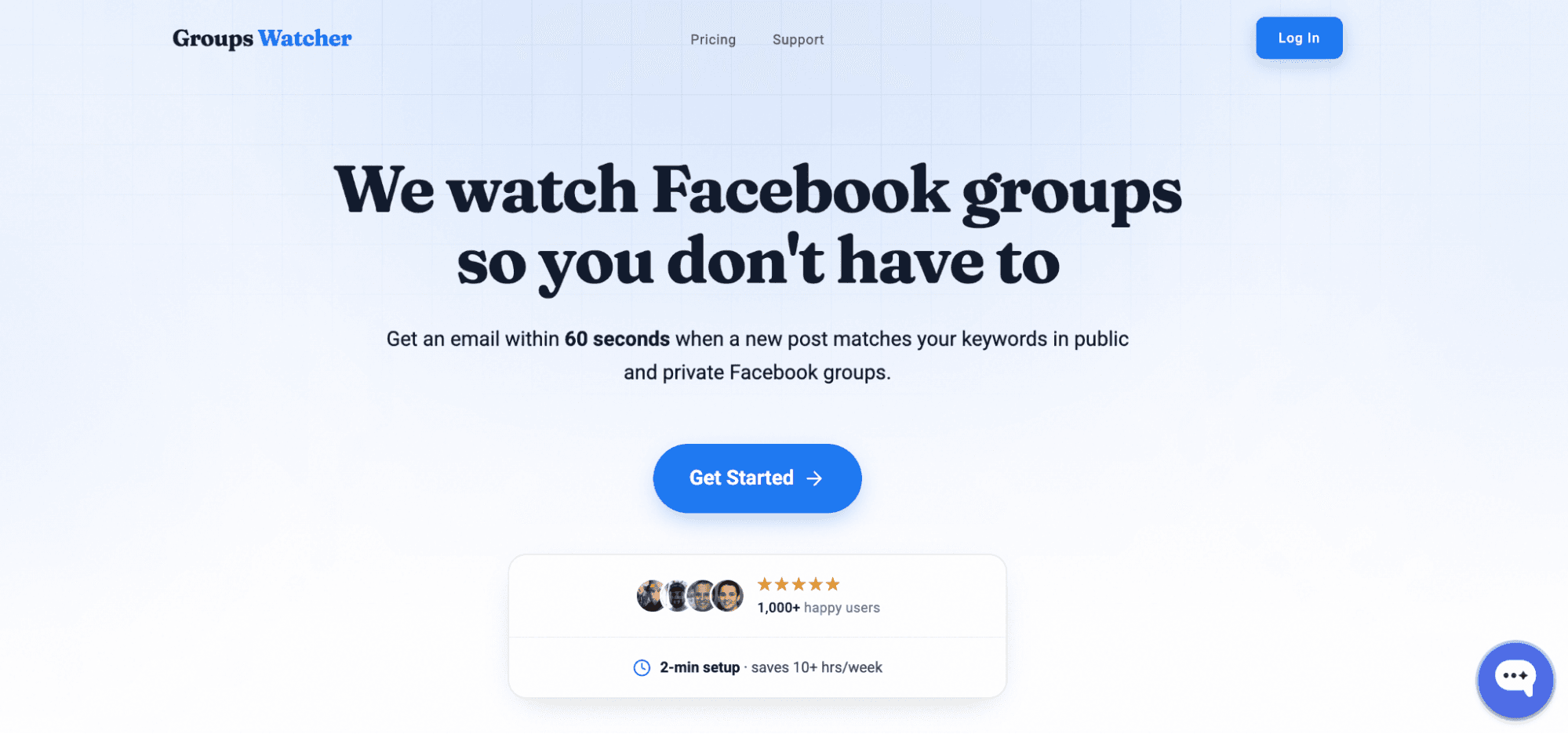
WithGroups Watcher, everything runs on its infrastructure, which means you don't need to use your own account, stay logged into Facebook, or keep a computer running all day.
Groups Watcher gives you several ways to track opportunities:
Receive alerts for every new post in selected private and public Facebook groups.
Choose keyword-based alerts for phrases such as "looking for," "recommend," or service-related terms.
Get alerts in under 60 seconds after a matching post appears.
Receive notifications through email, Slack, Discord, Teams, SMS, or webhooks.
Track groups even if you aren't an admin or member.
Create automatic comment templates that post when selected keywords trigger an alert, which helps you reach discussions before they fill with replies.
Choose between every-post monitoring or highly relevant alerts based on intent and context.
It also reviews context, which helps surface recommendation requests, local service opportunities, and buying discussions that deserve attention.
Sorting through unrelated posts takes time away from meaningful conversations. Try Groups Watcher to focus on the signals that fit your goals!
FAQs About Facebook Group Lead Monitoring
What is the Facebook 20 rule?
The Facebook 20% rule refers to a long-standing guideline that promotional content should make up no more than about 20% of your activity, while the remaining 80% should focus on useful, educational, or engaging content.
Facebook no longer enforces a formal 20% rule, but the principle remains popular in social media marketing.
How to monitor a Facebook group?
You can monitor a Facebook group by tracking new discussions, recommendation requests, competitor mentions, and keywords related to your business.
Manual monitoring works for a few groups, but larger setups often require a monitoring platform that watches conversations and sends alerts when relevant posts appear.
How to check leads in Facebook?
You can check leads through Facebook Lead Ads by opening Meta Business Suite or Ads Manager and reviewing submitted lead forms.
Ready to get more leads from Facebook groups?
Book a demo and see how Groups Watcher can turn Facebook groups into a lead source for your business.
Book a demo