7 Best Online Market Research Tools to Use in 2026
Market research gets much easier when you know where to find useful information.
You can study survey responses to learn what customers say, check search data to see what interests them, or review online conversations to find common questions and problems. Other tools show competitor traffic, market trends, and industry data.
Each source tells you something different about your target audience.
In this article, you’ll learn about the top seven online market research tools, the type of data you can get, and when each option makes sense.
TL;DR
The following are the seven best online market research tools in 2026:
Groups Watcher: Best for Facebook Group Market Research
GWI: Best for Consumer and Audience Research
SurveyMonkey: Best for Online Surveys
Similarweb: Best for Competitor and Digital Market Research
Google Trends: Best Free Tool for Search Trends
Statista: Best for Market Statistics and Industry Data
AnswerThePublic: Best for Customer Question Research
What Types of Data Can Online Market Research Software Collect?
Online tools support several market research methods, and each type of market research data answers a different question about customers, competitors, or demand.
Quantitative Data
Quantitative data answers questions like “How much?” or “How many?” It uses numbers that you can compare, count, and turn into charts.
Survey data collection may cover satisfaction scores, purchase frequency, preferred prices, or demographic data such as age, location, income, and job title.
Get high intent leads from Facebook groups.
Turn Facebook groups into a lead source for your business. Book a demo to see if it fits.
Book a demoFor example, you could ask 1,000 customers to rate a service from 1 to 10. Data analysis can show the average score and how answers differ between customer groups.
Qualitative Data
Qualitative research gets into the “why” behind a person’s choices. It covers descriptive feedback such as text answers where customers explain frustrations, experiences, needs, or suggestions in their own words.
Reviews and online discussions can provide another source of unprompted opinions. Sentiment analysis helps sort large amounts of written feedback based on positive, negative, or neutral tone.
You can then track customer sentiment and find repeated complaints or praise that deserve a closer look.
Behavioral Data
Behavioral data shows what people actually do rather than what they say they do. Website tools can record clicks, page visits, exits, and time spent on a page. Store data can show purchases, abandoned carts, and products people often buy together.
These actions can reveal consumer behavior patterns that surveys may miss. Search activity adds clues about topics and products people look for.
When you compare these actions with direct feedback, you can get stronger consumer insights into how customer opinions relate to real choices.
Firmographic and Competitor Data
Firmographic and competitor data looks outward at other businesses and the wider market. B2B research tools may provide company size, industry, revenue, location, and software use. Combining those details gives you comprehensive data for comparing business groups.
Competitor tools can add estimated website traffic, search visibility, referral sources, and advertising activity. For instance, a company could see that a rival gets a large share of visits from organic search, then study the search terms tied to that traffic.
7 Best Tools to Conduct Market Research in 2026
These are the seven best market research tools to match your specific business goals:
1. Groups Watcher: Best for Facebook Group Market Research
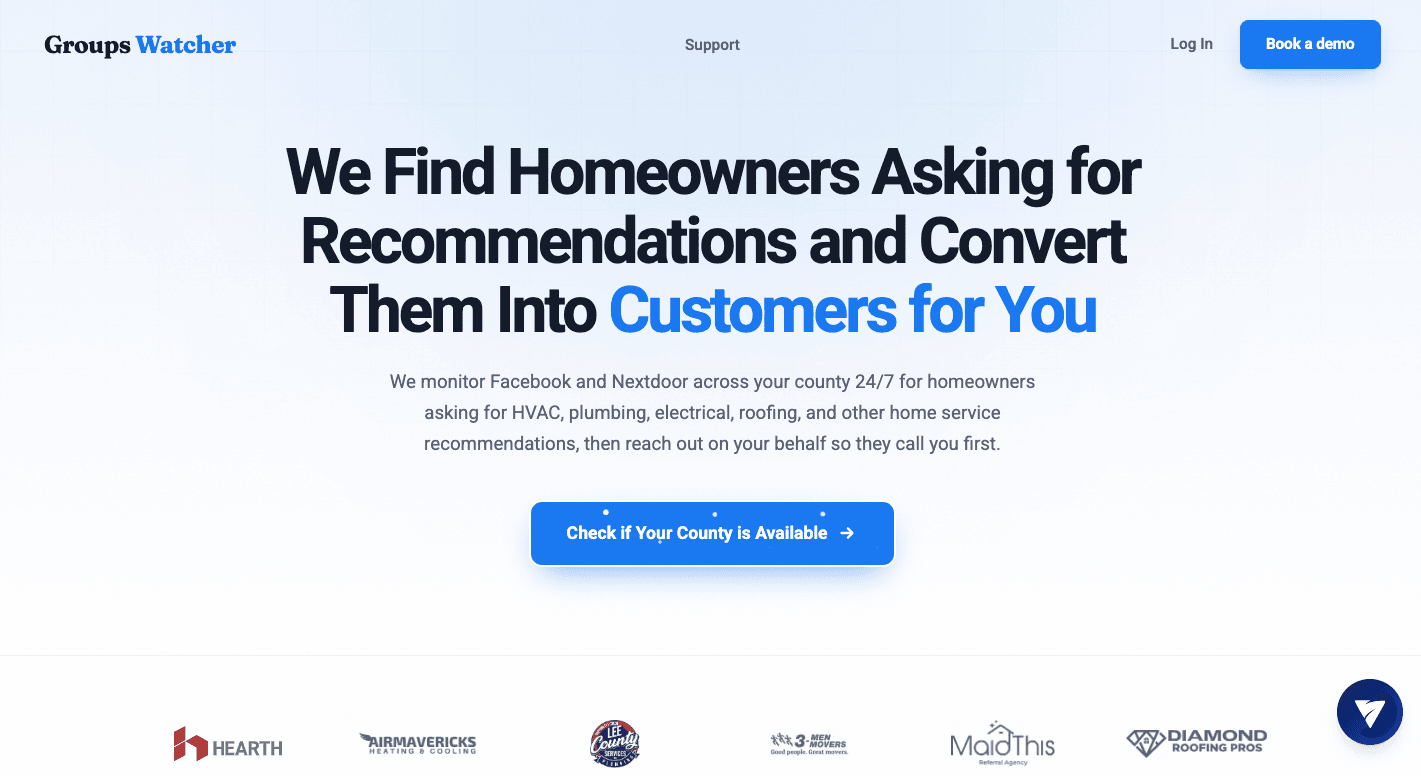
Groups Watcher monitors your selected Facebook groups 24/7 for new posts related to the topics you want to research.
You provide the Facebook group URLs, then set keywords, intent phrases, and exclusions. These could include brand names, competitor names, products, customer problems, recommendation phrases, or industry terms.
Groups Watcher checks new posts and uses AI-based relevance scoring to find conversations that fit your intent. You don’t need to give your Facebook account or have admin access.
Relevant alerts arrive within 60 seconds through email, Discord, Slack, Teams, SMS, or webhooks. You can open the post to read the full discussion and see how people talk about the topic.
Key Features
24/7 Facebook group monitoring - Groups Watcher monitors the public and closed Facebook groups you provide for new posts, so you don’t have to keep checking each group yourself.
Keyword and intent alerts - Set keywords and intent phrases for the topics you want to follow. Add exclusions to remove unrelated posts that contain similar terms.
AI-based relevance scoring - Groups Watcher checks the context of new posts to find conversations that match your intent instead of relying only on whether a keyword appears.
No Facebook account or admin access required - You provide the Facebook group URLs you want monitored. You don’t need to send your Facebook account or have admin access to those groups.
Every new post monitoring - Choose to receive every new post from selected groups when you want to follow all discussions instead of filtering by keywords.
Automatic comments - Set predefined replies for relevant posts. Groups Watcher can automatically post your chosen response after a match, so you’ll be one of the first businesses to respond when a new request appears.
2. GWI: Best for Consumer and Audience Research
Source: gwi.com
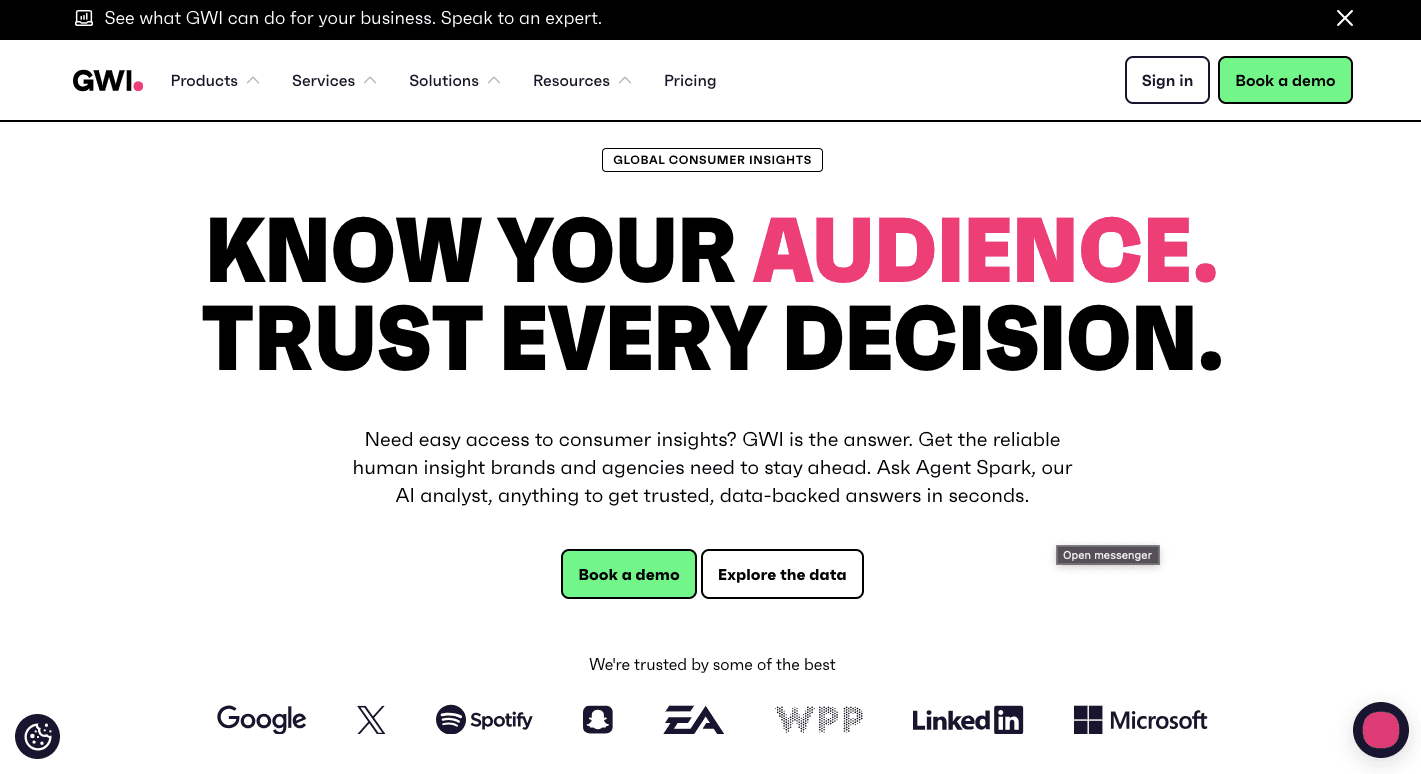
GWI, formerly known as GlobalWebIndex, is a subscription-based consumer research and audience insights platform.
Most tools can tell you basic facts such as age, location, or gender. GWI goes further by connecting those details with personal values, interests, shopping habits, brand choices, and media use.
For example, you could study Gen Z coffee drinkers in the UK who care about climate change and use TikTok to find new brands. You can then compare what that group buys with what they believe or where they spend time online.
Since GWI uses consistent survey methods in more than 50 markets, it’s easier to compare consumer groups between countries. You can gain deeper insights without treating every person in one age group as the same type of buyer.
Key Features
Audience builder - Build detailed groups from demographics, interests, attitudes, shopping habits, media use, and brand preferences.
GWI Spark - Type a plain-English question such as “What social media platforms do eco-friendly shoppers use?” Spark searches GWI’s consumer data and returns an answer based on the available research.
Instant charts - Turn research findings into visual charts that you can share with a team or add to a presentation without building each chart by hand.
Dashboards and crosstabs - Compare several audience groups to see how their purchases, interests, attitudes, or media habits differ.
Global consumer data - GWI uses consistent survey methods in more than 50 markets. Researchers can compare consumer groups from different countries using data collected under the same research framework.
Brand tracking - Follow changes in brand awareness, consideration, and other measures over time to see how customer views change.
3. SurveyMonkey: Best for Online Surveys
Source: surveymonkey.com
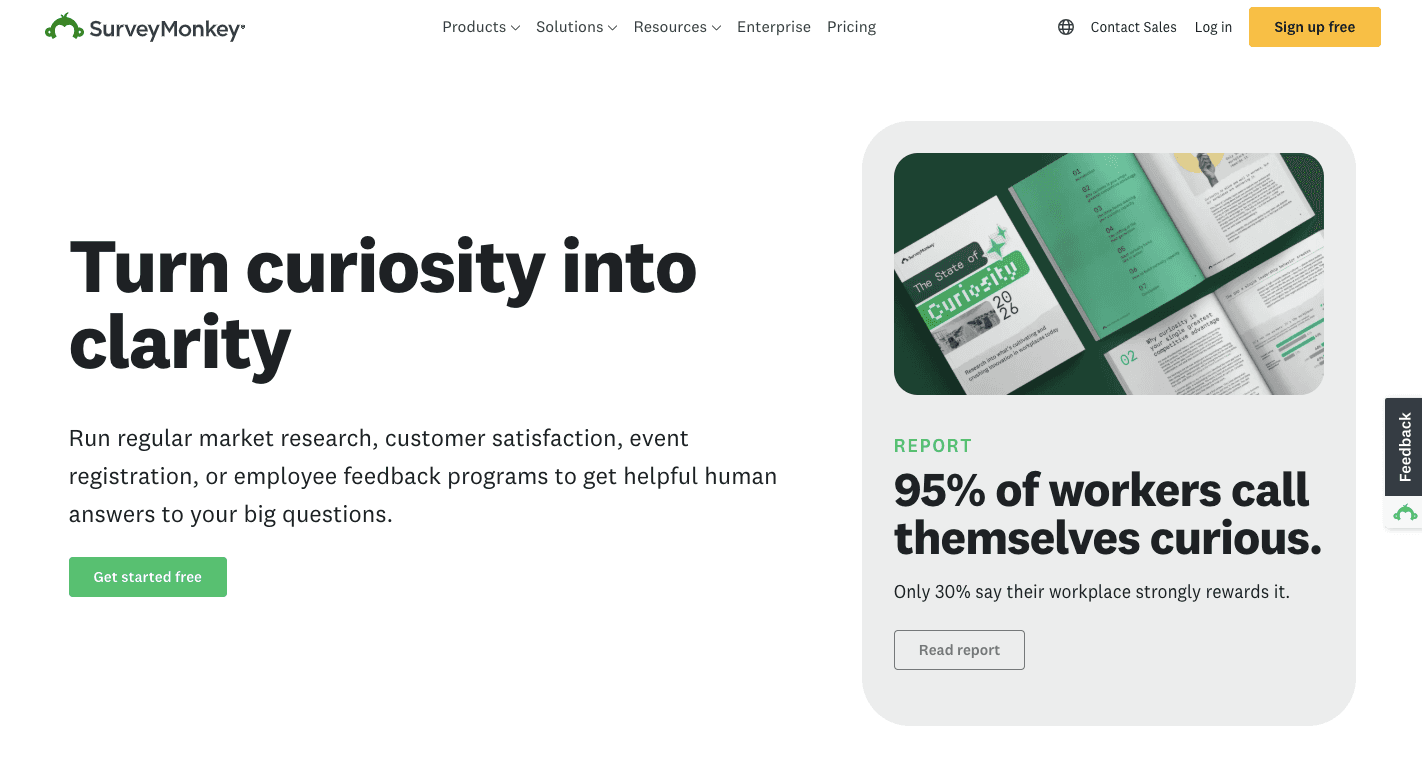
SurveyMonkey is an AI-powered online survey platform. It gives you a simple way to design a market research survey, collect answers, and review the results as they arrive.
Finding the right research participants can be harder than writing the questions. SurveyMonkey Audience helps with that step through a global panel of more than 335 million people in over 130 countries.
You can buy survey responses from a group that matches traits such as age, location, income, or behavior. For example, a company could request answers from California mothers who own electric vehicles and earn more than $75,000.
The dashboard then brings the survey data together for analysis.
Key Features
SurveyMonkey Audience - Choose demographic or behavior filters to run targeted surveys.
SurveyMonkey Genius - Reviews your draft as you create surveys. It can suggest clearer wording, flag possible bias, estimate completion time, and point out errors before launch.
Survey templates - Start with more than 500 pre-built survey templates and an expert question bank. These resources can help you create engaging surveys without writing every question from scratch.
Survey Logic - Skip logic changes the questions someone sees based on earlier answers. It makes conducting surveys easier since people don’t have to answer questions that don’t apply to them.
MaxDiff and TURF analysis - MaxDiff can show which product features people value most. TURF can test which mix of options, such as flavors or colors, reaches the largest number of unique buyers.
Text analysis - SurveyMonkey uses machine learning to group written feedback and find common themes.
4. Similarweb: Best for Competitor and Digital Market Research
Source: similarweb.com
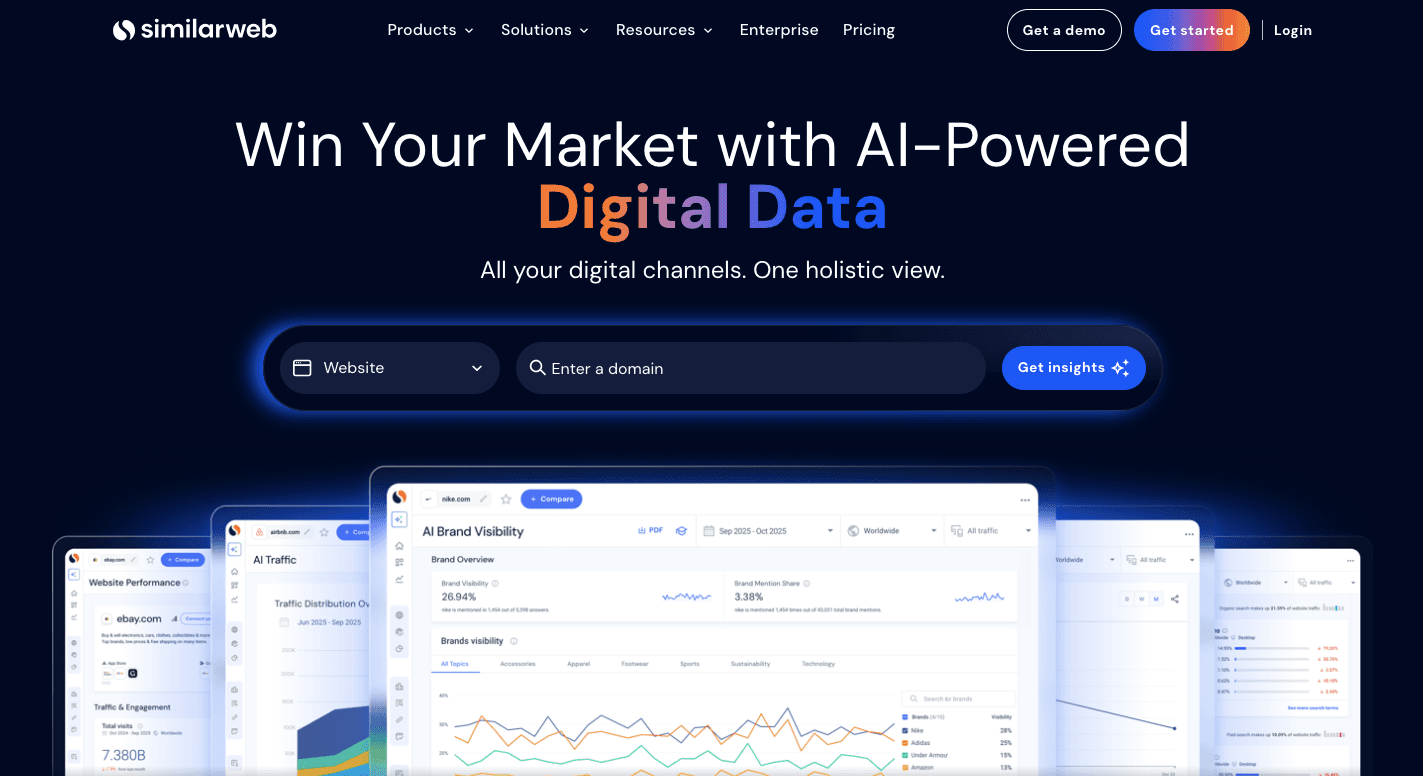
Similarweb is a digital analytics platform that estimates how much traffic other websites receive, where their visitors come from, and how people use those sites.
Normally, your analytics only show activity on websites you own. Similarweb gives you competitive intelligence about other companies without access to their private accounts.
Type in a competitor’s domain and you can check estimated monthly visits, visit length, pages viewed, and traffic channels. Those sources can show how your target market reaches a rival through Google, paid ads, referrals, or social media.
You can then use that market intelligence to see where a competitor gets most of its online attention and where your company may have room to compete.
Key Features
Traffic and engagement - Check estimated monthly visits, visit duration, pages per visit, and traffic changes over time.
Keyword gap - Use keyword research to identify search terms that drive visitors to competing sites but don’t give your website the same visibility.
Audience analysis - Review age, gender, and cross-browsing data to learn who visits competitor websites and which other sites interest those people.
Device analysis - Compare desktop and mobile traffic to analyze data on how visitor activity changes between devices.
Custom markets - Group competing websites into one industry view instead of checking each domain separately.
AI search intelligence - Compare how often your brand and competitors appear in supported AI search tools when people research relevant topics or products.
5. Google Trends: Best Free Tool for Trends Research
Source: trends.google.com
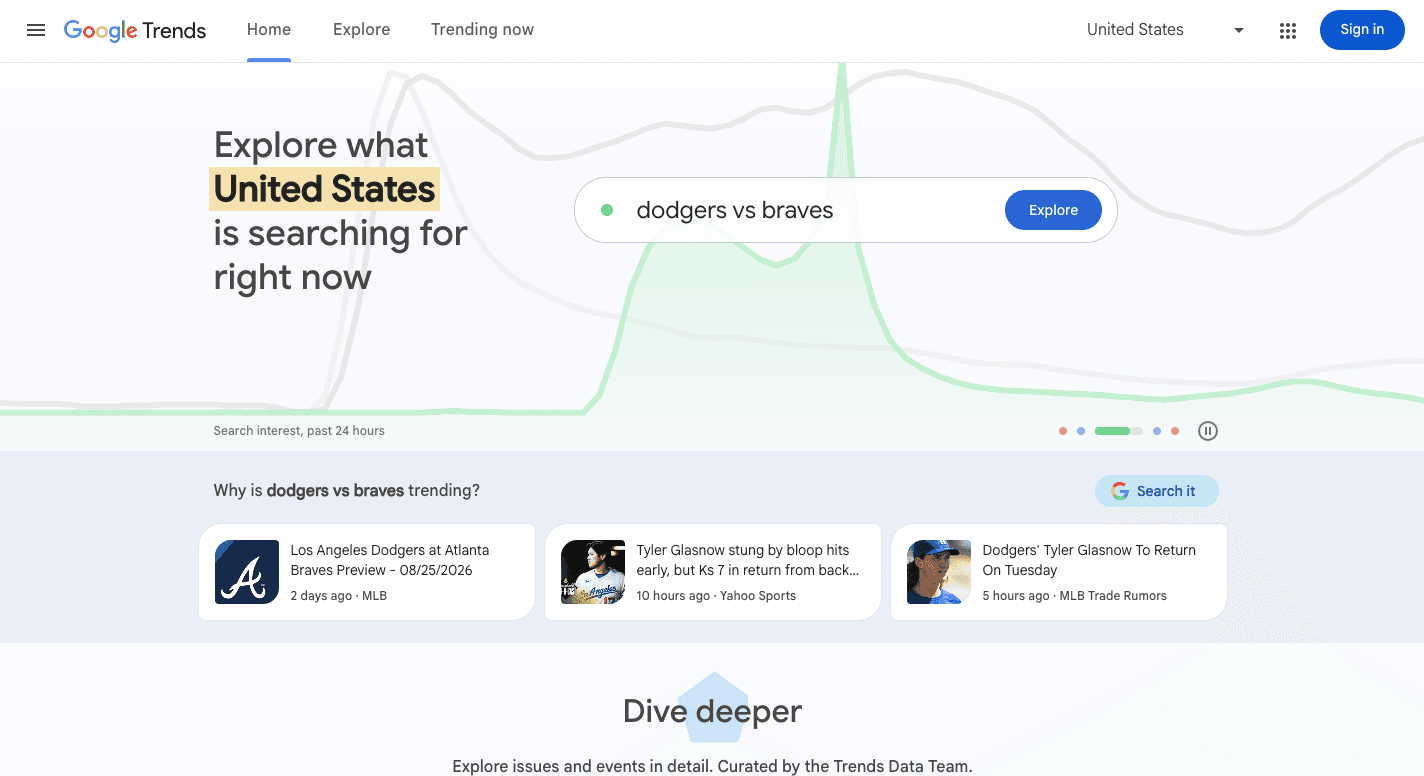
Google Trends is a free Google tool that shows how search interest changes over time. It uses a sample of Google search data and converts interest into a scale from 0 to 100. A score of 100 marks a term’s peak popularity for the selected place and period.
Looking at several years of activity can help you identify trends that last longer than a sudden spike. You can study market trends from 2004 onward, compare products or brands, and see where interest is strongest.
Those views make Google Trends useful for early market analysis before you spend money on a new product or campaign.
Key Features
Interest over time - View search interest from recent hours to 2004 onward. Longer periods can show whether demand grows steadily, follows a seasonal cycle, or rises briefly before falling.
Term comparison - Compare up to five terms or topics on one graph. The results show how various market trends change relative to one another over the same period.
Interest by region - See where a term has stronger relative interest by country, region, or available metro area.
Related topics and queries - Find other subjects and searches connected to your term. Rising results can point to topics that have recently gained attention.
Seasonality - Check several years of history to find repeated peaks.
Search type filters - Switch between Web Search, Image Search, News Search, Google Shopping, and YouTube Search to study interest in the channel that fits your research.
6. Statista: Best for Market Statistics and Industry Data
Source: statista.com
Statista is a business intelligence platform that brings together statistics, market forecasts, consumer studies, and company information in a single searchable database. It covers more than 80,000 topics from over 22,500 sources, which saves you from searching through separate government databases, research reports, and company sources yourself.
You can look up the size of an industry, compare consumer habits between countries, or check economic indicators before entering a new market. Statista provides valuable data on more than 60 million public and private companies as well.
Each statistic includes source information, which lets you check where the number came from before you use it in a report or business decision.
Key Features
Market insights - Check revenue, user numbers, growth rates, and forecasts for industries such as consumer goods, technology, digital media, and mobility.
Consumer insights - Study buying habits, brand preferences, media use, and lifestyle choices through survey-based consumer information from different countries.
Industry dossiers - Statista’s research teams collect key charts and statistics about one topic into ready-made reports, which saves you from finding each source separately.
Company insights - Search company revenue, rankings, business metrics, and other available information when you need background on competitors or potential markets.
Country profiles - Review inflation, income, employment, digital access, and other economic indicators before researching a new geographic market.
Research AI - Ask a question in plain English and get a summary based on information in Statista’s database, with links back to the related source data.
7. AnswerThePublic: Best for Customer Question Research
Source: answerthepublic.com
AnswerThePublic is a search listening tool that shows the questions and phrases people type into search engines.
Enter a broad topic such as “electric cars,” and its easy-to-use interface turns related searches into visual groups. You may find questions about price, charging, battery life, or comparisons with hybrid cars.
Those searches can provide actionable insights into problems, interests, and buying questions that deserve more research.
It can cover Google and other supported sources, including video-focused social media channels. Marketers can gain actionable insights from these patterns without assuming that search activity represents every customer.
Key Features
Questions wheel - Groups searches around question words such as who, why, when, where, and how. A skincare search might reveal questions about product order, ingredients, or skin problems.
Prepositions wheel - Finds phrases built around terms such as “for,” “with,” and “near.” These searches can show specific needs, such as “skincare for sensitive skin.”
Comparison wheel - Pulls searches where people compare products, brands, or options. Queries such as “electric cars vs hybrids” can show alternatives customers consider before a purchase.
Search source filters - Let you study searches from supported platforms to see how questions change between standard search, video, and shopping-focused sources.
Reverse domain analysis - Enter a competitor’s domain to find topics and questions related to its website. You can use those findings to spot areas worth researching for your own content.
Visual reports - Turn groups of related searches into question wheels and charts, making repeated topics easier to find than they would be in a long list of phrases.
How Do You Choose the Best Online Market Research Tool for Your Business?
To choose the best research tool for you, do the following:
Step 1: Define the Question You Need to Answer
Clear research objectives keep you from paying for features that don’t answer your main question.
A survey platform makes sense when you need direct customer opinions. Similarweb fits competitor traffic research, and Google Trends helps with changes in search interest. Groups Watcher, on the other hand, works for Facebook group market research.
Your research goals shape the entire research process. It tells you what information to collect and which source fits the job.
The right platform can turn raw numbers or customer feedback into meaningful insights that answer a specific business question.
Step 2: Match the Tool to Your Budget and Research Size
Research software ranges from free public tools to larger business platforms. Small companies can find valuable insights through free sources.
Larger research teams may need broader datasets, multiple languages, or tools that support studies in several countries. Your budget should match the amount of research you actually need.
Paying for more data only makes sense when that information helps you make a specific choice.
Step 3: Check How the Tool Helps You Read the Data
Data visualization can turn large sets of numbers into graphs that make changes easier to see. Some visualization tools use AI to create charts from plain-English questions.
Other features handle written feedback or organize collected data for later review. Clear reports can reveal interesting insights, such as other websites your audience visits.
These features save time only when they reduce a real task your team would otherwise handle by hand.
Step 4: Check Where the Information Comes From
Survey tools tell you what people say, and focus groups can explain why they feel that way. Search and website tools show digital actions. Combining direct answers with observed behavior can produce stronger data-driven insights than relying on one source alone.
Community and social media monitoring tools can follow relevant conversations on social media sites. Geographic filters may provide targeted insights about a city or region.
Knowing the source helps you judge what the finding can actually tell you.
Step 5: Match the Tool to the Decision You’ll Make
Research only helps when it connects to a real choice. Competitor traffic can support data-driven decision-making about where to spend a marketing budget. Meanwhile, search patterns can show changes in market dynamics, and customer feedback can guide product changes.
Research from search, surveys, communities, or competitor websites can shape different marketing strategies. Choose the source that matches the decision you need to make.
Make Facebook Groups Part of Your Market Research With Groups Watcher
Different Facebook group types can show how people describe problems, compare options, ask for recommendations, and talk about brands. Groups Watcher helps you monitor these conversations without checking group feeds yourself.
Provide the Facebook group URLs you want monitored, then choose keywords, intent phrases, and exclusions. Groups Watcher monitors your selected public and private Facebook groups 24/7 and uses AI-based relevance scoring to find posts that fit your intent.
Alerts arrive in your email, Discord, Slack, Teams, SMS, or webhooks within 60 seconds. You can open the post and study the discussion. You can also set automatic comments, which helps you be one of the first businesses to respond.
Stop checking Facebook groups one by one. Research what your audience is asking for in 60 seconds!
FAQs About Online Market Research Tools
What are some online tools for market research?
Useful online market research tools include Groups Watcher, GWI, SurveyMonkey, Similarweb, Google Trends, Statista, and AnswerThePublic. Each covers a different need, such as Facebook group research, surveys, audience data, competitor traffic, search trends, or industry statistics.
What are the top 10 market research tools?
Ten popular market research tools include Groups Watcher, GWI, SurveyMonkey, Similarweb, Google Trends, Statista, AnswerThePublic, Qualtrics, Semrush, and Typeform. The right choice depends on the type of data you need.
Can ChatGPT do market research?
Yes. ChatGPT can help organize research questions, summarize information, compare findings, analyze provided data, and research current information when web access is available.
For specialized data, you may still need dedicated sources such as survey panels, traffic databases, or Facebook group monitoring.
What is the best free tool for market research?
Google Trends is one of the best free tools for market research. It lets you compare search interest, study changes over time, find related queries, and see where a topic has stronger relative interest.
Ready to get more leads from Facebook groups?
Book a demo and see how Groups Watcher can turn Facebook groups into a lead source for your business.
Book a demo