Top 5 Qualitative Research Tools in 2026

Get Facebook group alerts in 60 seconds.
Groups Watcher finds the leads in your Facebook groups and sends them to you in 60 seconds, before your competitors reply, without using your Facebook account. 7 day trial for $1 with full features.
Start your $1 trialEvery research project starts with information. You might collect interviews, focus groups, survey data, or customer comments.
After a while, that information becomes difficult to sort by hand. Qualitative data analysis software keeps everything in one place and helps you group similar responses.
In this article, you'll find the top qualitative research tools, categorized in different use cases, so you can easily find the one that suits you best.
TL;DR
These are the five best qualitative research tools in 2026:
Groups Watcher – Best for Market Research in Facebook Groups
NVivo – Best for Academic and Graduate Research
MAXQDA – Best for Mixed-Methods Research
ATLAS.ti – Best for Large-Scale Qualitative Analysis
Dovetail – Best for Customer Interviews and UX Research
What Types of Qualitative Data Can These Tools Analyze?
Every research project collects different types of information. Some qualitative researchers have such diverse needs that one study may include interviews, photos, recordings, reports, and survey responses at the same time.
You might need to collect words, pictures, sounds, and stories instead of numbers to make sense of your unorganized raw data. The software handles all the unstructured information and unique qualitative data collected during your fieldwork.
Here are the most common types of data these tools can analyze, depending on the tool itself:
Written Text
Written text is the most common source for qualitative research. The software takes your long text files and allows you to highlight phrases inside typed interview transcripts.
Get Facebook group alerts in 60 seconds.
Groups Watcher finds the leads in your Facebook groups and sends them to you in 60 seconds, before your competitors reply, without using your Facebook account. 7 day trial for $1 with full features.
Start your $1 trialYou can easily tag phrases and find patterns in group discussions from focus groups. Many platforms also let you upload files directly from standard word documents such as Microsoft Word (.docx), Rich Text (.rtf), OpenDocument (.odt), and plain text (.txt).
Audio and Video Recordings
Interviews, classroom sessions, podcasts, and recorded meetings often stay in their original format.
Advanced tools let you listen, watch, and tag multimedia audio and video files directly. You can mark a specific part of a recording, add a code, and return to that exact moment later.
Documents and Reports
Some systems let you import academic papers, government reports, company files, and online news articles.
Built-in programs can automatically scan your documents to perform text analysis, which helps you find repeated words or common topics before you begin manual coding.
Personal Records and Field Notes
Some projects follow people over weeks or months. Certain tools work perfectly for tracking personal thoughts kept by participants during long diary studies.
Scholars can easily upload field journals recorded during participant observation. You can choose to write down and attach detailed notes directly to any sentence, paragraph, image, or recording.
Survey Responses and Online Content
Open-ended surveys often produce hundreds or even thousands of written answers. The software easily reads text responses from digital survey data and gives you an organized layout to review all your collected interview data.
Some platforms even pull in thousands of public comments to study online social media data, which helps researchers compare conversations from different sources.
Mixed Research Projects
There are studies that combine written responses with numbers such as age, income, or survey scores. These specific platforms handle both qualitative and quantitative data inside a single project.
That setup works well for interview studies that compare personal experiences with numerical results.
5 Best Qualitative Research Tools by Use Case
Choosing the right qualitative data analysis tools depends heavily on your specific project goals.
1. Groups Watcher: Best for Market Research in Facebook Groups
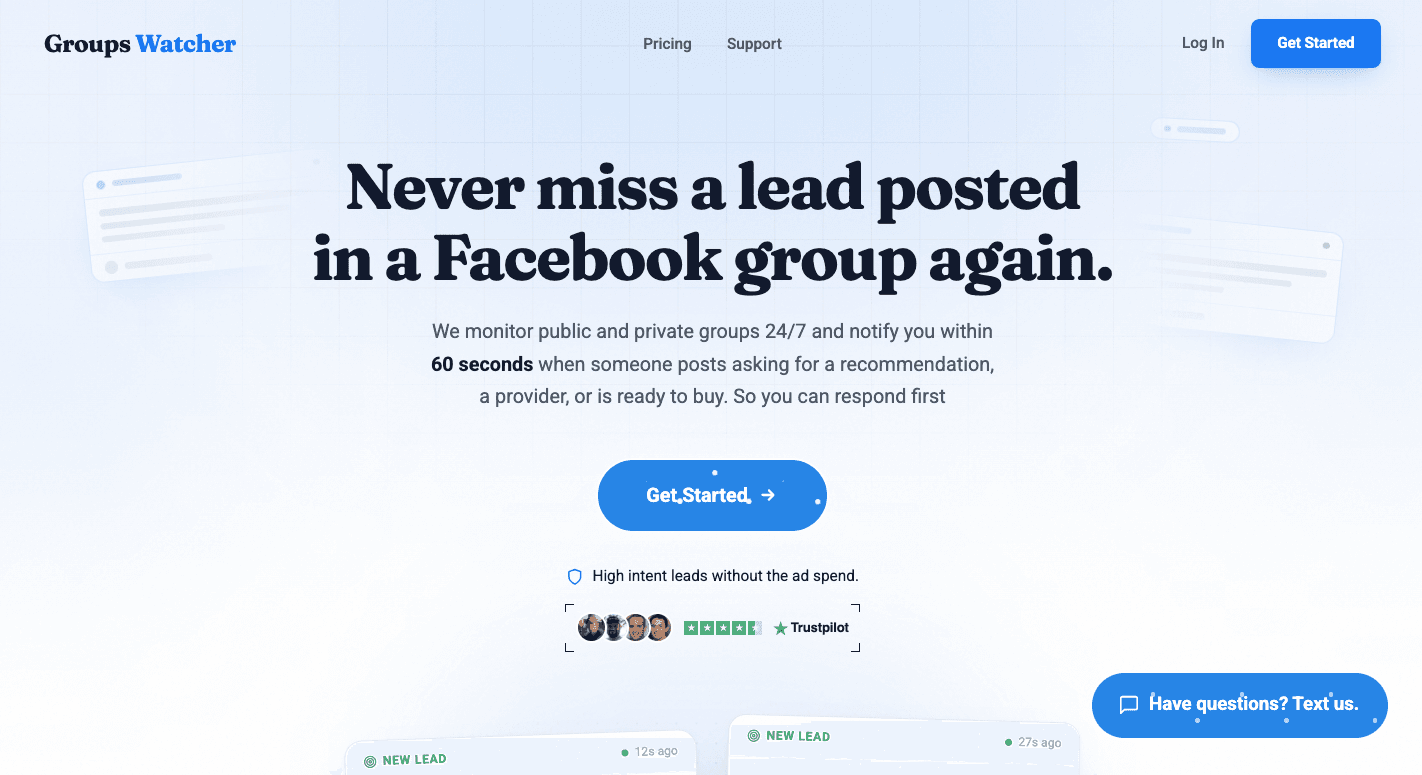
Groups Watcher helps researchers collect real conversations from Facebook groups. You can monitor industry communities, local groups, and niche discussions to find customer questions, recommendations, feedback, and buying signals.
Give Groups Watcher your group links, describe the posts you want to be alerted about, choose whether you want alerts for every post or only keyword matches, and receive notifications when new posts appear. It can send alerts in under 60 seconds through channels like email, Slack, Discord, Teams, SMS, and webhooks.
You don't need to keep a browser extension open because monitoring runs on Groups Watcher's side. Public and private groups are supported, and you don't need admin access to set up monitoring.
Researchers can use the platform to study online conversations before organizing findings with other qualitative research software. Local businesses, marketers, and community teams can use it to spot relevant posts early and respond while discussions are still active.
Key Features
Every post alerts - Monitor selected Facebook groups and receive notifications for every new post, not only posts chosen by Facebook notifications.
Keyword alerts - Track phrases like "looking for," "recommend," and "need help" to find posts that match your research or business goals.
Fast notifications - Receive matching posts in under 60 seconds with a direct link to the original post.
Multiple alert channels - Send notifications to email, Slack, Discord, Teams, SMS, or webhooks.
AI relevance scoring - Filter posts based on context and intent instead of relying only on exact keyword matches.
24/7 monitoring - Keep watching selected groups without manually checking Facebook throughout the day.
Stop refreshing Facebook groups. Let Groups Watcher monitor them for you and alert you when relevant posts appear!
2. NVivo: Best for Academic and Graduate Research
Source: lumivero.com
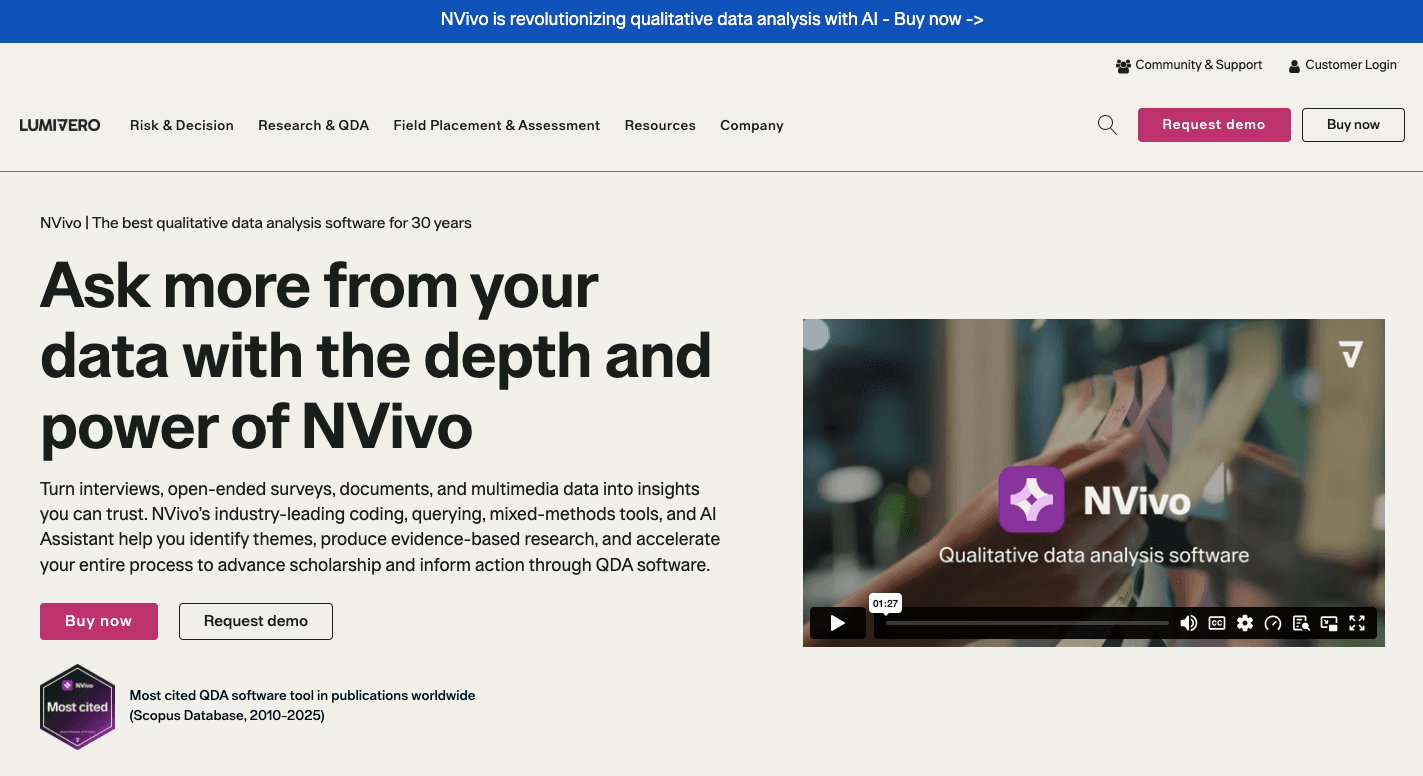
NVivo is a computer-assisted qualitative data analysis (QDA) software for students, professors, and academic researchers.
Many universities use it for master's theses, doctoral dissertations, and published studies. It is designed specifically for scholars who follow strict qualitative methods and need a clear record of every step they take.
Some of NVivo's basic functionality is that it lets you import interview transcripts, PDFs, survey responses, images, audio, videos, and other research files into one project. From there, you can highlight text or media clips and assign codes to organize similar ideas.
An audit trail records your actions throughout the research process, which many universities require when reviewing academic work.
Key Features
Data import - Add interview transcripts, PDFs, images, websites, survey responses, audio, and video to one project.
Coding tools - Create a basic code, organize parent and child codes, and review your coding process with colored stripes.
Search and queries - Find words, phrases, or coded passages and compare responses from different participant groups.
Visual maps - Build concept maps, charts, and word clouds to support thematic analysis and theory building.
Reference manager support - Connect with Zotero and other reference managers to match your existing workflow.
Large project support - Handle thousands of files with a database built for complex projects.
AI tools - Generate transcripts, summarize documents, and suggest codes to help you produce better research.
3. MAXQDA: Best for Mixed-Methods Research
Source: maxqda.com
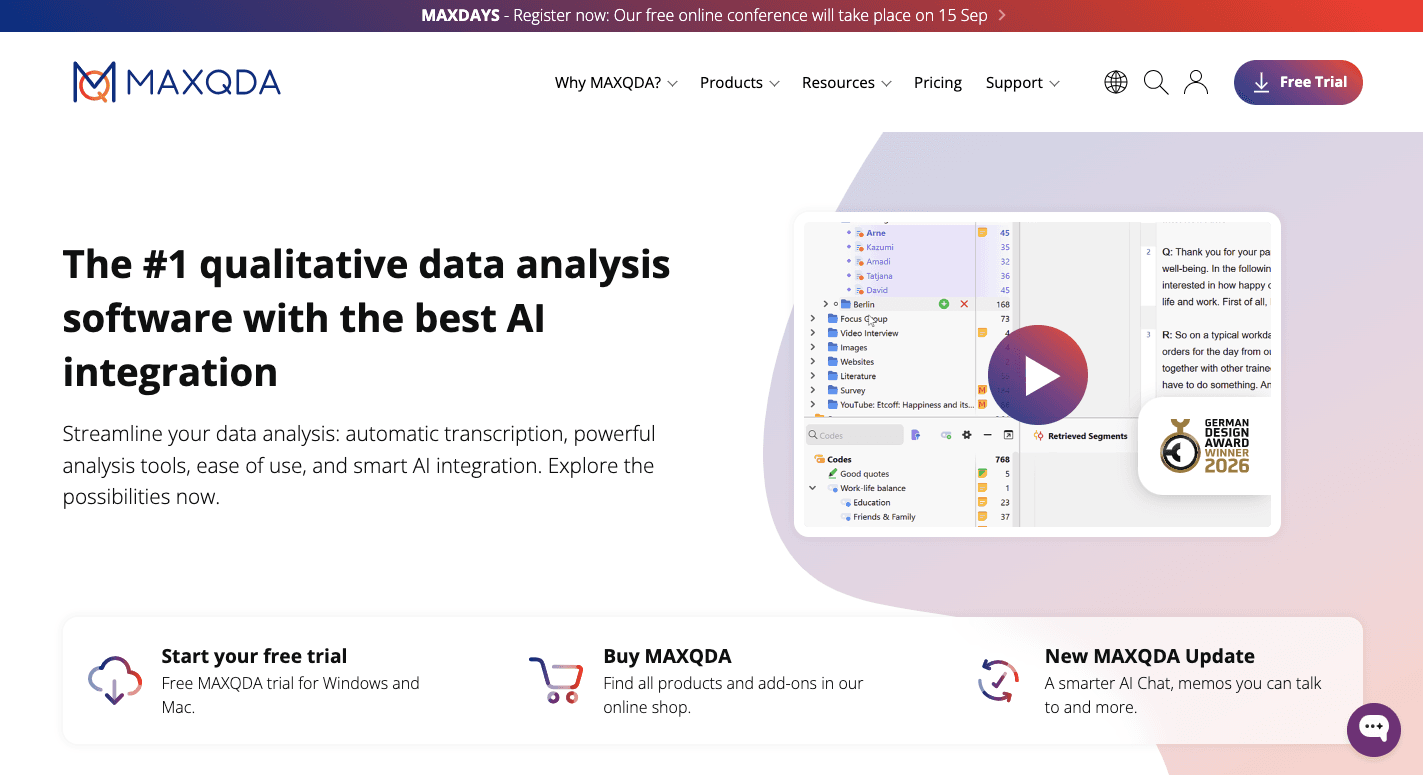
MAXQDA brings qualitative and numerical information together in one project. It is the preferred choice for scientists who combine multiple methods inside one study file.
Researchers can work with interviews, documents, spreadsheets, and survey results at the same time.
Many researchers choose MAXQDA for studies that combine different types of evidence. The worksheet layout is explicitly optimized for managing mixed methods projects. You can gather quotes, themes, tables, and numbers in one workspace before writing your findings.
Key Features
Four-window layout - Keep your documents, code list, active file, and results visible at the same time.
Statistics tools - Feature a built-in mathematical engine to run statistical analysis on text frequencies.
Number-based research - Move straight into advanced quantitative analysis without buying separate math programs.
Code charts - Turn your coded data into statistical charts with one click.
Visual maps - Built-in tools include colorful mosaic portraits that show themes in an easy-to-read format.
Media support - Code text, PDFs, spreadsheets, audio, and video from one project.
4. ATLAS.ti: Best for Large-Scale Qualitative Analysis
Source: atlasti.com
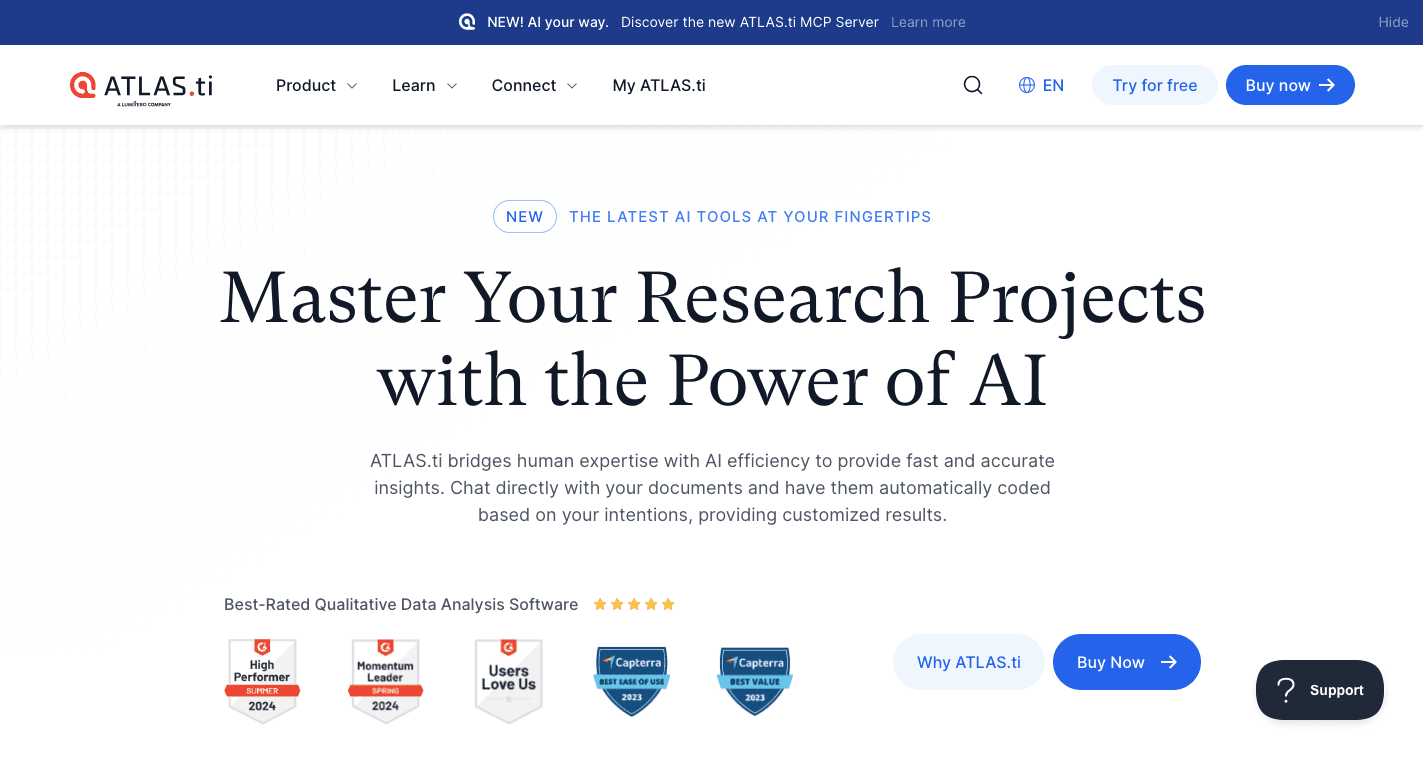
ATLAS.ti is a CAQDAS used by universities, research institutes, and global companies.
Large studies often include thousands of interviews, PDFs, reports, videos, survey responses, and images. Keeping everything organized becomes much easier when every file stays in one project.
You start by importing your research files into the Document Manager. Group them by age, location, department, or any category that fits your study.
Next, highlight important passages, create codes, and connect related ideas. Once coding is complete, query tools help you compare themes and build visual networks.
Unlike other tools, ATLAS.ti uses automated AI coding powered by ChatGPT. Enter your research goal, and the AI suggests matching codes from your documents.
You can even ask questions like, "Summarize what customers said about our new product," and receive an answer with linked citations.
Key Features
AI coding - Speeds up the first review process by suggesting codes that match your research goal.
Large project management - Store interviews, PDFs, surveys, images, audio, video, maps, and other files in one platform.
Automatic review - Run content analysis through hundreds of documents with built-in search tools.
Visual reports - Advanced features include Sankey diagrams and network views that show how codes connect.
Research tools - Built-in qualitative techniques include automatic sentiment analysis for large text collections.
Fast performance - Premium QDA tools stay responsive even when you load thousands of large PDFs.
Easy design - A simple interface and guided workflow help you keep your focus. Clear menus mean you rarely waste time searching for commands.
Sharing and help - Export projects to other software, work on straightforward projects or large studies, and contact support whenever you need assistance.
5. Dovetail: Best for Customer Interviews and UX Research
Source: dovetail.com
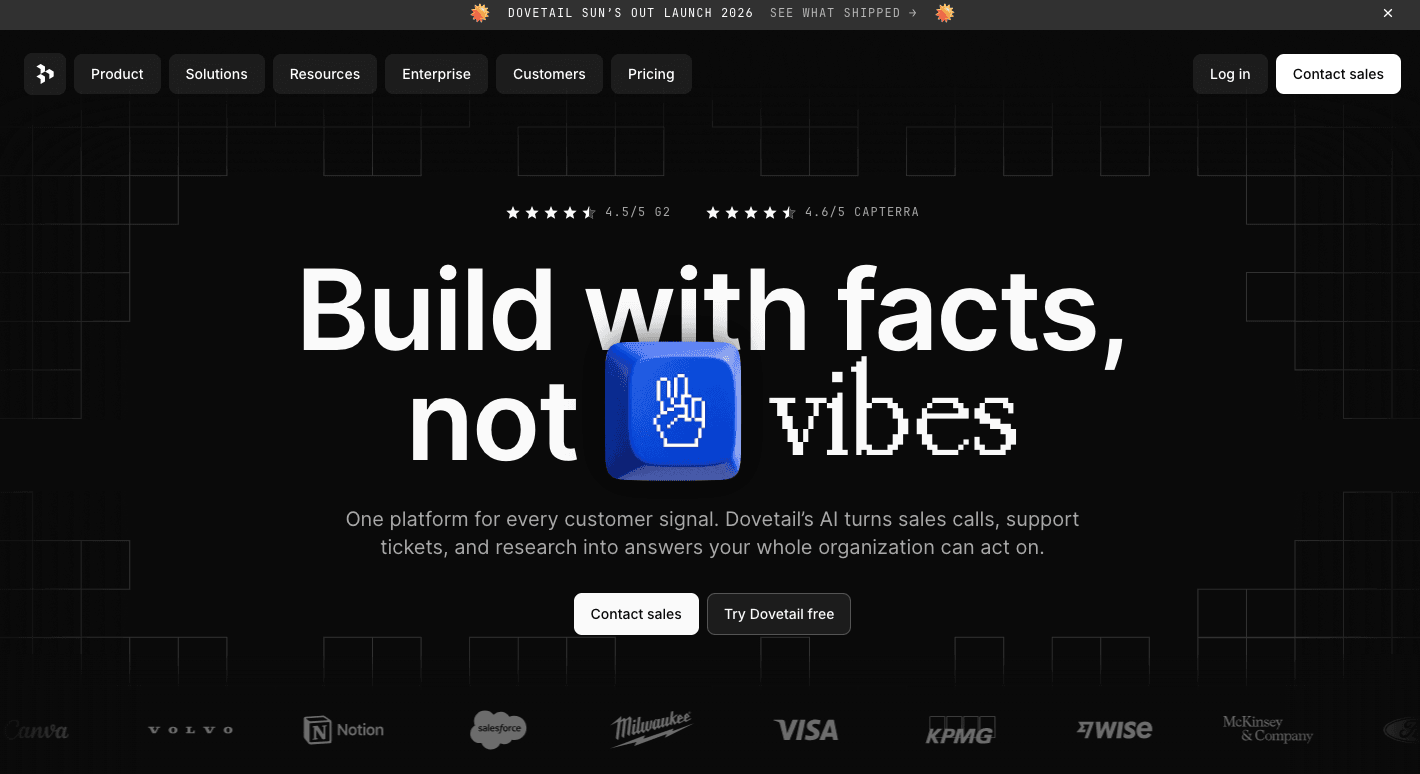
Dovetail is a web-based research platform built for UX teams, product managers, and customer research groups. You automatically pull in video calls, surveys, and notes using integrations with tools like Zoom, Google Calendar, and Zendesk.
After your files are uploaded, Dovetail turns recordings into searchable text. You highlight specific sentences where a customer describes a problem (like "I can't find the checkout button"), and tag that phrase with a keyword like "UI Issue."
The platform then collects similar quotes from different interviews, so you see repeated problems and common themes.
When you click on a tag (like "Pricing Complaints"), Dovetail automatically stitches together all the corresponding video snippets into a single playable video reel. You can share this reel directly with your engineering or leadership teams so they can watch users explain problems in their own words.
Key Features
AI transcription - Convert video and audio interviews into searchable text with speaker labels.
Video highlight reels - Combine customer clips from different interviews into one shareable video.
AI research search - Ask questions like "What features are our users requesting most?" and get answers with supporting quotes.
Team collaboration - Real-time collaboration features let product teams edit transcripts and organize findings together.
Slack integration - Dovetail allows you to tag the @Dovetail bot in Slack to pull customer evidence into conversations.
Research repository - Store past studies, interviews, and insights in one searchable library.
Participant management - An integrated contacts manager helps UX teams when recruiting participants for research sessions.
Customer feedback tracking - Product designers use Dovetail to review feedback about new mobile apps and product updates.
Gather Qualitative Insights From Facebook Groups With Groups Watcher
Facebook groups contain real discussions that can reveal customer questions, opinions, and needs. Manually checking multiple communities every day can become time-consuming, especially when you need to track new posts quickly.
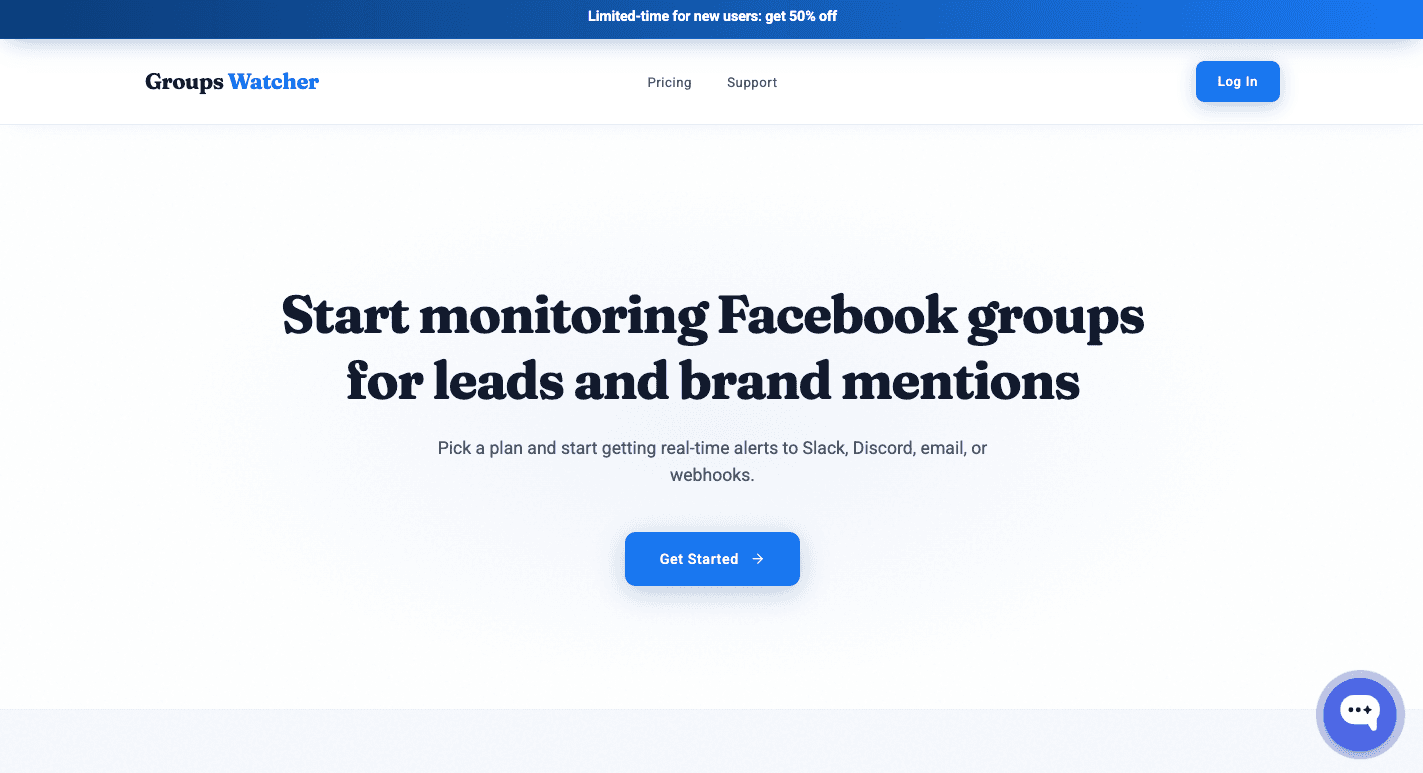
Groups Watcher handles the full monitoring process for you. It does the monitoring on your behalf, so there is no setup time needed on your end. All you have to do is provide the Facebook groups you want to watch, and Groups Watcher starts monitoring public and private groups for relevant posts.
When a matching discussion appears, you receive an alert in your preferred channel. You can respond while the conversation is still active and be one of the first to comment.
Groups Watcher gives you early access to important conversations without checking feeds all day.
Start using Groups Watcher and track all relevant posts 24/7!
FAQs About Qualitative Research Tools
What are the 7 types of qualitative research methods?
The seven common qualitative research methods are phenomenology, grounded theory, ethnography, case study, narrative research, historical research, and action research. Each method answers a different type of research question, so choose one that matches your study goals.
What is better than NVivo?
No single tool is better than NVivo for every project. MAXQDA works well for mixed-methods studies, ATLAS.ti suits large research projects, Dovetail fits UX and customer interviews, and Groups Watcher helps research teams collect discussions from Facebook groups before they begin analysis.
What are the 5 methods of qualitative research?
The five most common qualitative research methods are ethnography, phenomenology, grounded theory, case study, and narrative research. Each one follows a different research workflow, depending on the type of data you collect and the questions you want to answer.
Stop checking Facebook groups by hand.
Groups Watcher finds the leads in your Facebook groups and sends them to you in 60 seconds, before your competitors reply, without using your Facebook account. 7 day trial for $1 with full features.