How to Use Facebook Groups for Market Research

Get Facebook group alerts in 60 seconds.
Groups Watcher finds the leads in your Facebook groups and sends them to you in 60 seconds, before your competitors reply, without using your Facebook account. 7 day trial for $1 with full features.
Start your $1 trialBefore customers buy a product or service, they often discuss their options in online communities. Facebook groups capture these conversations and show what people care about before they make a decision.
You can use this information to understand customer concerns, identify trends, and improve your marketing.
In this guide, you’ll learn how to use Facebook groups for market research, collect useful insights, and apply them to your business strategy.
TL;DR
Learn how to use Facebook groups for market research by joining relevant groups, setting a goal, reviewing discussions, organizing findings, and monitoring conversations regularly.
Facebook group discussions help you understand customer pain points, buyer preferences, market trends, and competitor feedback.
Research can uncover customer complaints, feature requests, buying intent, product feedback, and emerging topics.
Groups Watcher automates Facebook group monitoring with AI powered alerts and notifications in under 60 seconds.
Why Use Facebook Groups for Market Research?
Facebook groups contain real conversations where people share problems, opinions, and buying decisions. You can use these discussions to understand customer needs, improve their offers, and learn what influences buyers before they purchase.
Find Real Customer Pain Points
Facebook groups help you find problems that customers talk about in their own words.
People often post when they feel frustrated, confused, or need advice from others. These conversations can reveal issues that may not appear in surveys or formal feedback.
If several members mention the same issue, it may show a common problem that affects many buyers. For example, customers may say they need “a simpler tool” or “better support” when discussing a product.
Businesses can search for phrases like:
Get Facebook group alerts in 60 seconds.
Groups Watcher finds the leads in your Facebook groups and sends them to you in 60 seconds, before your competitors reply, without using your Facebook account. 7 day trial for $1 with full features.
Start your $1 trial“I am so frustrated with...”
“Is anyone else struggling with...”
“Does a tool exist that solves...”
These phrases help companies find gaps they can address.
Understand Customer Language and Preferences
Customers often avoid formal business terms and use simple phrases based on their real experiences.
For instance, a company may describe a product as a “productivity solution,” but users may say they want “a tool that saves me two hours every day.” That difference helps you create messages that feel closer to what customers actually want.
Group discussions can provide ideas for content, product updates, and marketing campaigns. Reading posts and comments helps you understand your target audience and learn why people prefer one option over another.
Two-way conversations are especially useful because users explain their opinions, answer each other’s questions, and share personal experiences. You get more context than simple ratings or survey numbers.
Discover Market Trends and Emerging Topics
People often discuss new products, habits, and challenges before they become common in larger channels.
You can monitor conversations to see what topics appear often and measure how those discussions affect your Facebook marketing strategy.
Large communities can reveal shifts among millions of users. However, you should focus on meaningful discussions instead of posts created only for self-promotion or unrelated advertising.
Repeated conversations can point to new opportunities. A sudden increase in questions about a specific problem may show a need for a new product, service, or guide.
Analyze Competitor Mentions and Feedback
Facebook groups give you a way to understand how customers feel about competing products and services.
A company can watch customers discuss every major brand in its industry. Positive comments show what buyers like, while complaints reveal areas where competitors may fail.
Competitor discussions can explain why users leave another company. A customer may say they switched because of poor support, high prices, or missing features. These details let you understand what causes people to choose a different solution.
The comment section often provides more information than the original post. Users share personal experiences, recommend products, and answer questions from others.
Reviewing these replies can help a business understand what customers value before making a purchase decision.
How to Use Facebook Groups for Market Research
A clear process helps you find useful customer conversations and turn them into research findings.
Step 1: Find Relevant Facebook Groups
Find groups where your potential customers already share questions, problems, and opinions. Search for topics related to your industry, customer needs, or common challenges.
Look for active communities with regular discussions, helpful comments, and real member interaction. You can join groups with strong discussions and review their posts to see if they match your research goals.
Private groups can provide deeper customer insights because members often share more personal experiences. Public groups, on the other hand, can help you review conversations faster before requesting access.
Step 2: Define Your Research Goals
Decide what you want to learn before reading group discussions. A clear objective keeps your research focused and prevents you from collecting unrelated information.
Your goal may involve finding customer problems, improving content, studying competitors, or learning what features buyers want. Read the group rules first to understand what posts, questions, or promotions the community allows.
Keep your research focus on one problem. For example, rather than asking “What do customers think?” ask “Why do customers switch from one software tool to another?”
Step 3: Search for Relevant Discussions and Keywords
Use Facebook’s search features to find conversations related to your research topic. Built-in filtering tools can speed up data collection by helping you locate specific posts.
Search for phrases customers use when they need help, such as “looking for,” “recommend,” or “best alternative.” These terms can lead you to posts where people share buying needs or frustrations.
Review long comment sections because members often add more details after the original post. These replies can reveal valuable insights about customer opinions and experiences.
Step 4: Analyze Facebook Group Conversations
Reading posts is only the beginning. You need to review the words, emotions, and patterns in each discussion to understand what customers really need.
Group comments by themes such as complaints, feature requests, pricing concerns, or positive experiences. You can use a spreadsheet to manage notes and record important details.
Arrange your findings into a form that shows repeated problems and common preferences. A post with many similar replies may show a bigger customer issue worth addressing.
Step 5: Organize Facebook Group Research Findings
Store your findings in a single place so your team can review them easily. Record the original quote, post link, topic, and customer sentiment for each discussion.
Grade each community based on discussion quality and member participation. A group with helpful replies may provide better research than one filled with unrelated content.
Regular observation is essential for spotting changes in customer needs. Reviewing your notes every month can help you notice new topics, complaints, or product requests.
Step 6: Monitor Facebook Groups Consistently
Facebook group research works best when you check conversations regularly. Customer needs and market topics can change quickly, and new posts may reveal important information.
Review the main purpose of each post. Some users ask for recommendations, some look for services, and others share product experiences.
Tracking these discussions helps you understand what customers value most. Monitoring tools can further help spot relevant posts faster and reduce the need to check groups manually.
What Types of Insights Can You Find Through Facebook Group Research?
Looking at different types of discussions helps you understand what people need and why they make certain choices.
Customer Problems and Frustrations
People may share complaints such as “this tool keeps crashing” or “I can’t get help from customer service.”
These posts give valuable feedback for improving products and services. You can hear direct complaints about poor experiences and find repeated issues affecting buyers.
Review discussions from different groups to understand how each audience describes its problems.
Product Feedback and Feature Requests
Customers often share what they like, dislike, or want changed about a product. These conversations can show which updates users expect most.
Software users may request features, report confusing parts of a product, or explain missing functions they need, which can help you decide what improvements deserve attention.
Look at posts with strong engagement. When many people reply to a feature request, it shows that the topic connects with a larger group of users.
Buying Intent Signals
Facebook groups can reveal when someone is close to making a purchase. Look for posts where people ask for recommendations, compare options, or search for alternatives.
Those conversations can turn into a lead because the person already has a problem and wants a solution. Some users may ask, “What company should I hire?” or “What tool should I choose?”
Pay attention to comments where people explain their buying choices. These replies show what factors influence decisions, such as price, support, or ease of use.
Industry Trends
People often discuss new tools, habits, and concerns in niche communities.
Track conversations about new technology, changing buying habits, and shifts in customer preferences. For example, creators may discuss how platform updates affect their organic reach.
Users often share product suggestions with friends or ask for opinions before buying. Through these discussions, you can see when people move from an old website or service to a newer option.
How to Analyze Facebook Group Conversations for Market Research
Follow these practices to analyze discussions and turn them into useful research findings.
Track customer sentiment by reviewing whether consumers show frustration, excitement, or neutral opinions about a product, service, or topic.
Group similar comments into categories like product issues, feature requests, pricing concerns, and buying reasons to find repeated themes.
Read comment sections carefully because replies often contain deeper opinions, objections, and customer experiences that the original Facebook post doesn’t show.
Record the exact words customers use to describe their problems because their language can improve website copy, advertising, and content ideas.
Count how often a problem appears in different discussions to identify issues that affect more users.
Compare group discussions with your Facebook page data to understand the difference between public messaging and customer opinions.
Use research findings to inform product updates, create helpful content, and improve customer experiences.
Never Miss a Lead, Brand Mention, or Opportunity With Groups Watcher
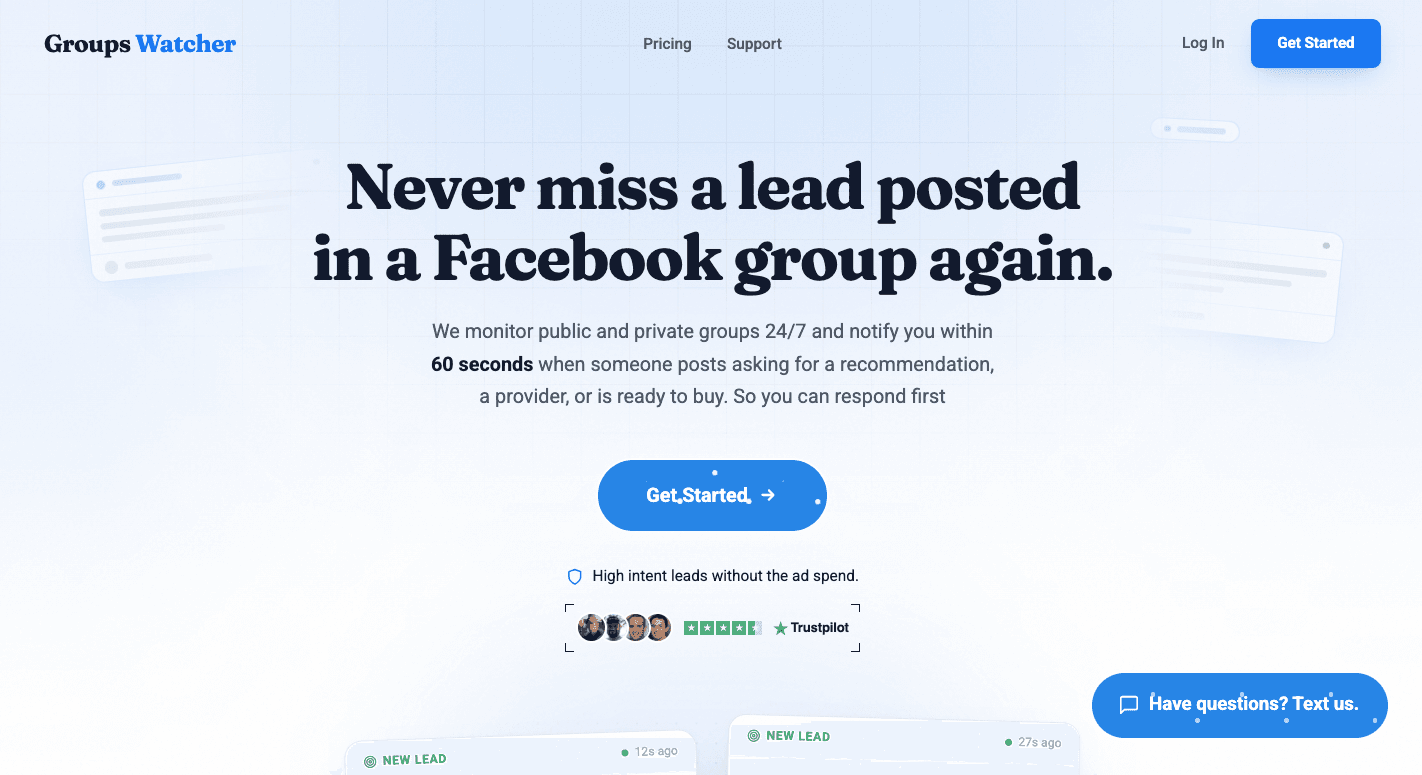
Finding useful Facebook group conversations takes time, especially when you need to track many communities. Groups Watcher helps you monitor discussions, find opportunities, and respond quickly when crucial and relevant posts appear.
Groups Watcher can monitor both public and private groups, even when you’re not a group member or admin. It checks selected groups 24/7 and sends alerts when posts match your keywords, services, locations, or other conditions.
Key features include:
Alerts for new posts or keyword-matched discussions
AI checks that find relevant posts beyond simple keyword matches
Alerts through email, Slack, Discord, SMS, and webhooks
Alerts in under 60 seconds
Groups Watcher helps you engage with customers, find leads, and track conversations that can create new opportunities.
FAQs About How to Use Facebook Groups for Market Research
What is replacing Facebook groups?
No platform has fully replaced Facebook groups. Reddit, Discord, Slack, and WhatsApp communities are common alternatives.
How do Facebook Marketplace groups work?
Facebook Marketplace groups let members buy and sell items within a community by posting listings and contacting interested buyers or sellers.
How to conduct market research on Facebook?
Join relevant Facebook groups, review posts and comments, and organize common themes. Support your findings with quantitative data like polls or surveys to confirm patterns. Focus on customer needs before promoting your business because those insights often matter most.
Stop checking Facebook groups by hand.
Groups Watcher finds the leads in your Facebook groups and sends them to you in 60 seconds, before your competitors reply, without using your Facebook account. 7 day trial for $1 with full features.