Top 3 Facebook Group Tools to Monitor & Grow Communities

A single Facebook group can generate hundreds of new posts every week. Multiply that by 10 or 20 communities, and checking every update turns into a full-time job.
Facebook group tools cut down that manual work by monitoring activity, organizing admin tasks, or notifying you when something deserves your attention. Each platform solves a different problem, which makes feature comparisons important.
In this article, you’ll learn what each tool offers and which one gives the most value.
TL;DR
The following are the top three Facebook group tools:
Devi AI
Social Searcher
What Can Facebook Group Tools Help You Accomplish?
Facebook group tools can keep communities organized, others help admins save time, and a few provide data that improves daily decisions. Your goals will determine which tool fits best.
Here are the main ways Facebook group tools can help:
Find potential customers when people ask for recommendations or services.
Track keywords and receive alerts when matching posts appear.
Save hours that you’d otherwise spend scrolling through new posts.
Manage conversations by spotting questions and discussions that need your attention.
Review group insights to understand when your audience stays active.
Support your business by finding relevant discussions before they disappear beneath newer posts.
Build authority by replying to helpful conversations before competitors do.
Access group posts from one dashboard.
Follow your brand or competitors to see when people mention them.
Receive notifications that help you respond at the right moment, so you don’t need to check Facebook throughout the day.
Use AI features like summaries to review conversations faster.
3 Best Facebook Group Monitoring Tools
Each monitoring tool solves a different problem, from tracking multiple groups at the same time to managing communities or finding new business opportunities.
1. Groups Watcher
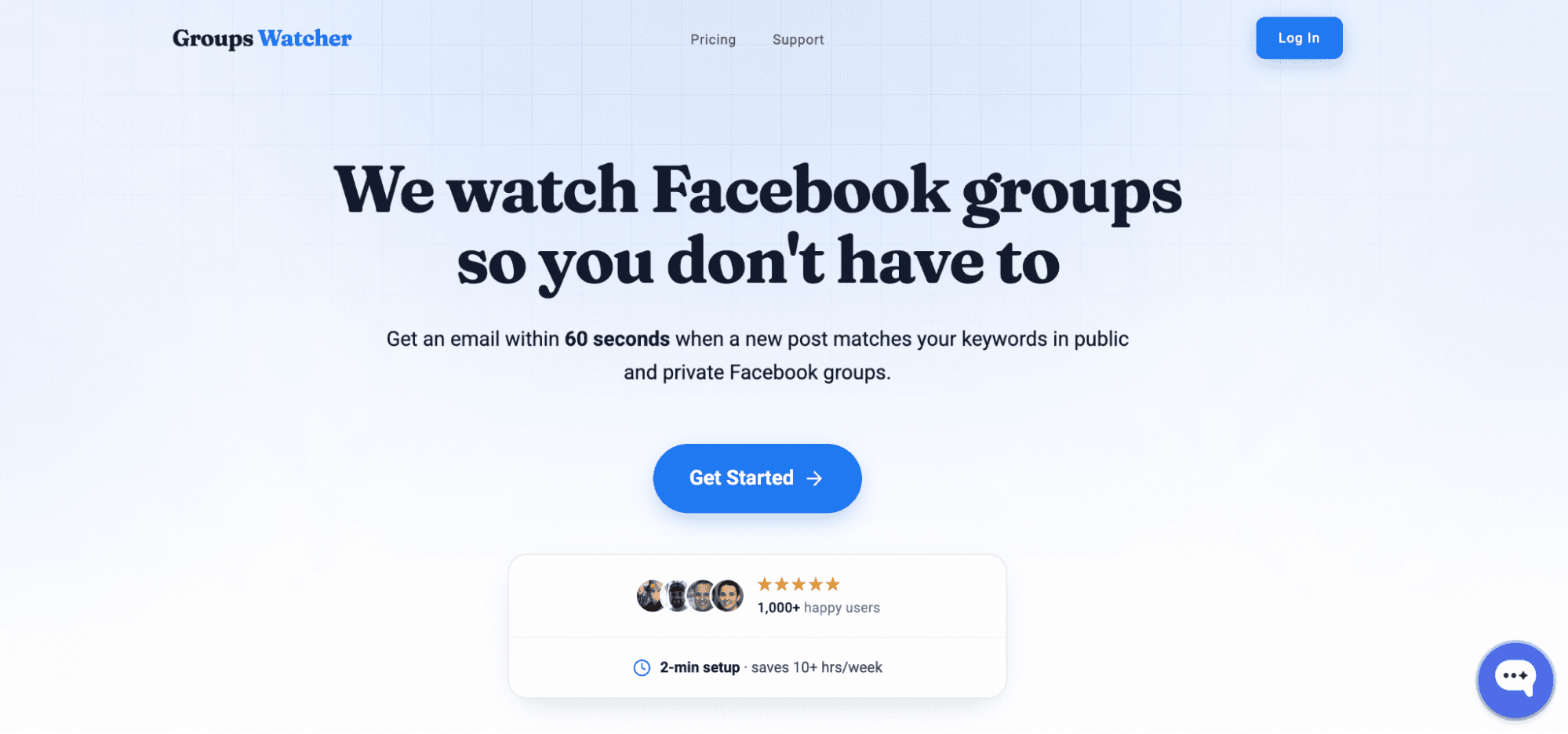
Groups Watcher can monitor private and public Facebook groups automatically, then send an alert in under 60 seconds after a matching post appears. Local service businesses, agencies, real estate professionals, and sales teams use it to catch relevant posts before dozens of replies appear.
Get high intent leads from Facebook groups.
Turn Facebook groups into a lead source for your business. Book a demo to see if it fits.
Book a demoMany monitoring platforms ask you to connect your Facebook account and run everything through your own profile. Yet, that can come with risk because repeated automated activity can lead to account restrictions.
To solve that, Groups Watcher uses its own accounts to monitor groups, which means your Facebook account never takes part in the process. You don’t need admin rights, join every community yourself, or check group rules before monitoring starts.
It further removes the need to keep track of group members, ask other admins for help, or depend on moderators to check new activity.
With Groups Watcher, you get advanced features, such as:
Instant notifications: Get alerts in under 60 seconds through email, Slack, Discord, Microsoft Teams, SMS, or webhooks.
Keyword alerts: Set up a keyword alert for phrases like “looking for,” “recommend,” “need help,” your service, or your location. Add exclusions to reduce unwanted alerts.
Public and private group monitoring: Track both types of communities, even if you don’t have admin access.
Auto commenter: Create reply templates that post automatically after a matching alert. That helps you be one of the first few people to comment before the discussion fills with competing businesses.
Facebook social listening: Track recommendation requests, brand mentions, competitor mentions, and local buying intent from one dashboard.
Lead alerts for local businesses: Receive notifications when people ask for plumbers, HVAC companies, roofers, electricians, cleaners, and other local services.
It’s not enough to rely on Facebook notifications to find important posts. Use Groups Watcher to track every new post or keyword match from your selected groups!
2. Devi AI
Source: ddevi.com
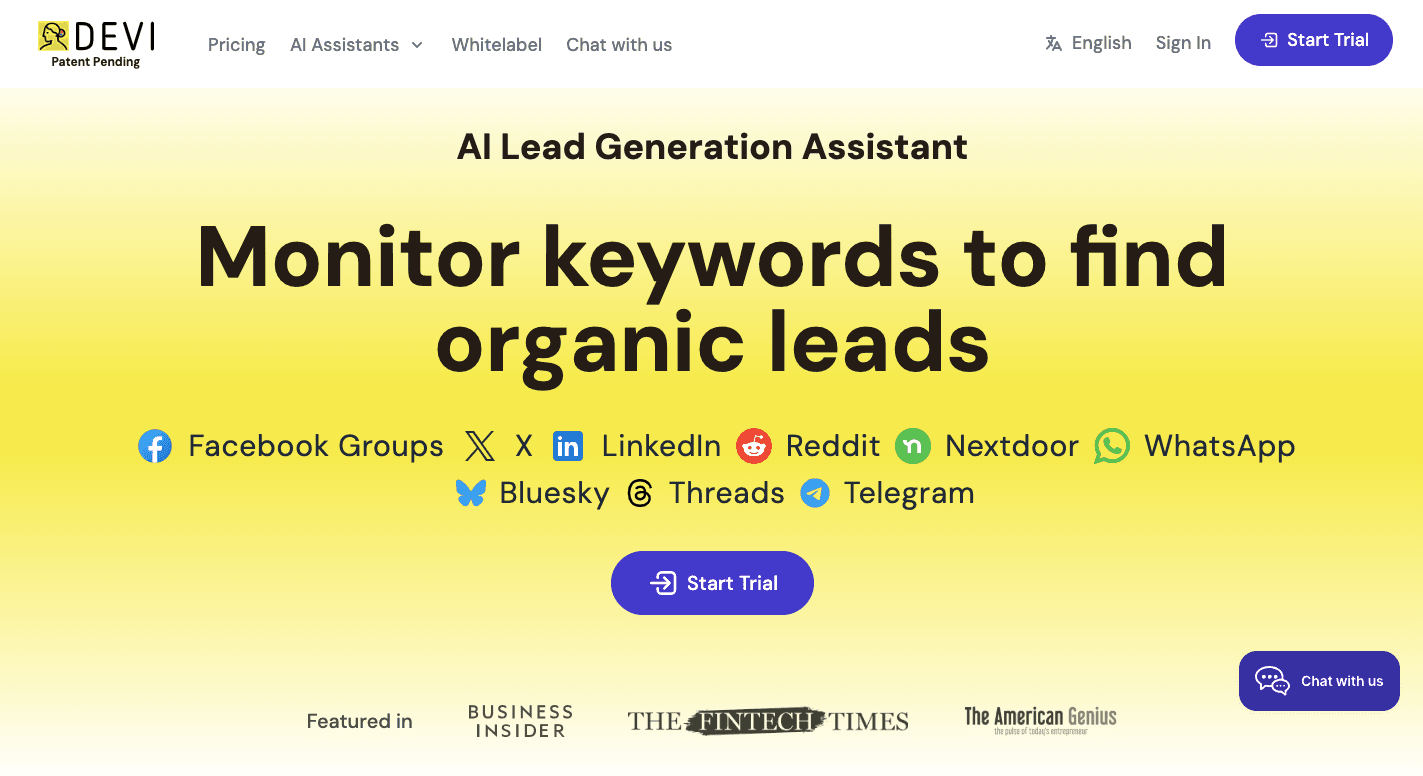
Devi AI is a Chrome extension that tracks Facebook groups for lead opportunities, brand mentions, and recommendation requests. It is a social listening tool that checks the communities you’ve joined and looks for posts that match your search terms.
You only need regular group access, not admin privileges, to monitor eligible communities.
The platform includes several tools that help you find and respond to leads faster:
Keyword tracking: Enter keywords related to your products, services, competitors, or industry. Then, the extension checks new posts and comments for matching phrases.
Multi-group monitoring: It can monitor multiple groups from one dashboard.
Buyer intent detection: AI analyzes each discussion to identify people who are genuinely interested in buying or hiring a service.
AI response generator: Add custom AI prompts, then let the platform draft an AI reply that matches the context of each post.
One-click publishing: Review the generated response, make changes if needed, then publish it with one click.
Scheduled alerts: Matching conversations arrive in your email inbox every two hours, once a day, or up to once a week.
3. Social Searcher
Source: social-searcher.com
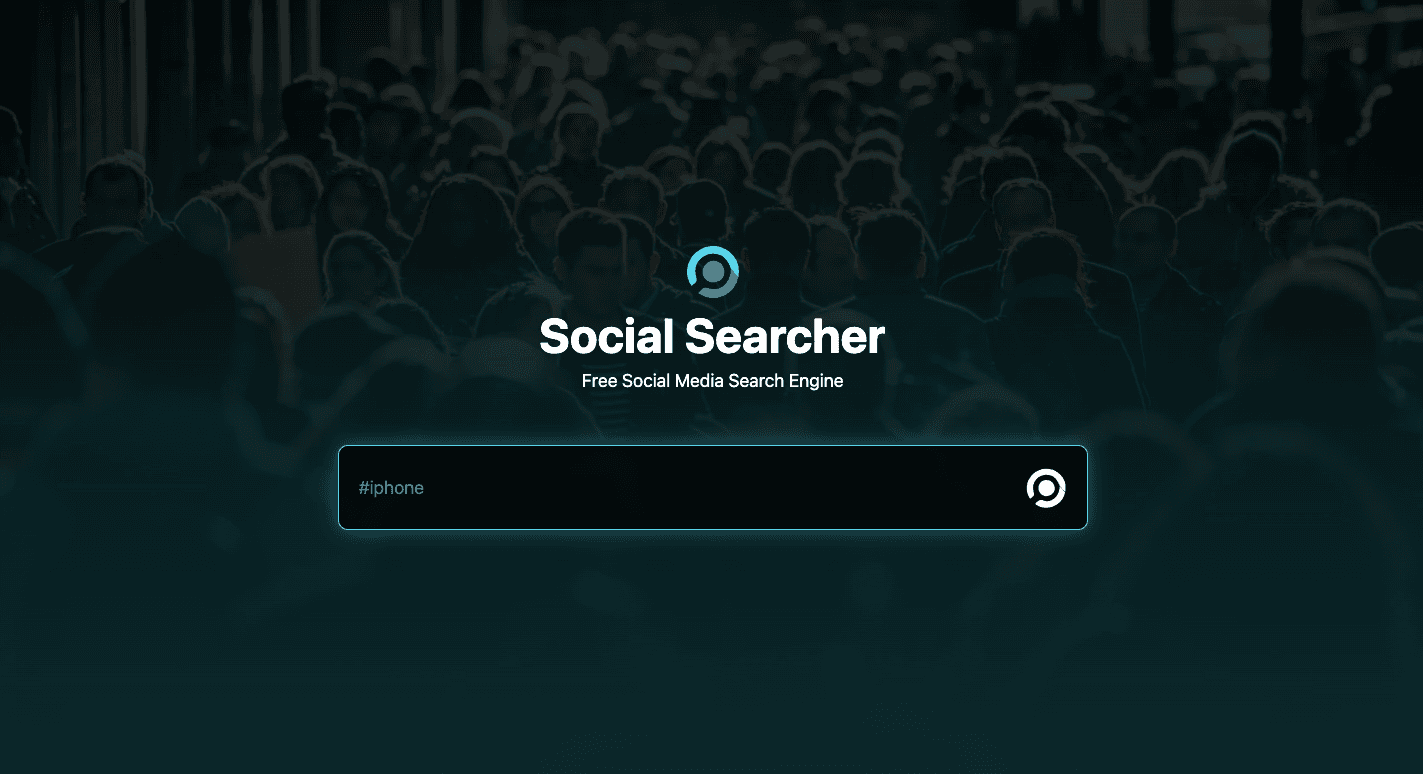
Social Searcher is a web-based search engine that finds public social media discussions, including public Facebook posts. It doesn’t require you to connect your Facebook account or log in to your profile.
Since it only indexes public content, it can’t monitor private groups. You can also test public searches for free before deciding if the paid plans fit your needs.
Additionally, it gives you:
Post scanning: The search engine reads group posts, new posts, and deep comments to find matching phrases.
Sentiment analysis: AI checks the difference between positive, neutral, and negative mentions, so you can find users who may need a response.
Word cloud reports: Word clouds organize common terms into helpful visuals and give teams better insights into trending topics.
Phrase tracking: Reports track the words people write most often, which can explain how discussions change over time.
Content filters: Search filters sort results by media category, including text, links, or pictures.
Real-time notifications: It can send a moderation alert email the moment a saved keyword appears in a new public discussion.
Campaign monitoring: Brand mentions, customer opinions, and ads appear in one dashboard. A competitor comparison also gives a useful example of market activity.
Dashboard tools: Sorting options let you edit result views, bookmark high-priority mentions, and review public engagement before you decide to engage with the conversation.
Get the Most Out of Facebook Groups With Groups Watcher
Finding the right post only helps if you see it before everyone else.
Groups Watcher watches your selected private and public Facebook groups 24 hours a day and sends alerts in under 60 seconds. You can receive every new post or only the ones that match your keywords, and then send notifications to email, Slack, Discord, Microsoft Teams, SMS, or webhooks.
After you create reply templates, Groups Watcher can publish them as soon as a matching post appears. Early replies usually reach more people, which often leads to more conversations and inquiries.
You don’t need to refresh Facebook all day or depend on delayed notifications. Groups Watcher brings important posts to you, which gives you more time to focus on replying and serving new customers.
Early replies often receive the most attention in active Facebook groups. Try Groups Watcher and receive fast alerts and reply before the thread fills with comments!
FAQs About Facebook Group Tools
Where do I find admin tools in my Facebook group?
Open your Facebook group, then select “Manage” if you’re an admin. You’ll find the admin tools section there, including admin assist, member requests, moderation settings, group insights, and other management options.
What is replacing Facebook groups?
Nothing is replacing Facebook groups. Meta continues to support and update them, although it regularly introduces new features and changes to improve community management.
How to get Facebook tools?
Some Facebook group tools are built into Facebook and are only available to group admins. Others are third-party platforms that you can sign up for separately. These tools often include features such as keyword monitoring, alerts, analytics, and automation that go beyond Facebook's native capabilities.
Can an FB group have scheduled posts?
Yes. Facebook lets admins create scheduled posts that are published automatically at a specific date and time. This feature is useful for planning announcements, discussions, and recurring community updates in advance.
Can you use bulk posting in Facebook groups?
Yes, but bulk posting should be used carefully. Facebook may limit repetitive or automated activity, especially if it appears spammy. If you're posting across multiple groups, it's best to follow each group's rules and avoid excessive automation.
Ready to get more leads from Facebook groups?
Book a demo and see how Groups Watcher can turn Facebook groups into a lead source for your business.
Book a demo