Facebook Listener: What It Is and How to Use It
Get Facebook group alerts in 60 seconds.
Groups Watcher finds the leads in your Facebook groups and sends them to you in 60 seconds, before your competitors reply, without using your Facebook account. 7 day trial for $1 with full features.
Start your $1 trialA search for Facebook listener can lead you in two different directions.
Privacy discussions often mention phones and microphones. Software companies use the same term for social media listening tools that watch Facebook activity and notify users about new posts.
Knowing the difference saves time and helps you find the right information.
In this guide, you’ll learn how Facebook listener software works, what it can monitor, and how to use it to find more opportunities.
TL;DR
A Facebook listener monitors Facebook activity for your keywords and sends alerts when it finds matching public conversations.
Businesses use Facebook listeners to track brand mentions, find leads, monitor competitors, and respond to customers faster.
Facebook listeners can monitor groups, pages, brand mentions, keywords, and local discussions. Some tools can even monitor private groups.
Groups Watcher monitors public and private Facebook groups and sends alerts in under 60 seconds.
What Is a Facebook Listener?
A Facebook listener is software that watches FB activity and alerts you when it finds posts, comments, or other updates that match your keywords. Businesses use it to find recommendation requests, answer customer questions, follow brand mentions, and watch market trends.
Software developers define a listener as code that waits for a specific event before taking action. Facebook listener software follows the same idea by checking new activity and sending an alert after it finds a match.
Many people also wonder if such a thing listens to private conversations, as those claims have fueled conspiracy theories for years.
Meta admits it does not secretly use your phone’s microphone for advertising. Your device is not literally recording conversations. Still, the platform can make sense of your interests by analyzing your activity on Facebook and other online signals.
Get Facebook group alerts in 60 seconds.
Groups Watcher finds the leads in your Facebook groups and sends them to you in 60 seconds, before your competitors reply, without using your Facebook account. 7 day trial for $1 with full features.
Start your $1 trialMisconceptions About Facebook Listener
Many people confuse Facebook social listening software with microphone tracking. Those ideas describe different things.
A Facebook listener watches public Facebook activity such as posts, comments, and keywords. It does not listen to conversations through your phone.
You can review the privacy settings for the apps installed on your device at any time. Every app needs your permission before it can use your microphone. You can remove microphone access whenever you no longer want an app to record audio.
Meta notes that Facebook does not record your voice when you are talking near your device to personalize content or ads. Posts shared only with friends remain unavailable to public monitoring software.
Other profile information that users choose to share can help advertisers organize audiences. Turning off microphone permission does not stop personalized ads because recommendations come from many other signals.
Audio permission is only required when you record a story, upload a video, make internet calls, or start a Facebook Live broadcast. Meta keeps a log of activity such as clicks and interactions to improve recommendations.
Privacy controls are available on both iPhone and Android devices, and Apple includes its own permission system to help users manage microphone access.
Why Facebook Users and Businesses Use Listeners
Different users rely on Facebook listeners to solve different problems, from finding new customers to keeping up with brand conversations.
Businesses collect all the information available from public conversations to understand customer needs before competitors join the discussion.
Automated monitoring saves money by replacing hours of manual searching with continuous tracking that runs all day.
You can create alerts and automated actions that notify the right employee as soon as someone posts a relevant request.
Marketing teams use real customer conversations to improve their advertising and write messages that match the words people already use.
Support teams monitor Facebook to improve their online services by finding questions and complaints before they receive more negative comments.
Companies throughout the technology industry watch public discussions to follow trends, competitor mentions, and changes in customer demand.
What Can a Facebook Listener Monitor?
These are what Facebook listening tools can monitor:
Facebook Groups
Facebook groups often contain recommendation requests, product questions, and local discussions.
A listener can scan every public post that matches your keywords and alert you. Some tools can follow comments, shared links, and media inside groups you manage or public communities.
Private groups have stricter rules. Standard developer tools cannot monitor groups you do not own or manage.
Typically, group monitoring software only reads content you already have permission to view. It cannot access private member details or hidden conversations.
Groups Watcher goes beyond those limits by monitoring both public and private Facebook groups, even without admin access or your own Facebook account.
A dedicated Facebook group monitoring tool makes it much easier to spot important conversations before they disappear. Learn how Groups Watcher can help!
Facebook Pages
A Facebook listener can watch activity on business pages you connect to the software. That includes:
New posts
Every public comment
Customer reviews
Different reactions such as Like, Love, Wow, or Sad
Many tools can monitor incoming Messenger conversations from connected Facebook pages and send them to one inbox for faster replies.
Some platforms track public photos that customers upload to your page. Others record location check-ins, which help local businesses see when customers visit a store or event.
Brand Mentions
People do not always tag a business when they talk about it. A Facebook listener searches public conversations for your brand name, even when nobody uses the “@” symbol.
Fast alerts give support teams time to respond before complaints or online hate spread further.
Many platforms receive approved public data through the official Meta developer tools. Some listening tools extend monitoring to Instagram business accounts, which gives your team one place to review activity.
Aside from that, most platforms can generate a daily report that shows how often people mentioned your brand.
Keywords and Phrases
Keywords help you find conversations that match your goals. You can track:
Buying requests
Product names
Customer problems
Competitor names
Industry terms
Businesses use those searches to inform ads with real customer language. Many tools scan the public news feed for matching phrases as new posts appear.
People often notice ads based on topics they recently searched or discussed online because recommendation systems analyze people’s interests. Products may even appear as suggested content after similar activity.
Common examples include phrases like “need a mechanic” or “looking for a plumber.” A sudden increase in keyword activity can show what happened before news spreads widely.
Local Community Discussions
A Facebook listener can watch people’s conversations in public neighborhood groups, community pages, and local buy-and-sell forums for requests related to your business.
There are tools that monitor comments under recent articles from local news Facebook pages to see how residents react to community events.
Large companies can filter results by countries, regions, or cities to review conversations from the places they serve. Utility providers, local governments, and service businesses often use keyword alerts to confirm reports that people already shared publicly.
How to Use a Facebook Listener
You don’t need coding skills to use a Facebook listener. Most people choose social listening tools that provide a dashboard for keyword tracking, alerts, and reports.
The setup only requires a few basic steps before the software starts watching public conversations.
Step 1. Sign In and Add What You Want to Watch
Log in to your business account on the software website first. Next, add the pages, groups, or keywords you want to watch by following the instructions on the dashboard.
Most platforms ask you to approve the connection before they begin monitoring.
Step 2. Add Your Keywords
Choose search terms that match the conversations you want to find, not what creates unrelated results. Enter those phrases in the main search box, then add filters for language or location if your audience lives in a specific area.
Step 3. Review Your Dashboard
Open the dashboard in your web browser to see new activity. The software organizes public data into charts, keyword lists, and timelines that are easier to review.
Some platforms can monitor several online sites from one dashboard if your team tracks more than Facebook.
Step 4. Manage Filters and Alerts
Keep your project private if you do not want other people to view it. Many platforms let you set up filter rules that can automatically delete unwanted matches from your dashboard view.
Checking your alerts every day helps you respond before the conversation loses momentum.
Monitor Facebook Conversations 24/7 With Groups Watcher
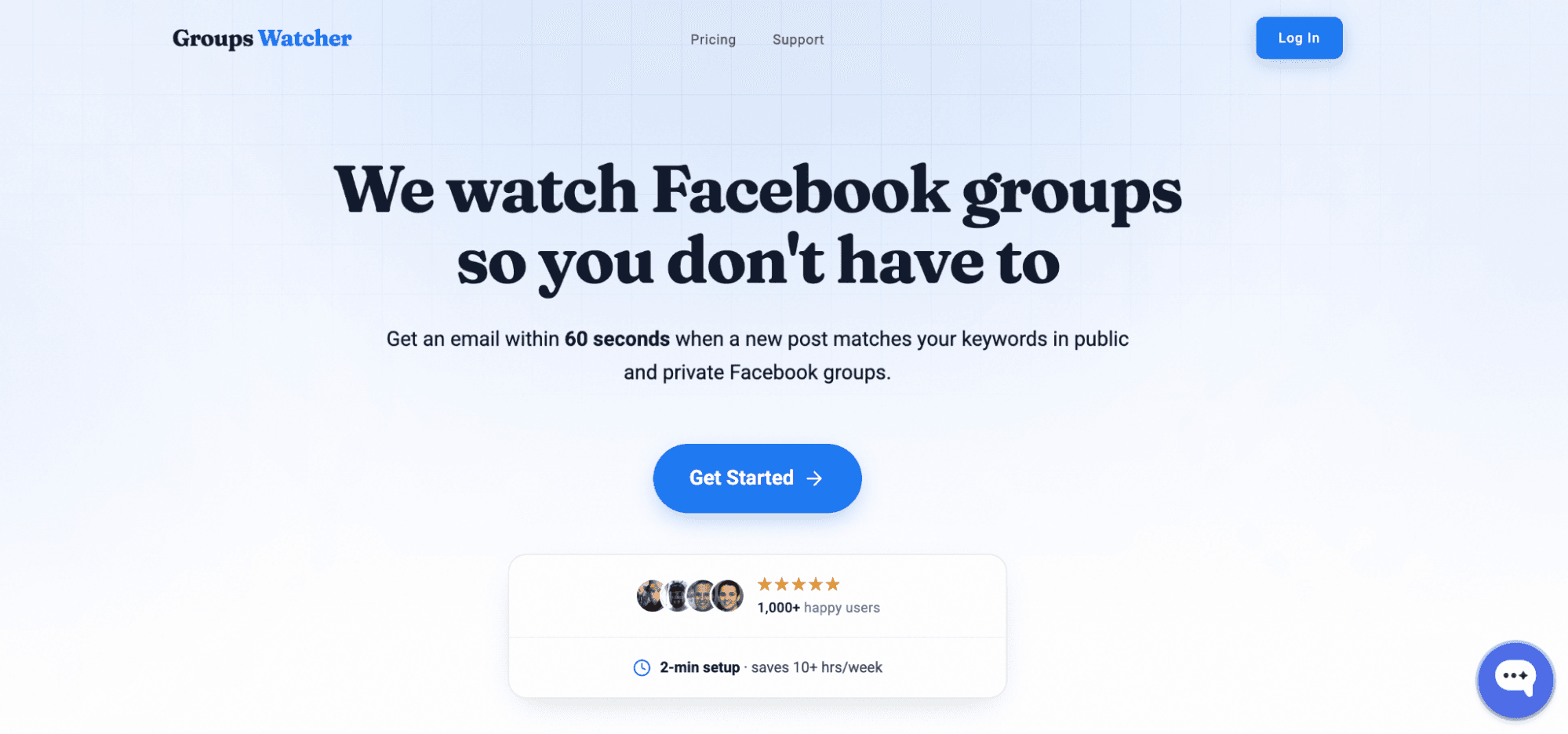
Groups Watcher helps you monitor both public and private Facebook groups, even without admin access. It watches the groups for you and never uses your Facebook account or login.
Some tools require you to connect your Facebook profile, but Groups Watcher does not. You can receive alerts in under 60 seconds and monitor every new post or only keyword matches.
Those features help you respond before most competitors.
Getting started only takes three steps:
Pick the Facebook group URLs you want to monitor. Choose every new post or keyword alerts.
Receive alerts through email, Slack, Discord, Microsoft Teams, SMS, or webhooks in under 60 seconds.
Open the alert and reply yourself while the post is still fresh.
If you’re concerned about missing valuable posts or putting your Facebook account at risk, Groups Watcher gives you a safer and faster way to monitor groups.
Start monitoring Facebook groups with Groups Watcher. Respond before your competitors do!
FAQs About Facebook Listener
Is Facebook listening software legal?
Yes, if it follows Facebook’s rules and only monitors information that users are allowed to access. Businesses should respect privacy laws and platform policies when using these tools.
Can I monitor Facebook groups automatically?
Yes. Tools like Groups Watcher can automatically monitor public and private Facebook groups and send alerts when new posts match your keywords.
What’s the difference between a Facebook listener and social listening?
A Facebook listener focuses on Facebook activity, especially groups, pages, and posts. Social listening covers multiple platforms, such as Facebook, X, LinkedIn, Reddit, and Google reviews.
What is the best Facebook listener?
The best choice depends on your use case. If you need fast alerts, Groups Watcher can monitor public and private groups and alert you in under 60 seconds. When you need to monitor many social networks, a broader social listening platform may better suit your business.
Choose the one that matches your goals and the life of your business.
Stop checking Facebook groups by hand.
Groups Watcher finds the leads in your Facebook groups and sends them to you in 60 seconds, before your competitors reply, without using your Facebook account. 7 day trial for $1 with full features.