How to Get Leads From Facebook Groups: Best Methods for 2026
Every day, Facebook groups fill with posts from people looking for advice, tools, and services. Some of those posts show clear buying intent, especially when users ask for recommendations or compare options.
Businesses that notice these posts early can turn simple conversations into real leads. The difficulty comes from speed and volume, since new posts push older ones down fast.
In this article, you’ll learn how to get leads from Facebook groups and turn group activity into paying customers.
TL;DR
This is how to get leads from Facebook groups:
Join Facebook groups where your ideal customers already hang out
Answer questions related to your expertise
Make educational posts that start conversations
Create your own Facebook group
Track competitor mentions using Groups Watcher
Why Facebook Groups Are So Effective for Lead Generation
People join Facebook groups for a reason: some want advice, others need help solving a problem, and many look for recommendations before spending money.
That behavior makes groups valuable for businesses because conversations often happen when someone actively needs a product or service. It lets you reach a pre-sorted target audience.
Members join communities based on similar interests, which makes discussions more relevant from the start. Someone asking, “Can anybody recommend a roofer in Dallas?” isn’t browsing casually. They’re looking for answers right now.
Engaging with active threads helps you capture more leads because people can see your reply at the exact time they’re searching for help. Authentic member testimonials often act as proof that your business delivers results.
Get high intent leads from Facebook groups.
Turn Facebook groups into a lead source for your business. Book a demo to see if it fits.
Book a demoAt the same time, group discussions reveal daily challenges, so you have direct access to customers’ lives, concerns, and goals. Those insights can lead to better offers, stronger relationships, and more monthly revenue.
The Four Stages of Facebook Group Lead Generation
To get clients from Facebook groups, you cannot just pitch randomly. You need a process that takes someone from a group member to a paying customer.
Finding Relevant Communities
Before you touch the Facebook search bar, you need to know exactly who you are looking for.
Once you have your customer profile, use Facebook’s search bar to find communities. Type in industry keywords and filter results to the “Groups” tab, which makes it easier to pinpoint your niche.
Don’t join need more groups, especially random ones, just to increase numbers. Check activity levels first and read the group rules before joining.
Identifying Buying Signals From the Group Members
The best leads usually tell you they need help. You just need to spot the signals.
Practice social listening inside active community discussions. Look for posts that start with questions such as “Can anyone recommend a plumber?” or “What software do you use for payroll?”
Members asking for advice or tips often have a real need and a budget. Your goal is to catch buyers at the right moment, before dozens of competitors fill the comment section.
Starting Conversations
After you leave a useful comment, ask permission to continue through a private message. Reference the original post so the person knows exactly who you are, and it’s easier to connect naturally.
Many professionals also send friend requests to turn prospects into friends. As conversations grow, sort your contacts based on interest level and buying intent.
Converting Prospects Into Customers
People rarely buy after one conversation. Most need proof that you understand their problem.
Ask questions about their situation before discussing your offer. Once you know what’s holding them back, explain how your solution helps.
Strong sales conversations focus on outcomes people want to achieve. So, present your service as a path to success rather than a list of features.
If a problem already costs them money, discuss the impact openly. Then confirm next steps and onboard your new clients.
How to Generate Leads From Facebook Groups
To get leads from Facebook groups, you can:
1. Join Facebook Groups Where Your Ideal Customers Already Hang Out
Many businesses join groups filled with competitors and then wonder why they aren’t finding clients.
Start by thinking about who buys from you. Search for communities built around your potential customers.
Use Facebook’s search feature and isolate spaces by searching strictly for relevant groups. Type job titles, industries, or common problems into the search bar.
Never join a group just because it has a large member count. Check recent activity first. Audit the engagement levels of Facebook group members and look for real conversations.
Private groups often ask questions before entry. Those questions come directly from group admins who want to protect their community, so take time to answer them properly.
2. Answer Questions Related to Your Expertise
One of the fastest ways to build that trust is by answering questions.
Look for posts where someone asks for help and provide real value. Don’t leave short replies like “DM me.”
Explain the problem, clarify why it happens, and share practical steps they can follow. Detailed answers encourage readers to engage and often attract attention from people who never leave comments.
Stay away from comments filled with promotional links, as most members ignore them.
Build authority by making your contributions consistent over time.
3. Make Educational Posts That Start Conversations
Educational posts teach one idea and invite people to participate.
Begin with a common problem your audience faces. A headline such as “The biggest mistake new real estate agents make with Facebook ads” immediately gives readers a reason to stop scrolling. Follow that with a simple lesson and a practical takeaway.
Many businesses also use educational content as a way of offering exclusive content such as checklists, templates, or guides.
Lastly, end the post with a question or invite readers to leave a comment if they want the resource.
4. Create Your Own Facebook Group
Creating your own group gives you more control than relying on a business page. You decide who joins, what gets posted, and how members interact.
Use entry questions when you vet and approve members. One question you can ask about is their biggest challenge. You can collect their email address for your email list, too.
Many owners, on the other hand, offer a useful guide for free when people join.
Keep members active with weekly polls, live sessions, and helpful videos. Some businesses use tools or a Chrome extension to organize member data. A few even export details with one click into a Google Sheet.
Those systems help save time, stay user-friendly, improve the customer experience, organize potential leads, and manage outreach more easily.
5. Track Competitor Mentions
People often ask for alternatives when a product disappoints them. Those conversations open a clear path to new leads because the buyer already feels ready to switch.
Manual checking, however, takes time, and most opportunities get buried under new posts.
Tools like Groups Watcher help you follow these conversations in real time. It tracks both private and public Facebook groups and highlights posts that mention competitor brands or related keywords.
When you see those posts, focus on helping first. Explain what the user is running into, then show how your solution addresses the same problem more clearly.
By the time you find a competitor complaint manually, the conversation may already be over. Use Groups Watcher to catch those posts sooner and be the first one to reply!
The Types of Businesses That Benefit Most From Facebook Group Lead Generation
Some businesses see better results from Facebook groups than others, such as:
Consultants, coaches, and agencies: People rarely hire expensive experts after seeing one ad. Facebook groups give professionals a chance to answer questions and build trust.
Local service businesses: Plumbers, roofers, accountants, and other providers can respond when someone asks for a professional service.
Software companies: Many SaaS brands create communities around their product platform to answer questions and gather feedback.
Niche ecommerce brands: Hobby-focused businesses benefit from ongoing community support and conversations.
These communities work well because business owners don’t need to constantly promote themselves.
Respond to Facebook Group Leads Faster With Groups Watcher
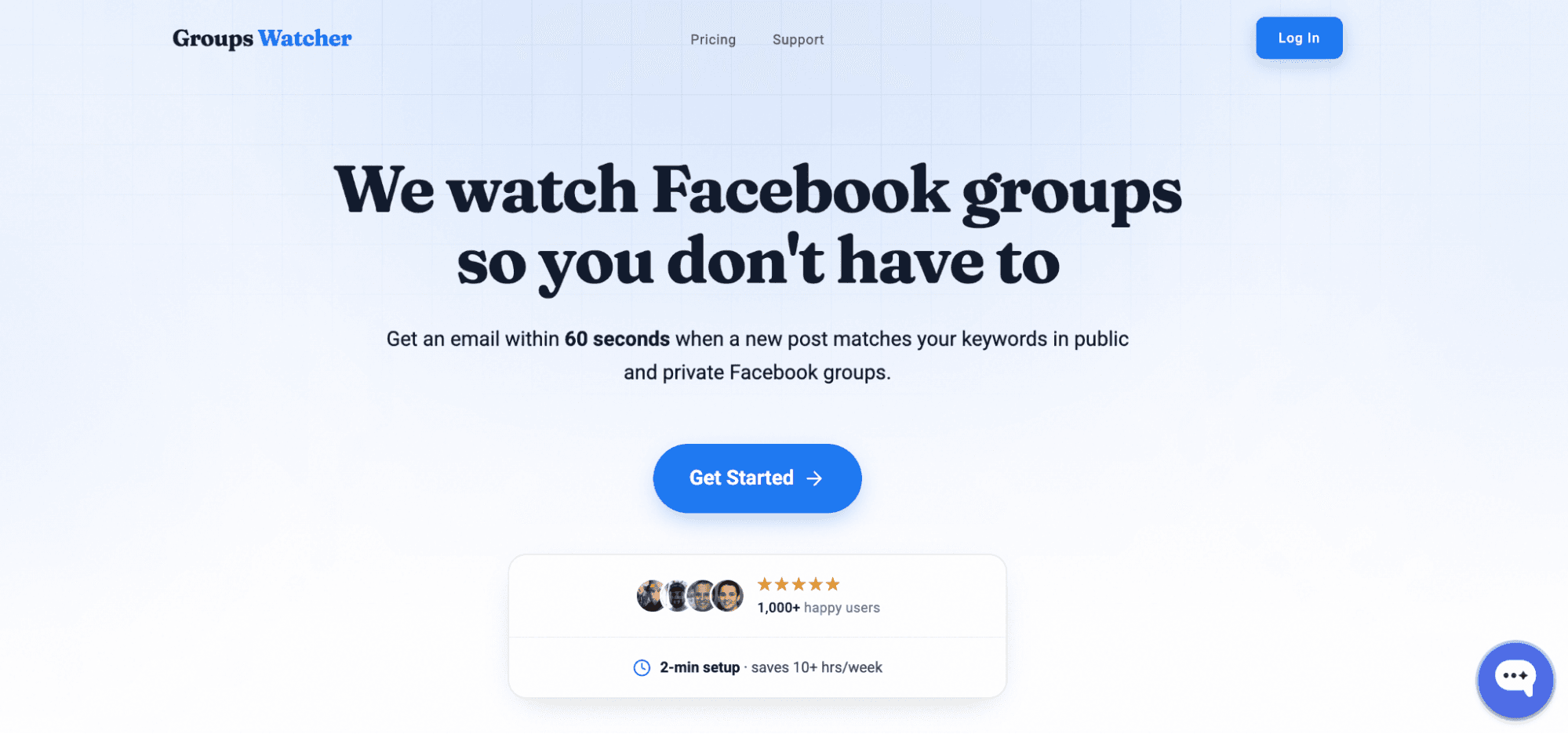
Most Facebook Group leads come from timing. A post gets replies fast, and the first helpful response usually wins attention.
Groups Watcher handles this by running the monitoring on its own system. You don’t connect your Facebook account, and you don’t need admin access to any group.
Besides that, it lets you:
Monitor Both Public and Private Groups
Groups Watcher can monitor both public and private Facebook Groups. You don’t need to join every group manually or stay active inside them. It handles tracking from its own infrastructure and sends alerts based on your chosen settings.
Choose What You Want to Track
Some users want alerts for every new post in selected groups. Others prefer only high-intent posts, such as requests that include words like “looking for,” “need help,” or “recommend.” You decide the filter style, and Groups Watcher applies it automatically.
Auto-Comment Workflow
Groups Watcher also supports an auto-comment workflow. You set up comment templates, and the system posts your reply when a matching post appears.
Though this, you don’t need to copy and paste responses during busy hours. You can still review and adjust your approach anytime.
Faster Alerts and Response
When a post matches your setup, Groups Watcher sends a keyword alert in under 60 seconds. Alerts can go to email, Slack, Discord, Teams, SMS, or webhooks.
When you reach posts early, conversations feel more natural, and you increase your chance of turning interest into more clients.
Get notified by Groups Watcher when conversations begin and be the first person to reply!
FAQs About How to Get Leads From Facebook Groups
How to use Facebook groups to get leads?
Join groups where your ideal customers already spend time, answer questions related to your expertise, share helpful content, and participate in conversations consistently.
Pay close attention to recommendation requests and buying-intent posts, then continue the conversation privately when appropriate.
How to generate 100 leads a day?
Most businesses combine Facebook groups, referrals, content marketing, outreach, paid ads, and email marketing.
Can ChatGPT do lead generation?
ChatGPT can support lead generation by helping you write outreach messages, create content, identify buying signals, research prospects, and organize lead qualification workflows. It cannot find or contact leads on its own unless it’s connected to other tools and systems that handle those tasks.
Ready to get more leads from Facebook groups?
Book a demo and see how Groups Watcher can turn Facebook groups into a lead source for your business.
Book a demo