How Many Facebook Groups Should You Monitor for Leads? Why 25 Is the Sweet Spot for Home Service Businesses
Get Facebook group alerts in 60 seconds.
Groups Watcher watches your Facebook groups and sends only the posts worth acting on, in 60 seconds. Try it for 7 days, risk free.
Get alertsYou joined a few local Facebook groups, set up alerts, and waited for homeowners to ask for help. Some requests came in. Then a neighbor two towns over posted about a roof leak, and you never saw it because that group wasn’t on your list.
That gap is the real question behind group monitoring. The tool matters, but the number of groups you watch decides how much of your service area you actually cover.
In this article, you’ll learn how many Facebook groups a home service business should monitor, how to compare tools by cost per group instead of price per month, and how coverage looks by neighborhood and by trade.
TL;DR
Here is the short answer:
Most home service businesses need about 20 to 30 local Facebook groups to cover their service area.
10 groups usually covers only a handful of neighborhoods, so many requests in the rest of your area never reach you.
Compare tools by cost per group, not price per month. Groups Watcher is $99 per month for 25 groups, which works out to $3.96 per group, and extra groups are $4 each.
Plan coverage by neighborhood first, then by group type within each neighborhood.
This is guidance based on how local groups are organized, not a fixed rule. A small town business may need fewer groups, and a company covering a whole metro area may need more.
Why the Number of Groups Matters
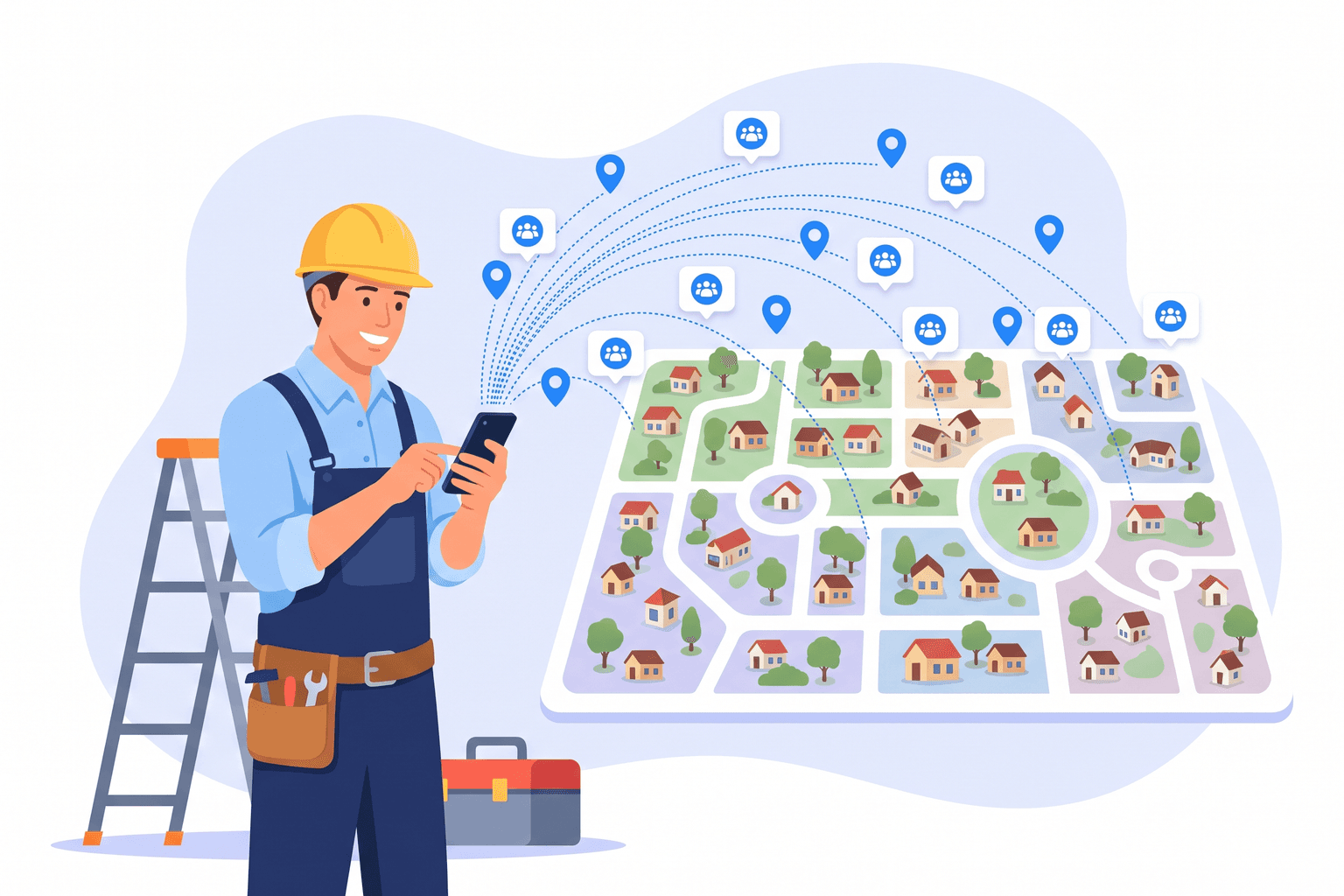
Homeowners ask for recommendations in the groups they already belong to, and those groups are usually tied to where they live.
Local Groups Follow Neighborhood Lines
Most local Facebook groups are built around a neighborhood, a suburb, a subdivision, or a small town. Someone in one suburb rarely posts in the group for the next suburb over, even if both sit inside your service area.
So each group you skip is a part of your map where you can’t see requests. Checking different local Facebook group types helps, but the first step is simply covering every area you want jobs from.
Get Facebook group alerts in 60 seconds.
Groups Watcher watches your Facebook groups and sends only the posts worth acting on, in 60 seconds. Try it for 7 days, risk free.
Get alertsOne Area Can Have Several Active Groups
A single area often has more than one group worth watching. You might find a general community group, a parents group, a buy and sell group, and an HOA or subdivision group, all serving the same streets.
Each one attracts slightly different people, so a request can show up in one and never appear in the others.
Speed Only Helps When You See the Post
Fast alerts give you a head start on recommendation threads. That advantage disappears for any group you aren’t monitoring, because the post never reaches you at all. Facebook’s own notifications won’t fill the gap either, since group feeds don’t show you every new post.
Cost Per Group, Not Price Per Month
When you compare monitoring tools, the monthly price is the number that jumps out. The more useful number is what you pay for each group, because groups are what give you coverage.
Why a Lower Monthly Price Can Cost More
Some tools look cheaper at first glance but include only 10 groups. For example, a plan priced around $50 for 10 groups works out to about $5 per group.
If your service area needs 20 to 30 groups, that plan either leaves most neighborhoods uncovered or needs extra groups added on top. Either way, the low monthly price stops telling the full story.
How Groups Watcher Pricing Works
Groups Watcher keeps the math simple:
$99 per month for 25 groups: That is $3.96 per group, and it covers public and private groups.
Extra groups at $4 each per month: Add more when your service area grows.
Swap groups anytime: Replace a quiet group with a busier one from your dashboard.
Billed monthly with no contract: There is also a 7 day money back guarantee.
For most home service businesses, 25 groups is enough to cover a whole service area without paying for groups you don’t need.
Coverage by Neighborhood: A Houston Example
A large metro area shows why 10 groups rarely goes far enough. Picture a roofing company based in west Houston that also takes jobs on the north side.
Map Your Service Area by Neighborhood
Start with the areas where you actually want work. For this company, the list might look like this:
Katy
Cypress
Spring
Memorial
The Woodlands
Tomball
Sugar Land
The Heights
That is eight areas before you add any smaller subdivisions or nearby towns.
Count the Groups in Each Area
Now look for active groups inside each area. If you pick about three per area, such as a community group, a parents group, and a buy and sell or HOA group, eight areas already add up to about 24 groups.
With only 10 groups, this company would have to choose. It could cover three or four areas well, or spread thin across all eight and miss most of the posts in each one.
Fill Gaps as You Learn
Your first list won’t be perfect. Some groups will be busy, and others will stay quiet for weeks. With the ability to swap groups anytime, you can replace a slow group with a more active one in the same area and keep your coverage steady.
How Many Groups by Trade
Every trade gets different kinds of requests, but the coverage logic stays the same. The examples below show the kinds of posts homeowners write when they ask for recommendations. They are illustrations, not real posts.
Roofing
Roofing requests spike after storms and hail, and they often come from several neighborhoods at once. That makes wide coverage especially important for roofers.
Posts often sound like this:
“Hail went through last night. Who did your roof inspection?”
“Water stain on the ceiling after the storm. Need a roofer who can come out this week.”
“Missing shingles on one side of the house. Any recommendations?”
Most roofers who work a metro area will want the full 20 to 30 group range. For more ideas, see our guide on how to get roofing leads.
Cleaning
House cleaning requests tend to be steady and very local, since most people want someone nearby who can come back regularly.
“Looking for a reliable house cleaner every two weeks.”
“Need a move out clean before Friday. Who do you use?”
A cleaning company with a tight route may cover its area with fewer groups, but adding neighborhoods you want to grow into can fill your schedule faster.
HVAC
HVAC requests are often urgent, especially during the hottest and coldest weeks of the year.
“AC stopped blowing cold air and it’s 95 degrees. Who can come today?”
“Furnace keeps shutting off. Any honest HVAC companies around here?”
Because these jobs go to whoever responds first, HVAC companies benefit from covering every area they can reach quickly. Our guide on how to get HVAC leads covers other channels too.
Plumbing
Plumbing posts range from emergencies to small fixes, and both can turn into repeat customers.
“Water heater is leaking. Need a plumber ASAP.”
“Can anyone recommend a plumber for a slow kitchen drain?”
Plumbers who offer emergency service should treat coverage like HVAC companies do and watch every area they can reach in a reasonable drive.
Remodeling
Remodeling requests are less frequent but much larger, and homeowners often ask for several opinions before choosing a contractor.
“Who did your kitchen remodel? Looking for someone with good communication.”
“Planning a bathroom update this spring. Any remodelers you’d recommend?”
Since each job can be worth a lot, missing even one request in an uncovered area hurts. Read more in our guide on how to get remodeling leads.
Cover Your Whole Service Area With Groups Watcher
Watching 25 groups by hand isn’t realistic. Groups Watcher handles the monitoring for you, so you only need to pick the groups and decide what you want to hear about.
Monitor 25 Groups Without Using Your Facebook Account
Send the links for the groups you want watched. Groups Watcher monitors public and private Facebook groups, and you don’t need to be a member or an admin. It never asks for your Facebook login, so your own account stays out of it.
Get Only the Posts Worth Acting On
You can receive every new post from a group or only posts that match your keywords. Every alert gets a 0 to 100 intent score and a High, Medium, or Low label, and you can set a minimum score so only the best posts reach you.
Reply Within Minutes of the Post
Alerts arrive within 60 seconds of a matching post going live. Each one includes the full post text, the group name, a direct link, and the time it was published, so you can reply right away.
Alerts can go to Slack, email, Discord, Google Chat, Microsoft Teams, or a custom webhook, including Zapier, Make, and n8n.
FAQs About How Many Facebook Groups to Monitor
How many Facebook groups should I monitor for leads?
Most home service businesses do well with about 20 to 30 local groups. That range usually covers each neighborhood in a service area with a few different group types.
Is a cheaper tool with 10 groups enough?
Usually not, if you serve more than a few neighborhoods. Ten groups often covers only part of a service area, so compare tools by cost per group. Groups Watcher is $99 per month for 25 groups, or $3.96 per group.
How many groups should a roofer monitor?
A roofer working a metro area should plan for the full 20 to 30 range, because storm and hail requests come from many neighborhoods at once. In Houston, for example, Katy, Cypress, Spring, and Memorial each have their own groups.
What if I need more than 25 groups?
You can add extra groups for $4 per month each. That helps when you expand into new areas or add a second trade.
Stop checking Facebook groups by hand.
Groups Watcher watches your Facebook groups and sends only the posts worth acting on, in 60 seconds. Try it for 7 days, risk free.
Get alerts