Facebook Group Not Showing New Posts? Here’s What to Do

If it feels like Facebook groups move faster than you can keep up, you’re not imagining it. You open a group and suddenly see “posted 6 hours ago” on something you really needed to catch early. Then you wonder how everyone else saw it first.
The truth is you’re not late, but being filtered.
Facebook doesn’t show you every group post by default. Settings, feed ranking, and your own interaction patterns all shape what appears in your feed and what triggers notifications. Once you understand why, the fixes are simple, and you can improve your visibility quickly.
This guide explains the reasons a Facebook group is not showing new posts and gives you practical ways to stop missing one.
TL;DR
Here are the things you can do when a Facebook group is not showing new posts:
Switch notifications from highlights to all posts.
Change the Facebook group feed sort to new posts.
Add important Facebook groups to favorites.
For posts you can’t afford to miss, Groups Watcher monitors your selected groups 24/7 and sends relevant alerts within 60 seconds.
The Main Reasons You Miss Group Posts
Most people blame the algorithm and stop there. But the reasons you miss posts are more specific than that, and once you know them, you can fix them in minutes.
Below are the most common causes, and they often stack on top of each other.
Get high intent leads from Facebook groups.
Turn Facebook groups into a lead source for your business. Book a demo to see if it fits.
Book a demoGroup Notifications Default to Highlights
In many groups, notifications are set to “Highlights” by default. Highlights is not “everything.” It’s a curated slice of public posts Facebook thinks you’ll care about.
That can mean you only get notified about a small portion of what’s posted. If you rely on notifications to stay updated, Highlights makes you miss most posts by design.
The Group Feed Is Often Set to Most Relevant
Even inside a group, you’re not always looking at the newest posts first. Many group feeds default to “Relevant” or similar sorting that prioritizes certain posts.
Relevant sorting tends to push up posts that already have engagement. That means posts can be buried before you ever see them, especially if they didn’t spike early likes and comments.
Facebook Uses Engagement and Other Signals to Rank Feed Content
Facebook pays attention to what you engage with. If you rarely comment or leave reactions inside a group, the platform assumes the content is less important to you.
You didn’t do anything wrong. Lurking can give Facebook fewer signals that you’re interested in the group’s content, which may affect how often its posts appear in your feed. As a result, you can feel “out of the loop” even though you’re still a member.
Popular Facebook Group Posts Can Receive More Visibility
When a post gets immediate engagement, it signals relevance and gets shown to more friends and members.
On the contrary, when a post doesn’t get early engagement, it often fades quickly. It can still exist, but you won’t read it unless you visit the group directly or search for it.
You’re Following Too Many Active Facebook Groups
If you’re in dozens of active other groups, the amount of content is enormous. Facebook treats your feed like a highlight reel.
So instead of showing you everything, it samples what it thinks is most relevant. The more groups you join, the more this sampling effect increases.
Spam Signals and Link-Heavy Posts Get Suppressed
Groups are full of promotional content, spammy posts, and repetitive pitches. Meta tries to reduce low-quality distribution, and groups often get hit harder than pages.
Posts that look overly promotional, link-heavy, or repetitive can get shown less. Even legitimate posts may be suppressed if they resemble spam patterns.
Why “All Posts” Still Doesn’t Mean You’ll See Everything
Switching your group notifications to “All Posts” helps, though it doesn’t give you perfect visibility. Notifications and feed visibility work separately, and one doesn’t guarantee the other.
People can set “All Posts” and still feel like they’re missing content. The setting still helps, but you shouldn’t expect it to make every post appear in your feed.
Notifications vs Feed Visibility
Notifications tell you what to pay attention to. Feed visibility determines what you stumble upon while scrolling the website.
Even if you turn on “All Posts,” you may not see every post in your feed because feed ranking still applies. If you don’t click open notifications quickly, they can also get buried under other alerts.
Mobile vs Desktop Behaves Differently
Facebook’s interface varies depending on device, like using a phone versus a desktop browser. Some settings are easier to find on desktop, while mobile may hide sorting or bury notification options.
You may think you changed the right setting, only to find that it doesn’t work the way you expected somewhere else.
Group Settings Can Change Over Time
Group notification settings may change over time. You may switch to All Posts and later realize it looks like Highlights again.
Sometimes this happens after app updates, account changes, or simply because you didn’t notice the setting changed. The effect is subtle but frustrating: you quietly start missing posts again, and you might need to check Facebook support to learn about the solution.
Quick Fixes When a Facebook Group Is Not Showing New Posts
For the quickest improvement, start with a few simple changes that don’t require extra tools. Work through your groups one at a time and focus on the communities you care about most.
Adjust the settings that limit what you see and give Facebook clearer signs that you’re interested in each group’s content.
Switch Notifications From Highlights to All Posts
Go into the group’s notification settings and change it from “Highlights” to “All Posts.” It increases the chance you get alerted when something new is posted.
If you’re worried about too many notifications, do this only for groups that matter most. It’s better to get all posts from five key groups than highlights from 50.
Change the Facebook Group Feed Sort to New Posts
Inside the group, switch the feed sorting to show the most recent posts first. This reduces the effect of “Relevant” sorting that favors already-popular posts.
When you check the group directly, “New Posts” view helps you catch things that never broke through the algorithmic filter.
Add the Group to Favorites
You can add important groups to “Favorites” to keep them easier to reach from your Facebook menu. The setting also tells Facebook that you want to prioritize content from those groups.
For local communities, real estate groups, job boards, or business referral groups, quicker access can help you check new posts before a busy conversation moves on.
If the issue persists and you are still unable to see updates, you can report the bug or check if a system error is affecting your privacy settings.
Visibility Habits That Help You Miss Fewer Group Posts
Changing your settings can help, though your activity also gives Facebook clues about your interests. Reactions, comments, and other interactions help the platform understand which content you’re more likely to care about.
You don’t have to respond to every post. Interacting with relevant conversations from time to time gives Facebook clearer signals about your interests.
Interact With the Right Posts
Engage with posts you genuinely want more of. When you want to see hiring requests, engage with those. If you want local service leads, engage with recommendation posts, or share them if they are useful.
Avoid engaging with content you don’t want to see more often. Every like and comment is training data for what Facebook shows you next, including the types of ads you see.
Visit the Group Directly
Relying on the feed alone can make it harder to stay updated. Visit the group directly when you want to catch posts early and review new updates as they appear.
A simple habit works: check key groups once in the morning and once later in the day. Even two short visits can dramatically reduce missed posts.
Use Search Inside the Group to Catch What You Missed
Searching the group can bring up useful posts that never caught your attention in the feed. Start with a keyword related to the conversation you want to find.
For recurring topics, try terms such as “recommendation,” “contractor,” “lawn care,” “moving,” “wedding,” or “marketing.” You can then check the results for posts you may have missed.
The search feature lets you manually catch what the feed didn’t surface, even if the group is private.
Common Scenarios That Make You Think Posts “Disappear”
Sometimes you didn’t miss the post because of ranking. Sometimes the post isn’t visible yet, wasn’t approved, or was removed. These scenarios create the feeling that posts “vanish” when the issue is different, such as when an admin decides to delete content.
Understanding these situations helps you troubleshoot faster and avoid chasing the wrong fix.
Pending Posts and Group Admin Approval Delays
Many groups require admin approval before posts go live. That means someone can post now, but you won’t see it until it’s approved later, which changes the publication date.
If you’re checking frequently and still not seeing activity, admin approval is often the reason. Some groups process approvals in batches, which creates delayed visibility.
Muted Members, Blocked Keywords, or Hidden Content
Some Facebook settings can make posts harder to find without an obvious sign that anything changed. Muted members are one example since their content may no longer get the same attention in your feed.
Moderation can create a similar result when admins remove posts or limit certain formats. If particular topics seem to disappear often, check the group rules before assuming nobody posted about them. That may be the case in communities with stricter controls.
App Glitches, Cache, and Feed Refresh Issues
Technical problems can make an active group look outdated. Your app may keep showing an older version of the feed even though members have added new posts.
Try refreshing Facebook when you see an error message, then close and reopen the app. Check from another device if the problem continues. If newer posts show up there, temporary app performance may have caused the problem.
3 Problems When You’re Using Groups for Leads
Missing group posts is annoying for casual users. For businesses, it’s expensive. If you rely on groups for referrals, leads, or time-sensitive opportunities, visibility is everything.
The people who “win” in groups are usually not the most skilled. They’re the fastest and most consistent responders.
Lead Posts Get Claimed Fast
Recommendation posts can attract replies quickly, and the first few comments often get more attention.
Once the thread fills up, later responses become easier to overlook. Many businesses run into the same issue when they find a relevant post too late.
Missing a post for even a couple of hours can mean losing the chance to respond early, especially in competitive local groups.
Manual Refreshing Doesn’t Scale
Manually checking five groups may be manageable. Once that number grows to twenty, keeping up gets harder. At 50, regularly checking every group becomes unrealistic.
You can spend hours scrolling and trying to keep a mental log of new posts, yet relevant updates can still slip by. Manual checking quickly becomes a repetitive task that takes time away from responding to the opportunities you find.
Keyword Filtering Beats Watching Everything
A more practical approach is to monitor for intent. You select the keywords that suggest someone needs your service and focus on those posts.
Relevant alerts can then bring those posts to your attention. You can respond when a useful opportunity appears without spending your day watching Facebook groups.
How Groups Watcher Helps You Stop Missing Posts
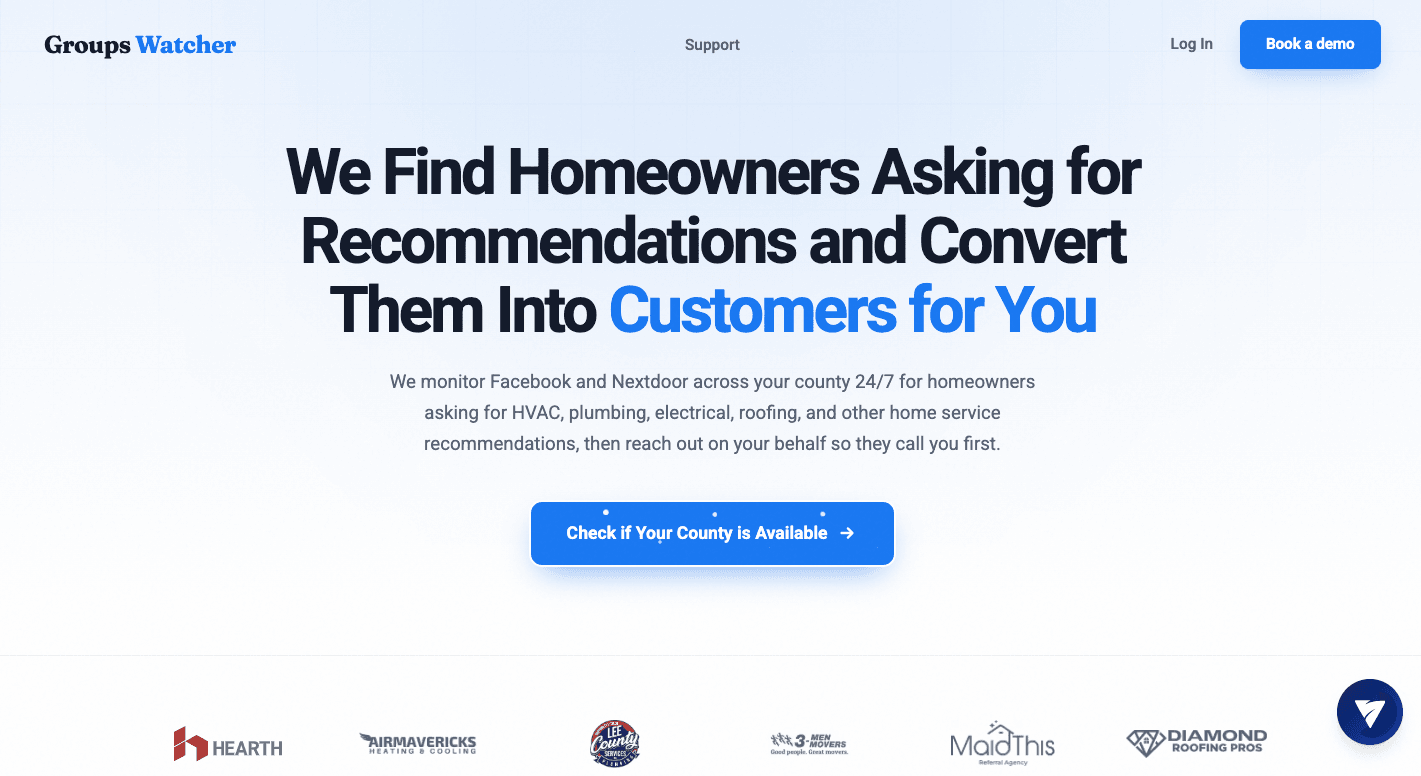
Facebook settings can help with casual updates from a few groups. Businesses that rely on Facebook groups for leads need a more consistent way to find relevant posts quickly.
Groups Watcher monitors your selected public and closed Facebook groups 24/7. You provide the Facebook group URLs and choose keywords, intent phrases, and exclusions.
Monitor Selected Facebook Groups 24/7
Send the URLs for the public and private Facebook groups you want monitored. Groups Watcher monitors those selected groups 24/7 for new posts, so you don’t need to open each community repeatedly throughout the day.
You can choose to receive every new post from selected groups or focus on posts based on your keywords.
Set Keywords, Intent Phrases, and Exclusions
Choose keywords related to your service, location, brand, or topic. You can add intent phrases such as “looking for,” “recommend,” or “need help” to focus on posts where someone may need what you offer.
Exclusions help remove unwanted matches. Groups Watcher then checks new posts against the terms you set and uses AI-based relevance scoring to identify posts that fit your intent.
Get Relevant Alerts in Under 60 Seconds
When Groups Watcher identifies a relevant new post, it sends an alert within 60 seconds. You can receive alerts through email, Discord, Slack, Microsoft Teams, SMS, or webhooks.
Open the Facebook post from the alert and respond while the conversation is still fresh. Faster alerts can help when several businesses are competing to answer the same recommendation request.
Respond Early With Automatic Comments
You can create automatic comments for posts that match your keywords. When Groups Watcher finds a matching new post, it can automatically publish your selected comment.
That can help you be one of the first businesses to respond when someone asks for a service or recommendation.
FAQs About Facebook Group Not Showing New Posts
Why is Facebook not showing new posts?
Facebook may show older posts because of feed sorting, notification settings, post approval, account restrictions, or a temporary app problem. Check the group directly and sort the feed by newest posts first.
How do I get Facebook groups to show most recent posts?
Open the Facebook group, find the feed sorting option, and select the newest-post setting available. You may need to repeat the change for other groups you follow.
Why can’t I see my posts in a group on Facebook?
Your post may be waiting for admin approval, removed by a moderator, or affected by a participation restriction. Check your notifications for an error message or moderator action. If you figured the post should be visible, ask an admin to review it and tag you in their reply.
Ready to get more leads from Facebook groups?
Book a demo and see how Groups Watcher can turn Facebook groups into a lead source for your business.
Book a demo