Chrome Extension for Facebook Groups: Should You Use One?
Get Facebook group alerts in 60 seconds.
Groups Watcher finds the leads in your Facebook groups and sends them to you in 60 seconds, before your competitors reply, without using your Facebook account. 7 day trial for $1 with full features.
Start your $1 trialPeople use Facebook groups every day to ask for help, share ideas, and find local businesses. Many also watch these groups to answer questions and find new customers.
After you join more groups or manage one with many members, simple tasks can take up a lot of your day. A Chrome extension can help with some of that work, but each one does something different.
In this guide, you’ll learn what a Chrome extension for Facebook groups does, where it helps, and when another option may be a better choice.
TL;DR
Chrome extensions can help manage member requests, capture leads, publish posts, or monitor Facebook group activity, depending on the tool.
Most extensions rely on an active Chrome browser, may stop working after Facebook updates, and only work while your browser stays open.
Dedicated Facebook monitoring software runs on remote servers, so it can monitor groups continuously without depending on your browser.
Groups Watcher is a dedicated alternative that monitors public and private Facebook groups 24/7 and sends alerts in under 60 seconds.
What Does a Chrome Extension for Facebook Groups Do?
A Chrome extension can automate different Facebook group tasks, but its features depend on the type of tool you install.
Help Manage Facebook Groups
Managing a Facebook group becomes harder as more people join. Reviewing every request, checking profiles, and copying information can take hours.
A Chrome extension gives every admin shortcuts for those repeat tasks. It can organize incoming member requests, save membership answers before Facebook removes them, and apply filters during the approval process.
Many extensions let you create rules such as declining people who leave questions blank or have suspicious profiles. You can also automatically accept applicants who meet your requirements.
Some tools even greet new members after approval to make your community feel more welcoming.
Get Facebook group alerts in 60 seconds.
Groups Watcher finds the leads in your Facebook groups and sends them to you in 60 seconds, before your competitors reply, without using your Facebook account. 7 day trial for $1 with full features.
Start your $1 trialOnce your filters are set, you can almost forget about doing the same manual work every day.
Capture Leads From Facebook Groups
Many group owners ask membership questions to collect contact information, but Facebook removes those responses after approval.
A lead capture extension saves every answer the moment you approve a member. It records names, profile links, email addresses, and other membership responses before they disappear.
Most tools send everything to a Google Sheet with neatly organized columns. Others use direct integrations to transfer new contacts into email marketing platforms.
That makes it easier to build an email list without copying information yourself.
You also keep your audience data, including useful member details, outside Facebook. Many businesses use this workflow to collect qualified leads in their niche.
Publish Posts Faster
Publishing extensions let you write one post and automate posts from a single dashboard. You can schedule content for later or publish it immediately.
Most tools support posting to multiple groups, so you don’t have to open every community one by one. After your post is ready, publishing may take a single click.
Some extensions add short delays between posts to mimic normal human behavior.
You only add your image, text, and link once, which makes larger marketing campaigns much easier to manage.
Monitor Facebook Group Activity
Chrome extensions watch Facebook groups and scan posts and comments for keywords that match your business. This helps you find potential clients who are already asking for recommendations or advice.
When you find a relevant discussion, you can quickly send a message before the conversation moves on.
Many businesses use this approach as part of their Facebook marketing because it helps them understand what their target customers are talking about.
Limitations of Using a Facebook Groups Chrome Extension
Most Chrome extensions come with certain limitations:
Browser Dependent
A browser-dependent extension operates inside Chrome.
The extension uses your existing session to interact with Facebook just like you would. It clicks buttons, reads pages, and follows the actions you perform in your browser.
Because it works through your own session, it can access private groups that you already belong to.
You can open its dashboard from the Chrome toolbar, then manage everything by clicking the extension icon.
May Stop Working After Facebook Updates
Chrome extensions depend on Facebook’s page layout. If Meta changes the website code, some buttons or functions may stop working until a new version is released.
Active developers usually monitor these changes and publish updates after they identify the problem.
Before installing an extension, check its version history in the Chrome Web Store. Frequent updates show the software is actively maintained.
If Facebook changes its layout, you may notice the extension freezing or missing certain actions.
Reporting the issue to support helps the development team identify the problem and release a fix. Some updates take only hours, while larger changes may take up to a week.
Usually Designed for One Specific Task
Typically, Facebook group extensions focus on one feature. For example, one extension may save member answers, while another monitors keywords or publishes posts.
Many options are available for free through the Chrome Web Store.
Simple layouts appeal to everyday users because they don’t have dozens of menus to learn. You can even combine several extensions to create your own workflow if you need different functions.
A lightweight app usually loads quickly, and many improvements come directly from customer feedback.
Installing a lightweight Chrome extension is often enough to solve one specific problem without adding unnecessary features.
Limited Background Monitoring
Most Chrome extensions require an active Chrome session and internet connection to keep working. Monitoring stops when you close the Facebook website, shut down Chrome, or lose your internet connection.
Your tasks can even become blocked if your computer enters sleep mode because the extension no longer has an active browser to use.
Monitoring only works in groups that your account has permission to join, so the extension cannot scan communities where your profile is not a member.
Groups Watcher, on the other hand, keeps an eye on your Facebook groups 24/7. You don’t have to leave Chrome running to stay updated.
Use Groups Watcher to watch Facebook groups around the clock!
Chrome Extension for Facebook Groups vs Dedicated Facebook Group Monitoring Software
Chrome extensions and dedicated monitoring software both help you work with Facebook groups, but they work in different ways.
Meta removed its official API for Facebook groups. Because of that, developers had to build different methods to collect information.
A Chrome extension runs in your browser and works through your logged-in Facebook account. It can save member information, scrape lists of Facebook group members, and let you reply with one click while you’re using Facebook.
Yet, as browser extensions work through your session, excessive activity may increase your profile restriction risk.
Dedicated monitoring software, though, operates on a cloud platform. These tools let you enter group URLs to start monitoring and continue running through their own service. Many can send collected information to Google Sheets or other systems.
Choose software affiliated with satisfactory reviews, or compare several options before deciding.
Monitor Facebook Groups 24/7 With Groups Watcher
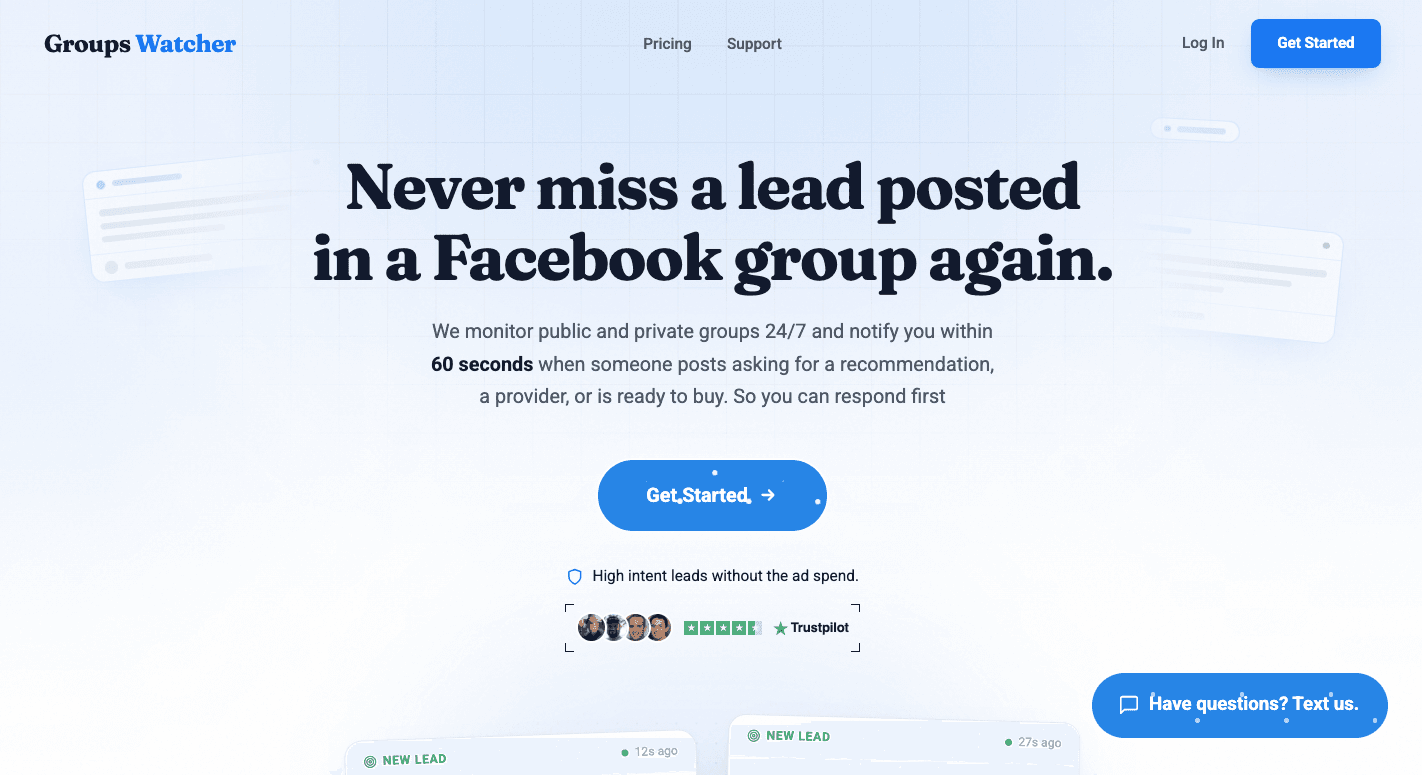
Chrome extensions are useful for browser-based tasks, but they stop working when your browser closes. Groups Watcher goes beyond those limits by monitoring Facebook groups for you around the clock.
Monitor Facebook Groups Without Leaving Chrome Open
Chrome extensions stop working after you close your browser or turn off your computer.
Groups Watcher monitors Facebook groups 24/7 from our servers, so you don’t have to keep Chrome running. Share the groups you want to watch, choose your keywords or receive every new post, and it’ll send alerts in under 60 seconds.
Groups Watcher supports both public and private Facebook groups. You don’t need admin access, and you don’t have to be a member of the groups you monitor.
Keep Your Facebook Account Safe
Many Facebook group monitoring tools ask you to connect your account and run monitoring through your profile.
Groups Watcher watches the groups for you and never asks for your Facebook login.
Since monitoring doesn’t run through your Facebook profile, it keeps your account safe while you receive alerts.
Respond Before Everyone Else
Responding early gives you a better chance of starting the conversation before it fills with replies.
Groups Watcher sends alerts as soon as matching posts appear. You can open the post from the alert and reply right away.
Alerts arrive within 60 seconds of a matching post, so you stay among the first people to respond without monitoring Facebook all day.
Respond before your competitors do. Get notified in under 60 seconds and be one of the first to comment on matching posts with Groups Watcher!
FAQs About Chrome Extension for Facebook Groups
Chrome extensions work in private Facebook groups?
Yes, but only if your Facebook account already has access to the private group. Most extensions work through your browser session and cannot access groups you haven’t joined.
Are Chrome extensions for Facebook groups safe?
Many are safe when downloaded from trusted developers. Always review permissions and recent updates before installing one.
What’s the difference between a Chrome extension and Facebook monitoring software?
A Chrome extension works in your browser and usually stops when Chrome closes. Facebook monitoring software runs on remote servers, so it can continue monitoring without keeping your browser open.
Do Chrome extensions violate Facebook’s policies?
Using a Chrome extension isn’t automatically against Facebook’s policies. However, how the extension works and how it’s used can affect whether it complies with Meta’s rules.
Always choose reputable tools and follow Facebook’s Terms of Service.
Stop checking Facebook groups by hand.
Groups Watcher finds the leads in your Facebook groups and sends them to you in 60 seconds, before your competitors reply, without using your Facebook account. 7 day trial for $1 with full features.