6 Best Facebook Auto Commenter Tools in 2026

If you’re searching for “best Facebook auto commenter,” you want quick answers. You want a tool that helps you respond faster, stay consistent, and stop missing high-intent posts, without turning your account into a spam machine.
The problem is that “auto commenting” means different things depending on where you need it. Some tools are built for Facebook pages. Others are built for comment-to-DM funnels.
And only a few are truly useful for capturing leads inside Facebook groups, where timing matters the most.
This guide gives you the best options upfront, then breaks down how to choose the right tool safely. It also includes a practical setup you can copy, so you can turn automation into real leads.
TL;DR
These are the best Facebook auto commenter tools in 2026:
ManyChat
PostJelly
CommentGuard
Meta Business Suite
Axiom.ai
What a Facebook Auto Commenter Actually Does
The phrase “Facebook auto commenter” gets used loosely, which is why people end up with the wrong tool.
In reality, most auto comment tools do one of these jobs:
Automatically reply to comments on your Facebook posts
Trigger a DM when someone comments
Catch posts in groups quickly so you can respond first
If you’re doing lead capture in groups, you’re not just trying to automate comments. You’re trying to automate the hard part: catching the opportunity early.
Get high intent leads from Facebook groups.
Turn Facebook groups into a lead source for your business. Book a demo to see if it fits.
Book a demoThat’s why the best auto commenter for groups is usually the one that combines monitoring speed with a workflow.
6 Best Facebook Auto Commenter Options in 2026
The right pick depends on where you’re trying to win: groups, pages, or Facebook comment moderation. A tool that’s perfect for Page campaigns can be a poor fit for group lead capture, and vice versa.
Below are the top options in 2026, explained in a way that helps you match the tool to your goal, not just to a feature list.
1. Best for Facebook Group Leads: Groups Watcher (Top Pick)
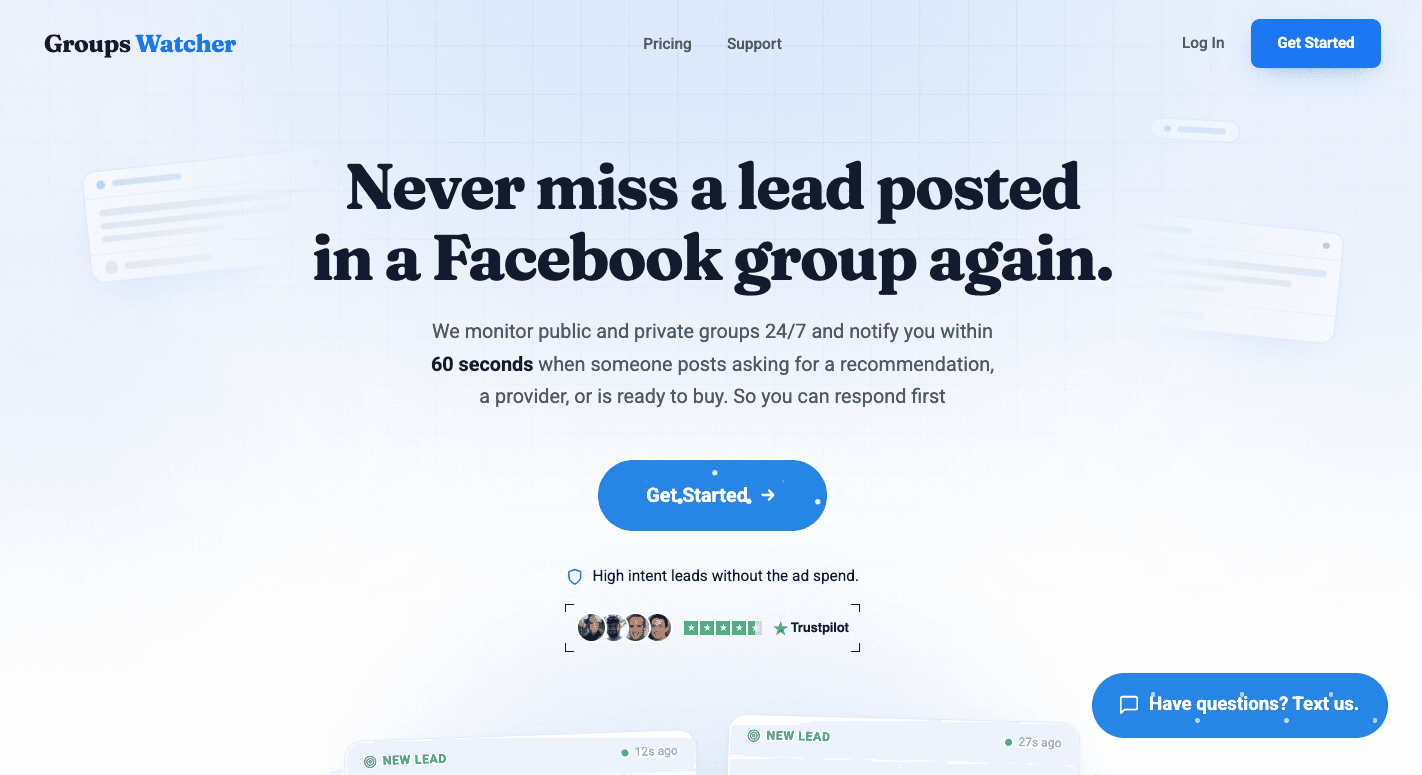
If your lead source is Facebook groups, you don’t just need auto commenting. You need monitoring + speed + relevance, because the first helpful Facebook comment reply is what gets seen. Groups Watcher is built around that reality.
It detects posts quickly, then notifies you so you can respond while the thread is still fresh. That is so important because group threads fill up fast, and late responses often get buried under dozens of other public comment replies.
Aside from that, you usually don’t want to auto comment on everything. You want to respond to high-intent posts that match your criteria, and ignore the rest. That’s where keyword-based filtering and targeted keyword alerts make automation useful instead of spammy.
Every matching post gets a 0 to 100 intent score plus a relevance label (High intent, Medium intent, or Low intent), so you know which posts deserve a reply first. You can set a minimum score so only high intent posts reach you.
It works for leads, brand mentions, and competitor mentions. Groups Watcher spent months fine tuning its intent detection while serving more than 400 active clients. That is why its intent detection is best in class for Facebook groups.
Some users want a DIY approach where they control responses. Others want a hands-off workflow where the “monitoring and first action” is handled with speed. Groups Watcher is positioned to support both paths, which makes it practical for solo operators and for teams.
Most importantly, it’s built for the environment that is hardest to win manually: competitive groups where timing counts.
If your main goal is capturing leads from “looking for” posts inside groups, this is the most direct match.
Capture more Facebook group leads with less effort. Try Groups Watcher to monitor every post or only the keywords that matter to your business!
2. Best for Comment-to-DM Funnels: ManyChat
Source: manychat.com
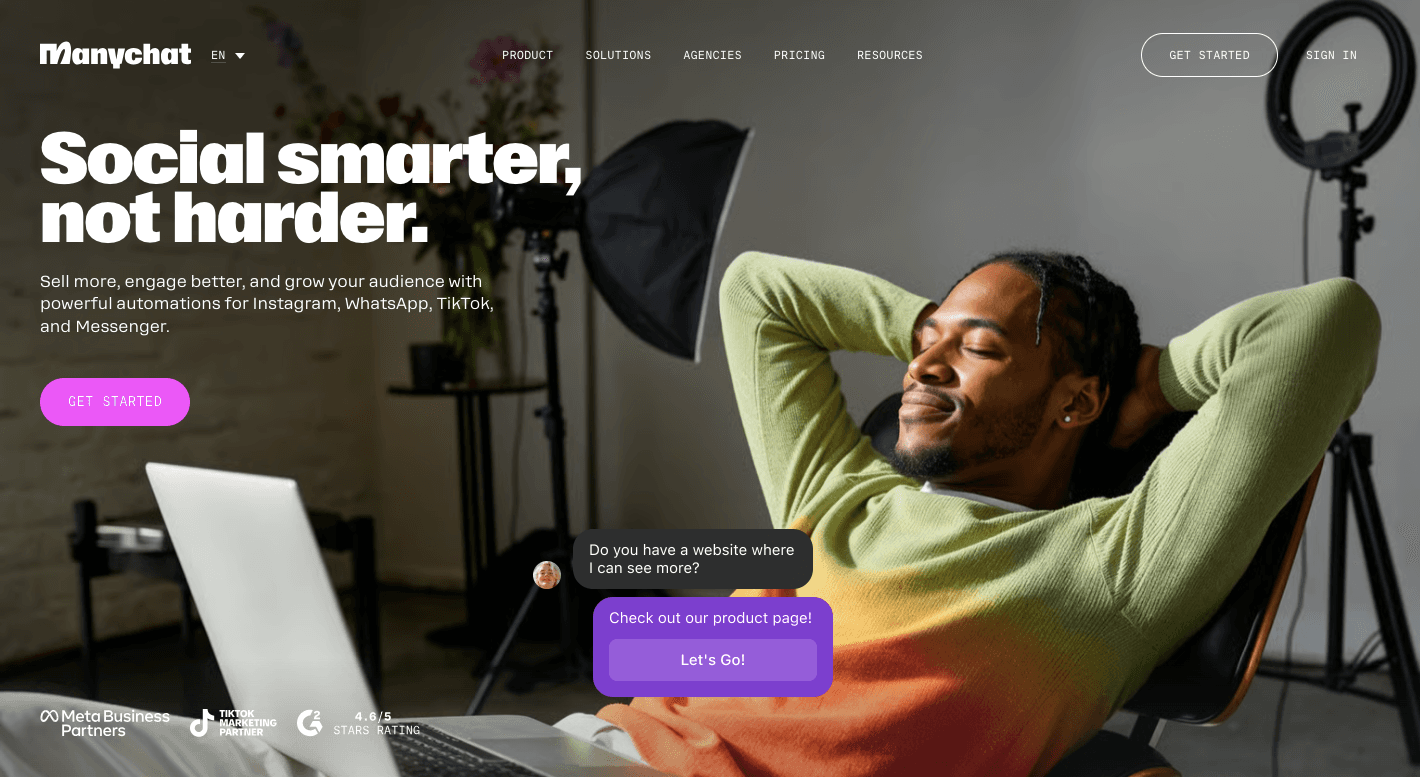
ManyChat is a top choice when your workflow is page-first, and you want to turn public comments into private conversations at scale. It’s commonly used for “comment a keyword and I’ll DM you the link” campaigns.
A public comment is often only the first interaction. The real opportunity comes after someone replies or sends a message, so you have a chance to understand their needs, provide details, and move the conversation toward a sale.
ManyChat shines when you control the content and the CTA. You publish a post, prompt a comment action, and the system handles follow-up. It’s ideal for lead magnets, promos, giveaways, and structured marketing flows.
Facebook groups, however, are harder to automate with tools like ManyChat because conversations happen inside communities that businesses do not own. ManyChat is better for pages, ads, and planned campaigns where you control the customer journey.
3. Best for High-Volume Replying: PostJelly
Source: postjelly.com
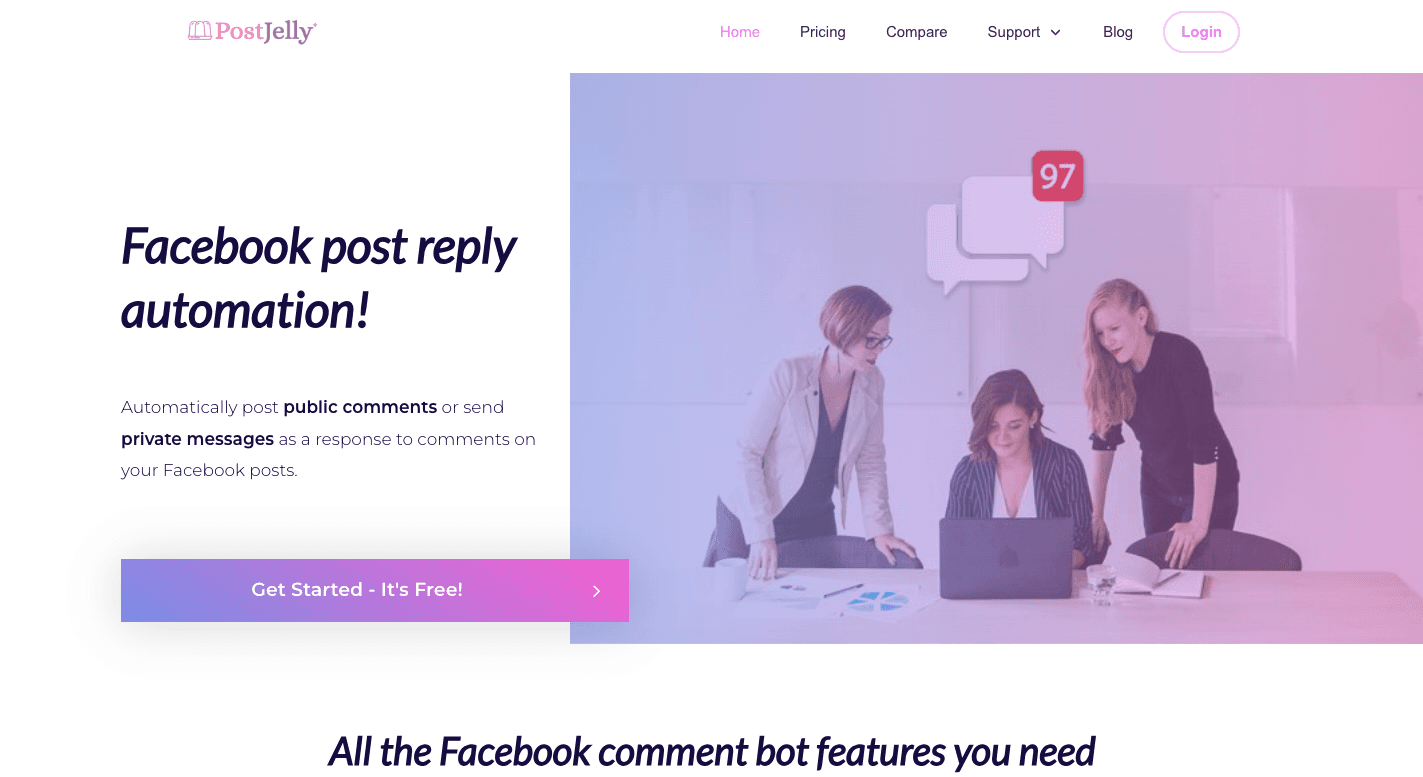
PostJelly is for teams and agencies that need to respond at scale. If you have page posts that attract hundreds or thousands of comments, you can automate repetitive replies without manually handling every single one.
You can use it when your comments are mostly FAQs: price, availability, link requests, store hours, and “how do I get started?” types of questions.
In those cases, fast, consistent replies improve conversion and reduce workload.
PostJelly tends to be most effective when the comment rules are predictable, and your responses can be safely standardized. It’s less about finding leads in groups and more about managing high-volume engagement on content you publish.
If your pain is “we’re drowning in page comments,” PostJelly is a strong contender.
4. Best for Moderation and Control: CommentGuard
Source: commentguard.io
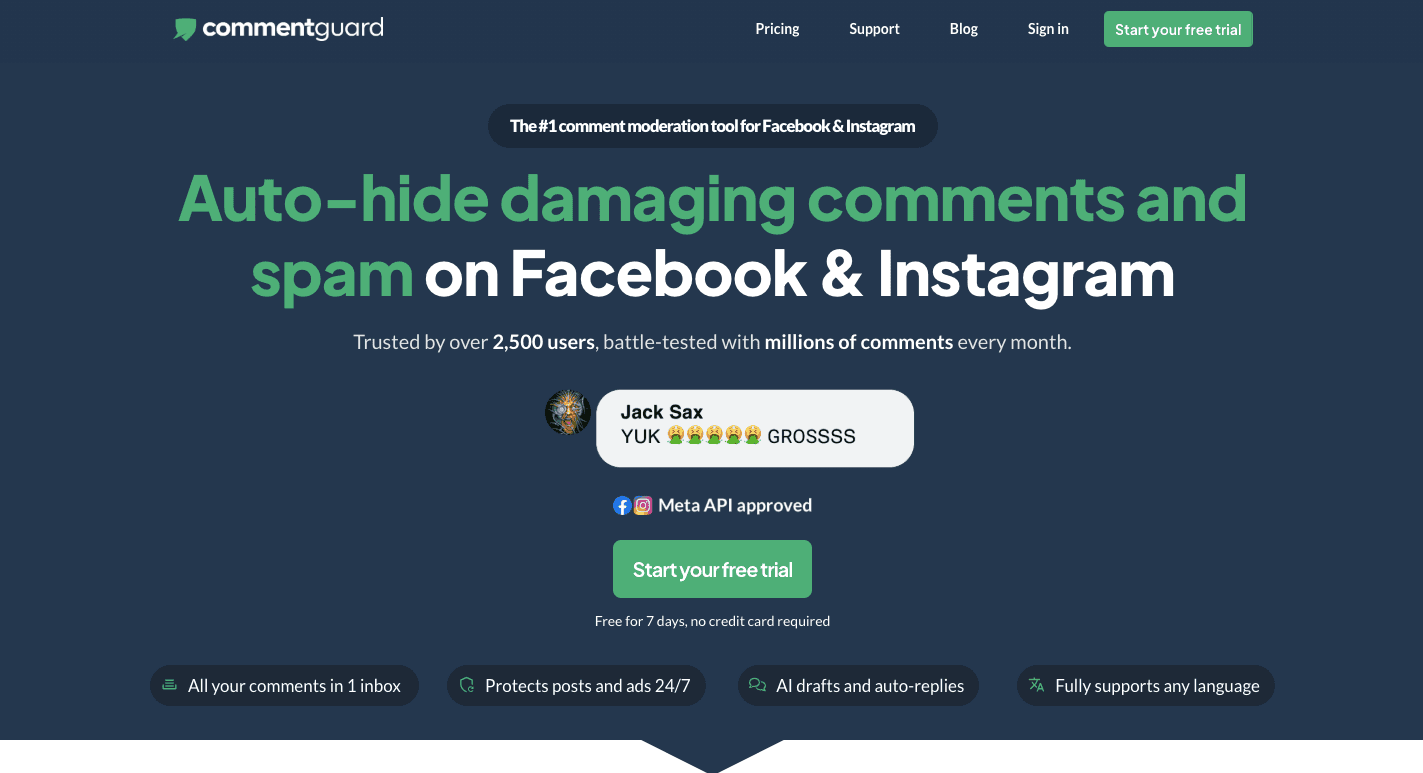
Sometimes the biggest problem isn’t replying, it’s keeping your comments section clean. CommentGuard is a strong option when you want moderation automation, especially for spam-heavy or high-visibility pages.
Moderation workflows can include auto-hiding certain terms, filtering toxic comments, and keeping promotional spam off your posts. That protects brand trust and makes the conversation more readable, which can indirectly increase conversions.
CommentGuard is especially useful if you run ads or posts that attract a wide audience. The higher the follower count, the higher the likelihood of spam and low-quality comments.
If your goal is “control and cleanliness first,” CommentGuard is often the best fit. On the other hand, if your goal is “group leads,” it’s not as direct, but it can still be valuable for page hygiene.
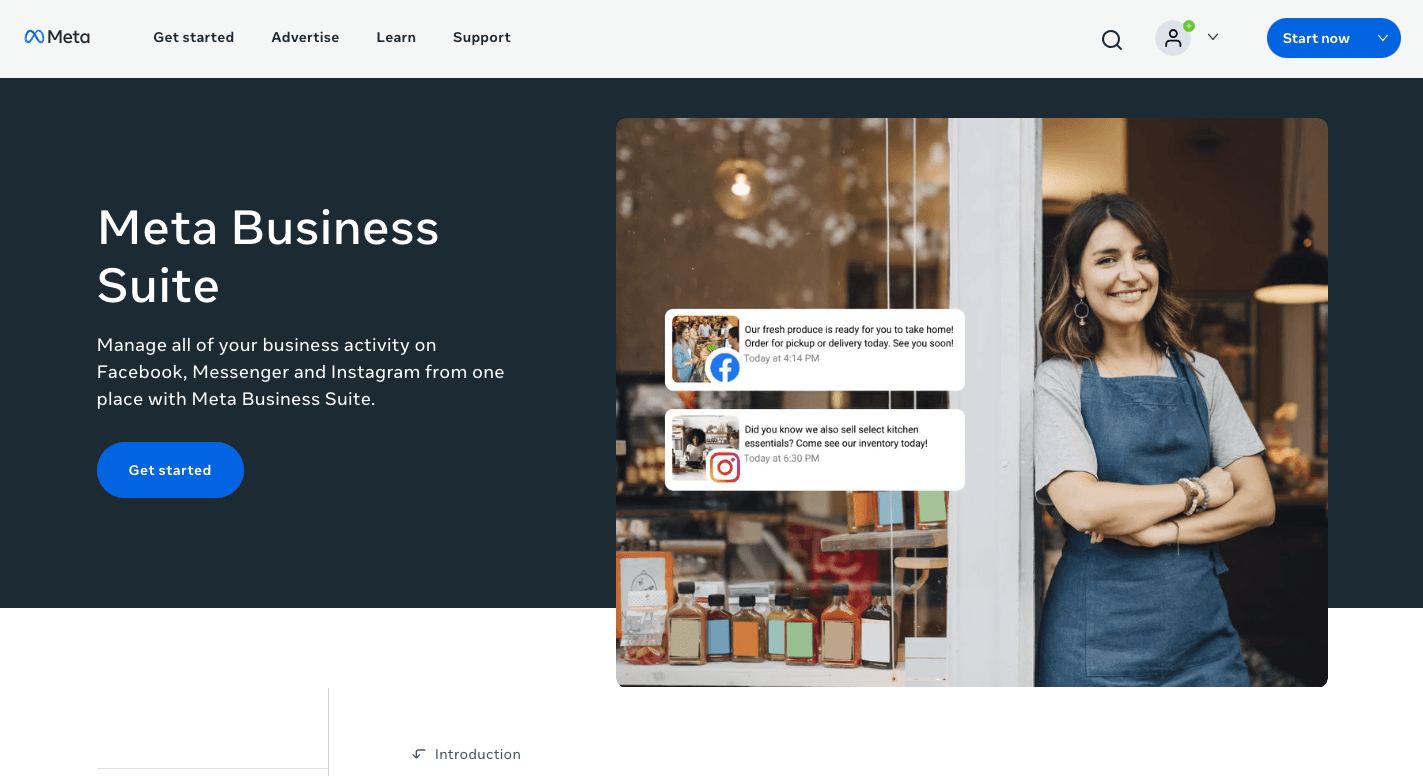
5. Best Free Option: Meta Business Suite
Source: facebook.com
Meta Business Suite is the most accessible starting point because it’s built in. If you’re not ready to pay for tools, it can still help with basic automation on pages, especially for messaging and simple responses.
The tradeoff is that “free and native” usually means “less flexible.” Triggers, filtering depth, and workflow options are limited compared to dedicated platforms.
Still, for low-volume pages or basic response needs, it’s a practical baseline. Many businesses start here and upgrade once the limitations become painful.
6. Best for Custom Repetitive Actions: Axiom.ai
Source: axiom.ai
Axiom.ai is browser automation, which means you can build custom workflows that click through steps like a human. This can be useful when you have a unique process, and no dedicated tool supports it.
You have more options to customize your workflow, but that can also introduce more points where things can break. Browser automation can break when interfaces change, and it usually requires more testing and ongoing maintenance than a purpose-built platform.
Axiom.ai can work well for internal repetitive tasks and custom flows, but it’s not the first option for most people who just want reliable monitoring and safe commenting.
When you’re technical, comfortable with experimentation, and have a niche workflow, it can be effective. If you want “set it up and trust it,” a specialized solution is usually better.
How to Choose the Best Facebook Auto Commenter
The fastest way to choose correctly is to decide what problem you’re actually solving. Auto commenting is not one, but several different problems that look similar on the surface.
Start With Where You Need Automation
If you need automation for Facebook groups, your priorities should be speed-to-detection, keyword filtering, and a workflow built for posts you don’t control. Each post represents someone looking for advice or a service, so getting there early can improve your chances of a response.
For automation for Facebook pages, focus on comment triggers, inbox/DM flows, campaign structure, and consistent replies to predictable questions.
Once your pain is moderation, then auto-hiding, filtering, and control features are necessary more than any auto-reply feature.
This first decision usually narrows the field immediately.
Decide Whether You Need Monitoring or Just Replying
Some tools assume you already see the comments and just want to respond faster. Others are built to detect opportunities you would otherwise miss.
You almost always need monitoring when you’re trying to win leads from groups. The problem isn’t replying; it’s finding the right post quickly enough to reply while it’s still visible.
If you’re handling page engagement, you may only need replying. You already have the post, the audience, and the comments coming in.
Use a Simple 7-Factor Scorecard
Once you know your channel and goal, compare tools with a simple scorecard:
Speed: Quick alerts help you join conversations before they become crowded. In many cases, early replies receive the most attention.
Trigger flexibility: People ask for recommendations in different ways. Choose a tool that can detect both direct requests and less obvious buying signals.
Filtering and exclusions: Filters reduce unwanted alerts so you spend more time on relevant opportunities.
Notification options: Alerts should reach channels you already use, such as email, your phone, Slack, Teams, or Discord.
Post-response workflow: The first comment usually starts the conversation. Make sure the tool helps you continue through direct messages, calls, bookings, or your CRM.
Controls and safety features: Reply limits, delays, and quiet hours help keep automation under control and prevent excessive activity.
Pricing model: Some platforms charge by usage, others by features or monitored groups. Choose a pricing model that still makes sense as your needs grow.
Match the Tool to Your Team Member Reality
A solo operator needs a tool that feels simple and light. Then, a team needs routing, shared visibility, and repeatable workflows.
Also be honest about maintenance. If a tool requires constant babysitting, you’ll stop using it.
Make the Best Decision Based on Outcomes
The best auto commenter isn’t the one with the longest feature list. It’s the one that produces outcomes in your environment without getting you removed, flagged, or overwhelmed.
If your environment is competitive Facebook groups where speed wins, group-first monitoring and fast response is the priority, which makes Groups Watcher the strongest fit.
Meanwhile, when your environment is Page campaigns where conversion happens through DMs, comment-to-DM automation like ManyChat can be the better choice.
Choose based on where your leads actually come from, then build a workflow that stays helpful and rule-friendly over the long term.
Auto Comment vs Auto Reply: What People Confuse
Auto comment usually means posting a comment automatically on a post, or responding under a post based on a trigger.
Auto reply is typically a response to someone’s comment, often in a Page or ad environment where you manage inbound questions.
Then there’s a third category: comment-to-DM flows. These are built around conversion. You post a short public reply and send a private message with details, links, booking steps, or qualifying questions.
The term “auto commenter” covers different types of tools. Many products focus on Facebook pages, while Facebook group lead capture requires different capabilities.
Where Auto Commenters Work Best
You can use auto comment on:
Recommendation and “Looking For” Posts
If you sell services, this is where leads happen. Someone posts, “Any recommendations for X?” and the earliest replies get the most visibility.
Auto commenting isn’t about blasting a pitch. It’s about being early with a helpful reply that starts a conversation.
High-Volume FAQs and Repetitive Questions
Pages often attract the same repeated comments: price, hours, location, how to book, availability. Automation works well here because the questions are repetitive and the “right answer” is consistent.
Promotions, Giveaways, and Link Delivery
Campaigns that use “comment YES for the guide” work best when the next step is automated. People comment, they get a DM, and the flow continues without human effort.
This is where comment-to-DM tools are strongest.
Moderation and Comment Control
If you have a visible page or a post that gets a lot of traffic, moderation becomes a real problem. Auto-hiding spam and filtering toxicity can save your team hours.
Moderation tools aren’t always lead capture tools, but they can protect your brand and improve conversions by keeping posts clean.
Safety, Limits, and Policy-Friendly Automation
Automation only works if it doesn’t get you restricted, muted, or removed. The safest tools aren’t the ones that comment the most. They’re the ones that help you comment in a way that still feels human.
The most common way people get into trouble is repetition. Posting the same message everywhere looks like spam, even if your intention is good.
Use short, contextual replies. Mention something from the post. Ask one relevant question. Keep it tight. Avoid links in the first comment in groups unless the group rules encourage it.
You also want to control volume. Even if you’re able to comment 24/7, that doesn’t mean you should. Quiet hours and caps help keep activity natural.
Finally, always respect group rules. Some groups allow professional recommendations. Some don’t. The best tool can’t save a workflow that violates a group’s rules.
Triggers That Actually Find Leads Without Noise
Most people ruin monitoring by using broad keywords like “moving,” “HVAC,” or “marketing.” Those words appear everywhere, and you’ll get flooded.
A better strategy starts with intent.
Intent phrases look like:
looking for
any recommendations
need help
anyone know
ASAP
These phrases signal the person is actively trying to choose someone. That’s what you want.
Then you layer in relevance: your service terms and your location terms. This reduces noise and improves quality.
Finally, you add exclusions. Exclusions are the difference between a useful alert system and an annoying one.
Keep your alerts focused by excluding terms you don’t need. “Free” helps filter bargain hunters, “job” and “hiring” remove recruitment posts, and “DIY” cuts out do-it-yourself conversations.
The goal is fewer alerts and better leads.
Step-by-Step: Set Up a Safe Auto Comment Workflow
A simple setup is easier to manage and improve over time. Start with the basics, test what works, and expand only after you get consistent results.
Choose where to monitor. Pick 10 to 20 Facebook groups where people regularly ask for recommendations, or select Facebook page posts that often receive the same questions.
Create a small keyword list. Start with buying intent phrases, then add your service and location. Review the list every week and remove keywords that bring irrelevant posts.
Add exclusions. Filter out words that don’t match your goals, such as “free,” “job,” “hiring,” or “DIY,” to keep your alerts focused.
Set reply limits and quiet hours. A steady pace looks more natural than posting the same comment in a short period.
Write a simple reply. Keep your comment short, helpful, and relevant. One question is often enough to encourage a response.
Plan your next step. Decide what happens after someone replies. You might send a direct message, share a booking link, or ask a few questions before offering your service.
Short Response Templates That Don’t Sound Spammy
Here’s the tone that works best in groups: short, helpful, and specific.
A strong pattern is: acknowledge the request, offer a quick direction, ask one question.
Example: “I can help with that. Are you looking for someone this week or just gathering options?”
That’s enough to start a real conversation without sounding like an ad.
If you need to share a link, consider waiting until they respond or request it. Many groups dislike link dropping, and it often lowers trust.
Common Mistakes and Fixes
Small changes can often solve the biggest problems. Here are some common issues and simple ways to fix them.
Too many alerts? Your keywords may be too broad. Add exclusions or use more specific phrases to reduce unwanted posts.
Not finding enough leads? You may be monitoring the wrong groups or responding too late. Focus on groups with high-intent discussions and improve your response time.
Comments getting removed? Your replies may sound too promotional or repetitive. Write helpful comments that fit the conversation and follow each group’s rules.
Getting replies but not customers? The problem may come after the first comment. Use direct messages, booking links, or follow-up questions to guide people to the next step.
Why Groups Watcher Is the Best Option for Group Leads and Facebook Automation
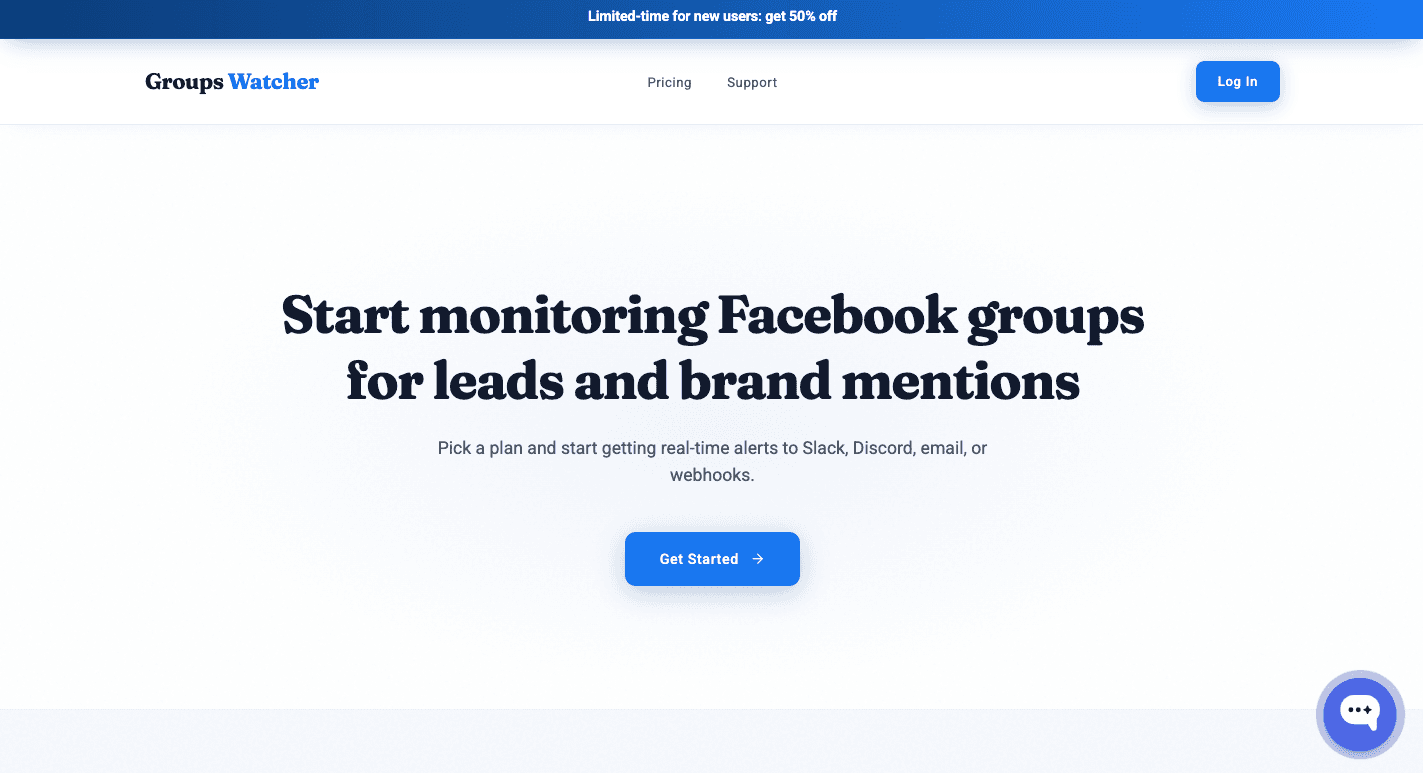
Most auto commenters are for Facebook pages. Groups Watcher is different because it’s for Facebook groups.
Groups Watcher monitors groups 24/7 on its own, so you don’t need to keep a browser or extension running. It supports both public and private groups, even without admin access.
You can track every new post or only posts that match certain keywords, while AI intent detection scores each one from 0 to 100, so you see real opportunities first and skip the noise.
When a matching post appears, Groups Watcher sends an alert in under 60 seconds so you can respond while the conversation is still fresh. It also supports Facebook comment auto-reply with predefined comments, so you become one of the first people to comment every time.
For businesses that depend on Facebook groups for leads, the key advantage is simple: faster alerts, more relevant posts, and a better chance to reach potential customers before competitors do.
Don’t wait for Facebook notifications. Use Groups Watcher to spot relevant posts early and be among the first people customers see!
FAQs About Facebook Auto Commenter
How do I turn off auto comment on Facebook?
Open the app or tool that created the automatic comments and disable or delete the automation. Facebook does not have a built-in setting to turn off third-party auto comments.
How do I change my auto comment on Facebook?
Edit the comment template or automation rule in the tool you’re using, then save the changes. Future automatic comments will use the updated message.
Can a social listening tool automatically comment in Facebook groups?
Most social listening software is built to track public mentions across websites and social platforms, not post comments inside Facebook groups. For group lead capture, you need a tool designed to monitor group posts and support fast, relevant responses.
Does Groups Watcher show an intent score?
Yes. Groups Watcher gives every matching post a 0 to 100 intent score and a label (High intent, Medium intent, or Low intent). It covers leads, brand mentions, and competitor mentions, with unlimited AI intent detection on the $99 per month plan for 25 groups. Groups Watcher spent months fine tuning its intent detection while serving more than 400 active clients.
Ready to get more leads from Facebook groups?
Book a demo and see how Groups Watcher can turn Facebook groups into a lead source for your business.
Book a demo